
Answered
HELP! I can't resize the Illustrator CS6 window on my Mac
Hi all, this may sound like such a silly and easy thing to ask but I cannot, for the life of me, figure out how to resize my Illustrator CS6 window on my Mac. Here's what it looks like:
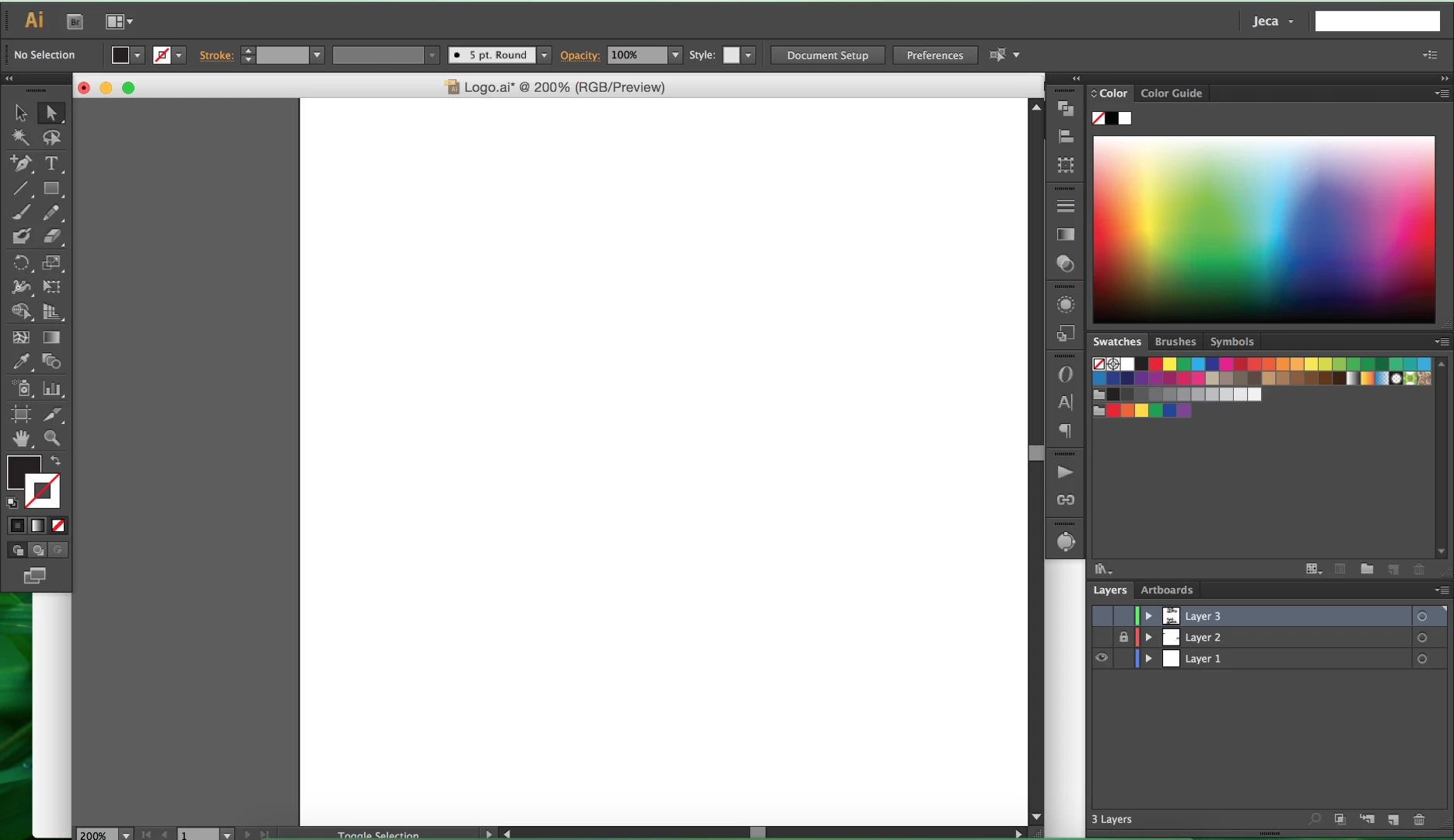
I just want to be able to resize the whole thing (sometimes I need to refer to things on other programs while I work, so I like to move them all around to fit the screen). It's really frustrating since you can do this with ALL programs except Illustrator -_-
The only minimize option I have is that green button, but all it does is minimize the artboard panel like so, but all other illustrator panels are still there:
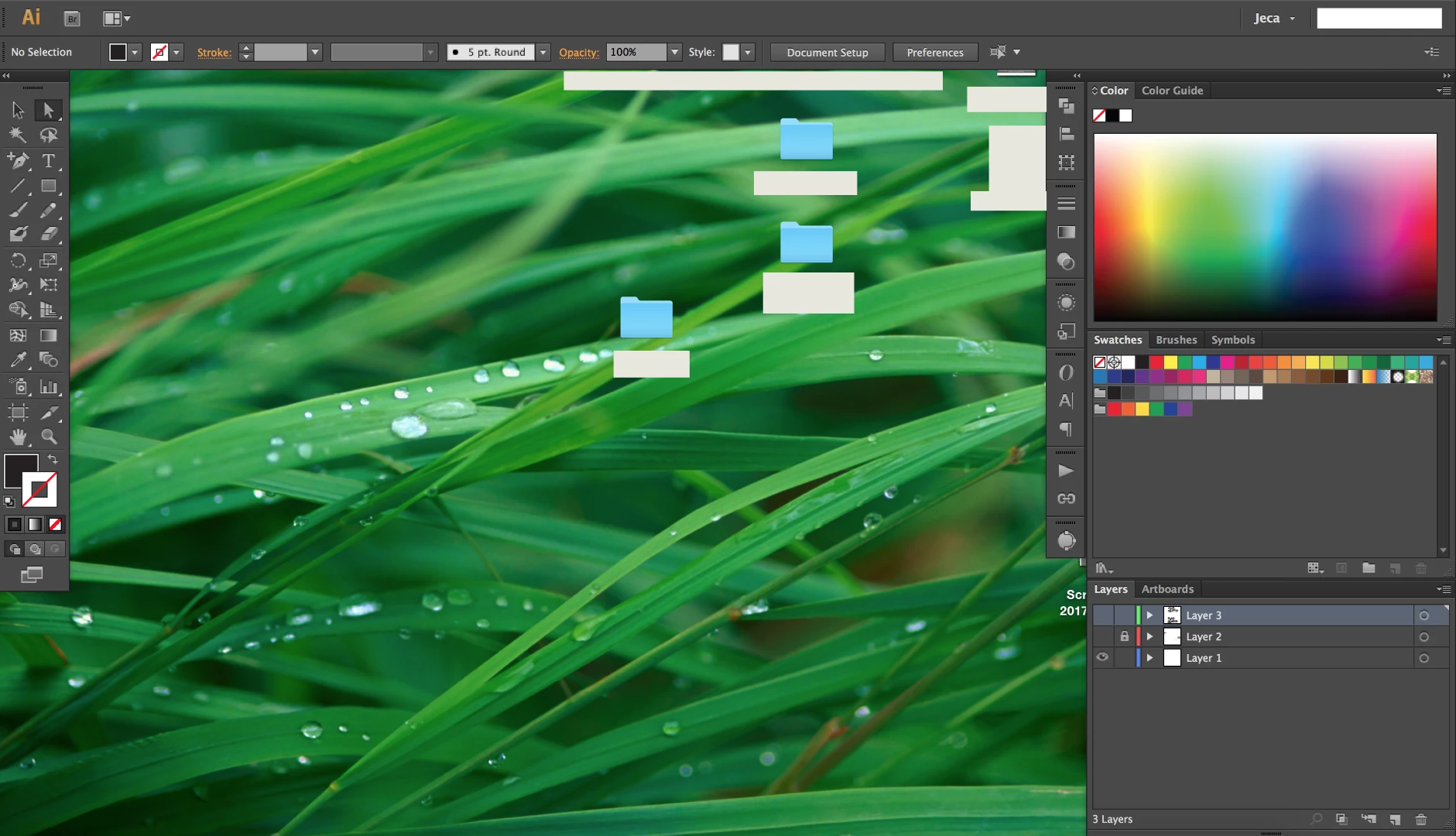
Halp! Thanks!


 AdChoices