
Participant
October 21, 2019
Answered

Help! Illustrator Error Message: "The file is not readable."

  • October 21, 2019
  • 2 replies
  • 2197 views

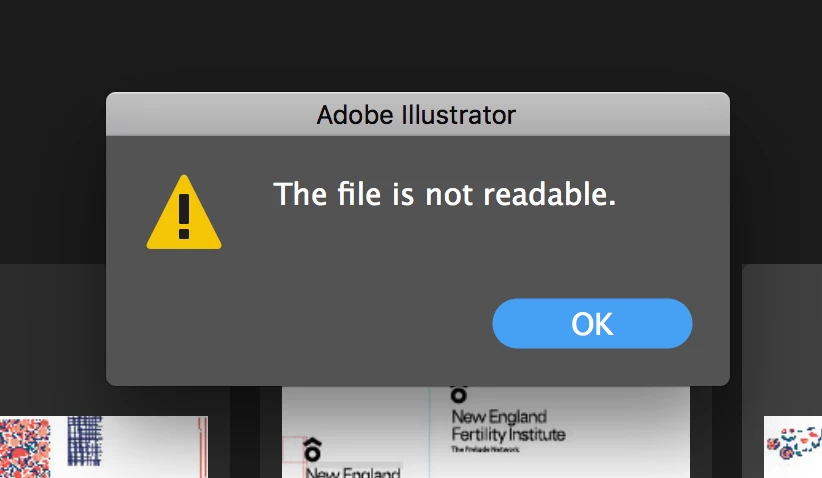
I have a file I've been working in for a few weeks now, and out of the blue when I tried to open it, I got the following message: "The file is not readble." I tried restarting, opening on another computer, duplicating the file and moving from the server to my desktop, updating Illustrator and then restarting, and renaming as an .eps. The file is almost all linked .tiffs, and is not particularly large. I did have the Illustrator file open while making changes to some of the files in Photoshop, but I've never had an issue with that. The last time I saved it, it took a little while to save, but saved successfully, and I restarted my computer.


I'm not sure what to do from here. I've worked on this file for quite a few weeks, so it would be such a bummer to have to redo it. Any thoughts?
 

This topic has been closed for replies.
Correct answer tromboniator

Did you save it as a PDF-compatible file? Try placing it in an Illustrator document rather than trying to open it. Then embed it, and see what it looks like in the Layers panel. If all is well so far, you will probably need to ungroup and remove clipping masks at several levels. That might get you close enough to save a ton of work, though some things may not be the same constructions you built.


Peter

2 replies

Monika Gause
Community Expert
Community Expert
October 21, 2019

You saved it directly to the server? Most likely that's why it got corrupt in the first place.

tromboniator
Community Expert
tromboniatorCommunity ExpertCorrect answer
Community Expert
October 21, 2019

Did you save it as a PDF-compatible file? Try placing it in an Illustrator document rather than trying to open it. Then embed it, and see what it looks like in the Layers panel. If all is well so far, you will probably need to ungroup and remove clipping masks at several levels. That might get you close enough to save a ton of work, though some things may not be the same constructions you built.


Peter

Participant
October 21, 2019

Thank you Peter; you made my day! It all came in perfectly!!!


Evelyn

tromboniator
Community Expert
Community Expert
October 22, 2019

Glad I could help, Evelyn, but please heed Monika's comment.


Peter