
Answered
[HELP] illustrator printing issue: "mismatch lines"
Hello,
I want to print out a pattern on several sheets of A4 size paper.
When I printed the pattern and attached paper, the height of lines were not matched.
The lines all match on the program screen. What's the problem? 😥😥😥
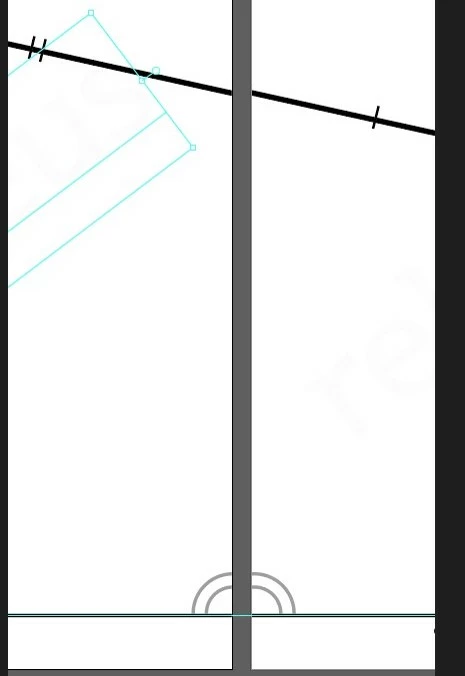
illustrator - program all lines are matched
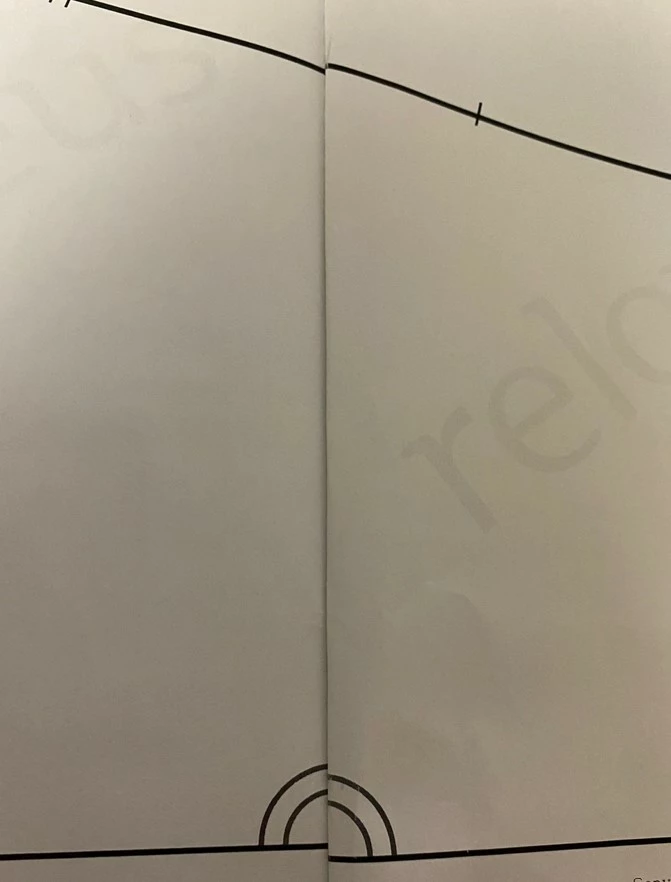
print out - mismatch lines... all same paper
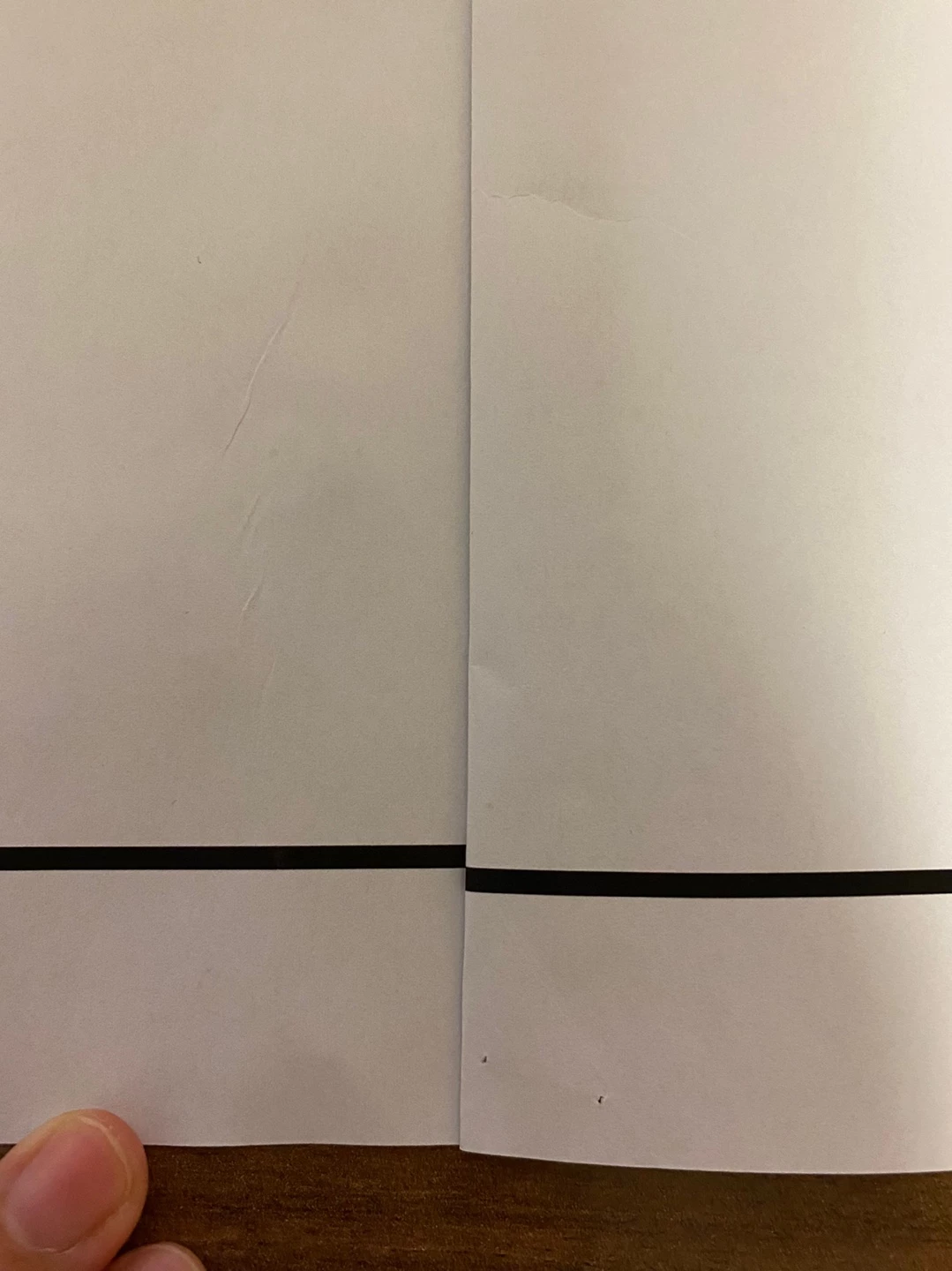
even one straight line doesn't match...
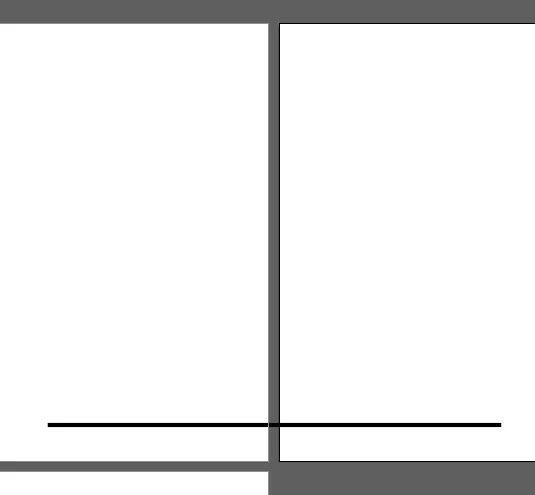
When I asked Adobe helper, he said it was difficult to solve there and asked to Adobe community. Your answer is my big hope. Solving this problem is very important to me .
please please help me....!!
thank you very much!


 AdChoices