January 12, 2026
Question

HELP! Links keep disappearing in Illustrator
  • January 12, 2026
  • 4 replies
  • 359 views

Screenshot 2026-01-12 at 11.40.52.pngScreenshot 2026-01-12 at 11.41.09.png


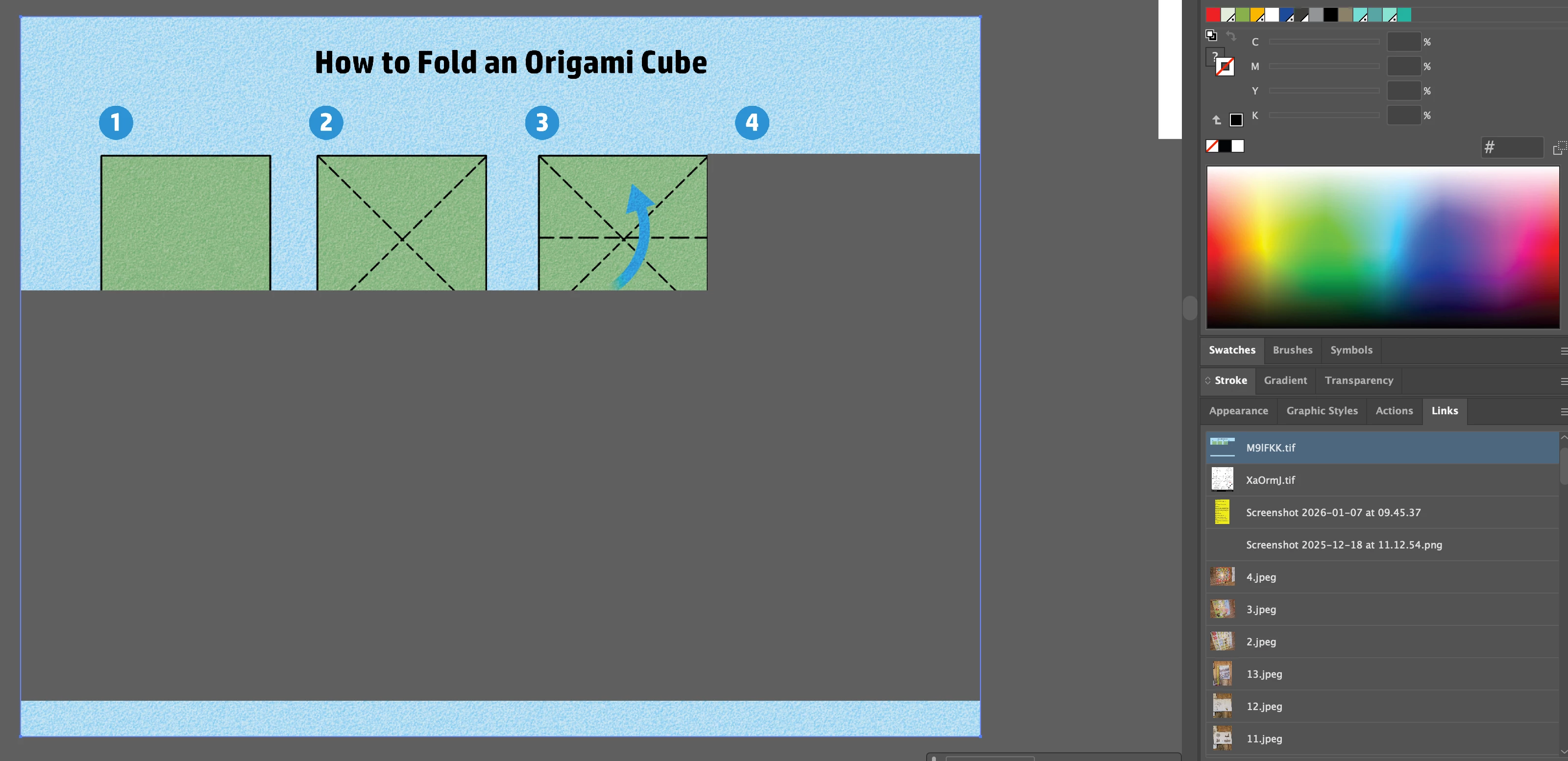
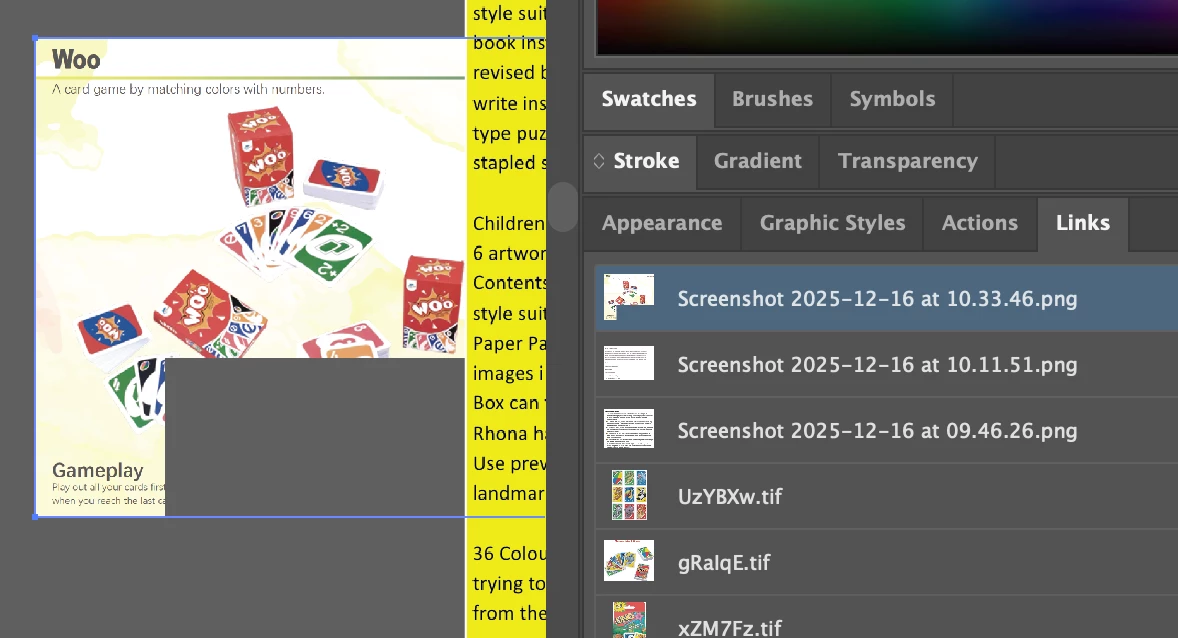
Embedded links keep disappearing in Illustrator.  2 examples attached.  Please help, this has only started happening in the past few weeks.  I have recently updated tp 30.0 and it is still happening.  

4 replies

Abhishek Rao
Community Manager
Community Manager
January 13, 2026

Hi @Melanie35326997y7z5,


Thanks for all the details you've shared so far. I just wanted to check one more thing, could you please confirm if any remote or network location is involved in this workflow? I noticed in the image path that some files seem to be coming from a temporary or non-local location. As the expert mentioned, working from temporary locations is not a recommended way to bring images into Illustrator. The recommended approach is to first save the image to your local drive and then place it into Illustrator.

If you try saving an image locally and then placing it into the AI file, and you still see the images disappearing, please share a packaged version of the affected file using File > Package, so I can test it further on my end. If the file is confidential, you can send it via DM using any public cloud sharing service like Google Drive or Dropbox.


Let me know if you have any further queries. 

Abhishek

Ton Frederiks
Community Expert
Community Expert
January 12, 2026
January 13, 2026

Hi Ton, 

I'm placing images, not dragging and dropping.  Reseetting preferences has not worked, not even for a minute.

Regards

Melanie

Ton Frederiks
Community Expert
Community Expert
January 13, 2026

If you want to share a file, save it as .pdf or rename the .ai to .pdf to attach it to a post.

Ton Frederiks
Community Expert
Community Expert
January 12, 2026

How do you place your images? Drag and drop has been an unreliable way of getting your images into Illustrator.

It can change your document color profile and lead to missing images.

Resetting your Preferences can solve the missing files problem, but it is no guarantee, it can come back.

Place using File > Place is the safe way to get your images into Illustrator.


January 12, 2026
Thanks for replying. I am placing files or copying from the web and pasting them into the file.
I've tried resetting preferences, but this has not worked.

I see lots of other people are struggling with this, please Adobe do something about it as a priority, it's really slowing my work flow down.

Kind regards

Melanie
Abhishek Rao
Community Manager
Community Manager
January 12, 2026

Hi @Melanie35326997y7z5,


Thanks for sharing the screenshots. I tested this on my end on Windows 11 using Illustrator 30.1, and the links behaved normally for me, so I'd like to narrow down what's different in your setup. Could you please confirm your exact operating system version and also make sure you are on the latest Illustrator 30.1 build and test again?

If it still happens after updating, please check whether GPU Performance is enabled under Preferences > Performance and try toggling it on or off and testing once more to see if it changes the behavior. If the issue continues, a short screen recording showing your full workflow from opening the file to the links disappearing would be really helpful, along with one affected sample file if you can share it. If the file is confidential, you can send it via DM using a cloud link.


Please let me know how it goes.

Abhishek

January 13, 2026

Hi Abhishek,

Attached is a file with some of links that are not working.  I've updated to 30.1, re-set my preferences and toggled the GPU, but some links are refusing to work.

I generally place images either from screenshots or direct from the internet.  Both are on this file.  All links are embedded.

I've had a few replies and links to others sufferieng with the same problem, so it's a big issue that needs to be resolved.

Fingers crossed you can come up with a solution.

Melanie