Answered
Help me
Hi everyone. my hand accidentally pressed a key and my screen became like this. images of photos and objects disappeared. I don't know how to fix. 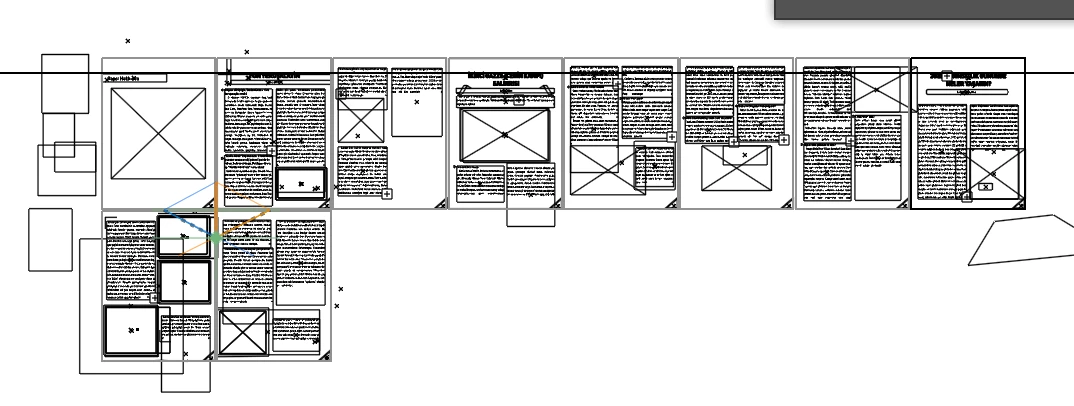

Hi everyone. my hand accidentally pressed a key and my screen became like this. images of photos and objects disappeared. I don't know how to fix.
View > Preview (Ctrl + Y)
https://helpx.adobe.com/uk/illustrator/using/viewing-artwork.html
Already have an account? Login
Enter your E-mail address. We'll send you an e-mail with instructions to reset your password.
 AdChoices