

JG666
Participating Frequently
June 7, 2023
Answered

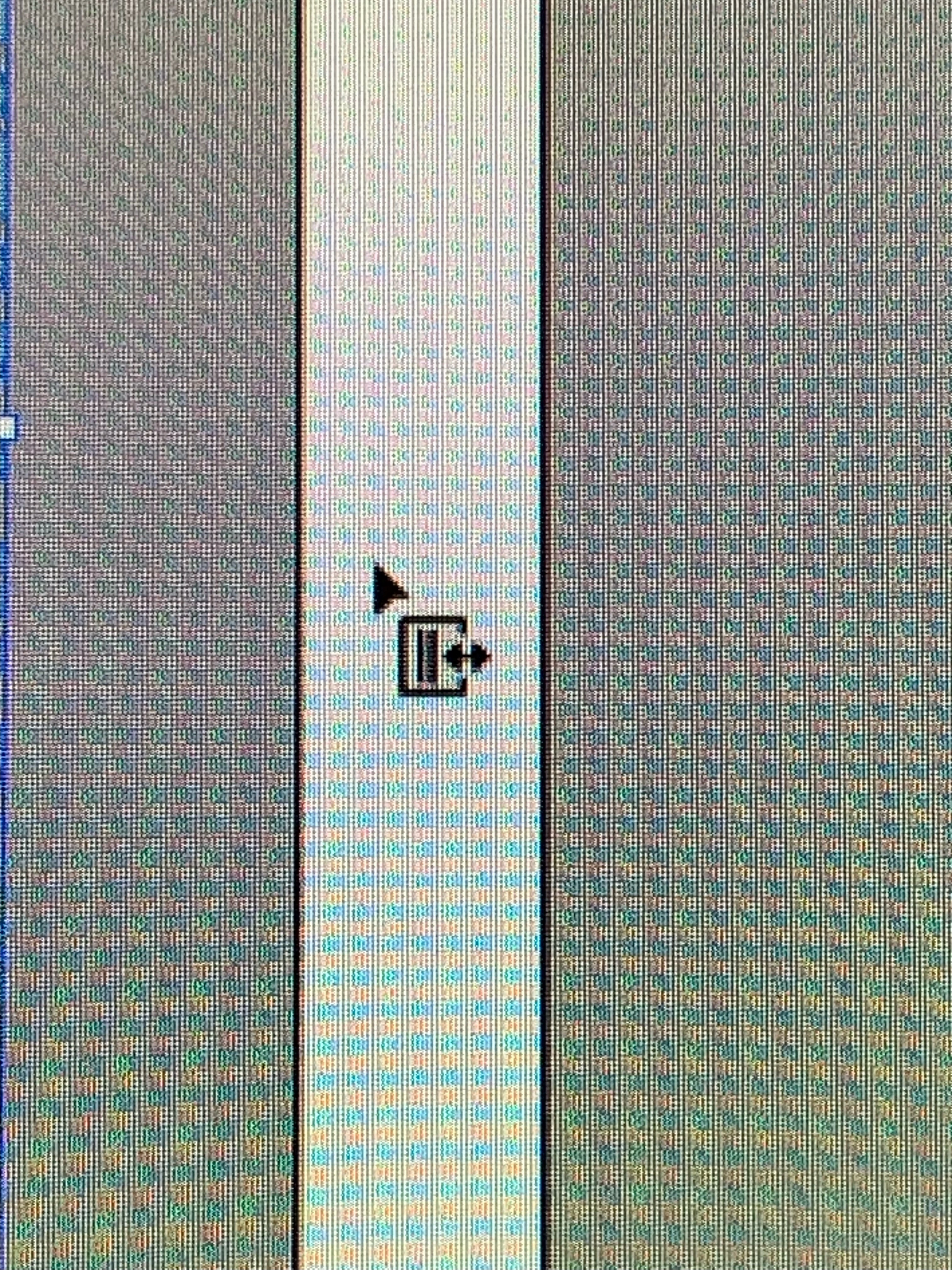
HELP........ What is this cursor icon!?
  • June 7, 2023
  • 2 replies
  • 1141 views


Excuse the horrible photo. I couldn't get print screen to capture the cursor!

Does anyone know what this symbol means? It pops up on my cursor around certain bits of the designs i've been working on recently, never seen it before..... It's generally when I hover to the side of the selected object. But it doesn't seem to do anything?

Any help would be greatly appreciated!
Thanks.

This topic has been closed for replies.
Correct answer Anubhav M

Hello @JG666,


We understand how troubling having your cursor change appearance in the middle of work can be. I hope the suggestions shared by Doug and Monika helped resolve the problem.


If not, kindly try resetting Illustrator's preferences as described in this article (https://helpx.adobe.com/illustrator/kb/troubleshoot-preference-issues.html) and check if it helps.

Disclaimer: Please note that resetting preferences will remove all custom settings, and Illustrator will launch with the defaults. You may save a backup of these settings from the location mentioned in the article.


Also, try running Illustrator under a different administrator account (Windows / macOS) and sharing your observations.


Looking forward to hearing from you.


Thanks,

Anubhav

2 replies

Anubhav M
Community Manager
Anubhav MCommunity ManagerCorrect answer
Community Manager
June 7, 2023

Hello @JG666,


We understand how troubling having your cursor change appearance in the middle of work can be. I hope the suggestions shared by Doug and Monika helped resolve the problem.


If not, kindly try resetting Illustrator's preferences as described in this article (https://helpx.adobe.com/illustrator/kb/troubleshoot-preference-issues.html) and check if it helps.

Disclaimer: Please note that resetting preferences will remove all custom settings, and Illustrator will launch with the defaults. You may save a backup of these settings from the location mentioned in the article.


Also, try running Illustrator under a different administrator account (Windows / macOS) and sharing your observations.


Looking forward to hearing from you.


Thanks,

Anubhav

JG666
JG666Author
Participating Frequently
June 8, 2023

Hi Anubhav,

Thanks for your reply...

I've just exported my preferences, reset them, then imported mine back again and that seems to have sorted it!

Still love to know what it it was meant to be as i've never seen the icon before.... I'd asked a couple of friends who have been using AI alot longer than me and they hadn't seen it either.

Anyway, all fixed so i'm happy!

Thankyou!

Doug A Roberts
Community Expert
Community Expert
June 7, 2023

Can you share a screenshot of your whole workspace?

JG666
JG666Author
Participating Frequently
June 7, 2023

Unfortunately not as im working on private client artwork.... I could do one without anything on the artboard but not sure this would be of any help?

Doug A Roberts
Community Expert
Community Expert
June 7, 2023

Possibly. Could you keep the relevant object selected and show the layers and appearance panels with it off-screen?