


sheila_3632
Participant
September 11, 2026
Question

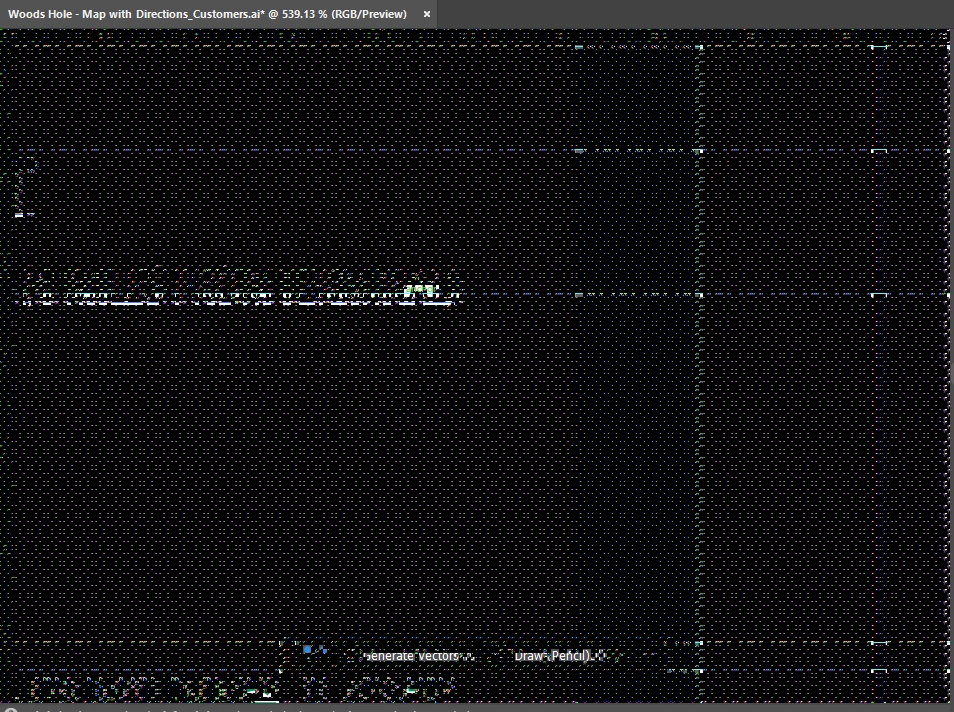
Help - When I open Illustrator, the whole screen is black and pixilated. All AI files look like this. How can I send a screenshot to show y'all? Thanks!

  • September 11, 2026
  • 6 replies
  • 49 views


    6 replies

    sheila_3632
    Participant
    September 11, 2026

    Hi - I’m on a PC

    Anubhav M
    Community Manager
    Community Manager
    September 16, 2026

     Hello ​@sheila_3632 


    I’m sorry to hear about your experience. Would you mind performing a clean reinstallation of the GPU(s) drivers (Intel / NVIDIA / AMD) and setting the Graphics Preference to High-Performance for Illustrator (https://www.amd.com/en/resources/support-articles/faqs/GPU-110.html) and checking if it helps?


    Looking forward to hearing from you.
    Anubhav

    sheila_3632
    Participant
    September 11, 2026

    I’m on a PC. 

    sishamIAGD
    Community Expert
    Community Expert
    September 11, 2026

    Have you tried anything like this..


    sheila_3632
    Participant
    September 11, 2026

    I’ll give it a try. I wonder if I need to uninstall and install an older version. Other designers on my floor can open their files no problem, and they didn’t update. So, I’ve for a few tricks to try. 


    sishamIAGD
    Community Expert
    Community Expert
    September 11, 2026

    There is also this maybe… depends what OS you’re on I guess as you haven’t said?