
Inspiring
January 16, 2025
Question

Help with import scale

  • January 16, 2025
  • 1 reply
  • 221 views

I am trying to import a drawing that is at 1:500 scale. It is about 8" long on an 11x17" sheet:
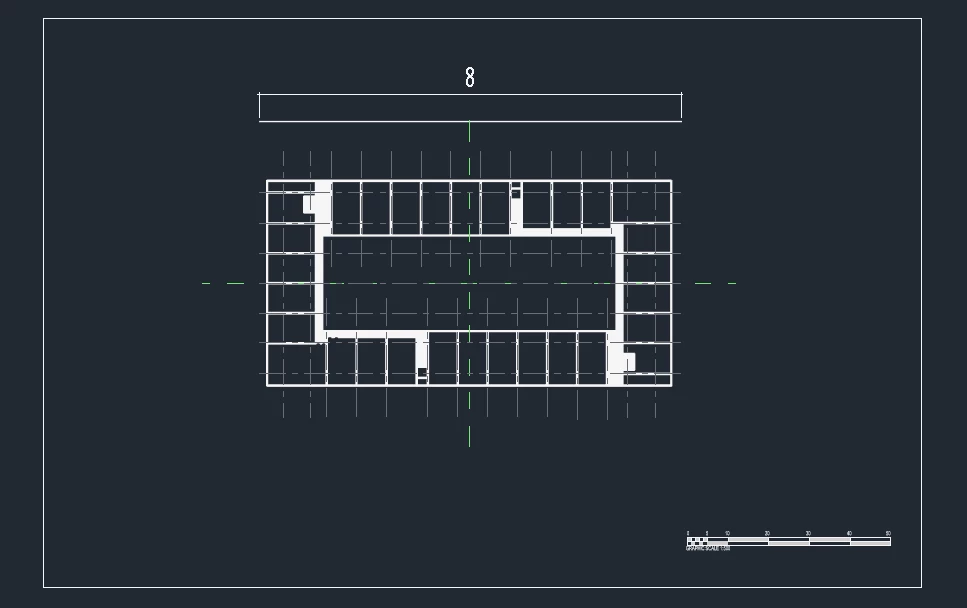
 

I can't figure out how to configure the DWG  import so that I get the same size on the default AI artboard.
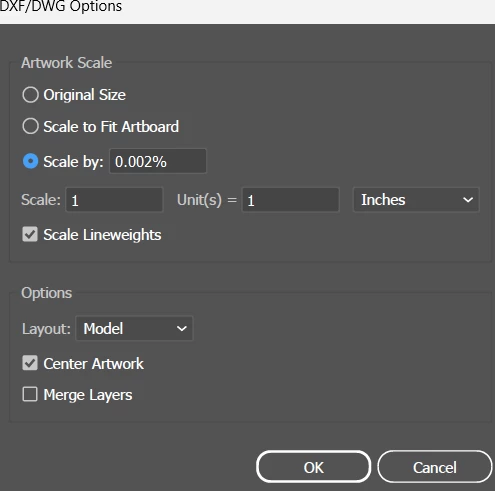
 

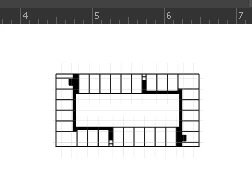
1/500 or .002 gives me something that's 2" long on the artboard:


The DWG being imported is in Metric units, while the artboard is in SI. 


1 reply

Community Expert
January 21, 2025

I think I would start by importing the DWG line work into a new document that was set up in metrics. I'd probably import the artwork in its original 1:500 size as well to ensure it imports at the correct size. Then I would use the Transform>Scale command to blow it up to another scale the better fills the page. After that I would copy it via the clipboard to a 11" X 17" document set up in inches (if I wanted to move it over into a document set up in inches).