Known Participant
October 8, 2023
Question

Help with layout effect!

  • October 8, 2023
  • 2 replies
  • 325 views

Hi!

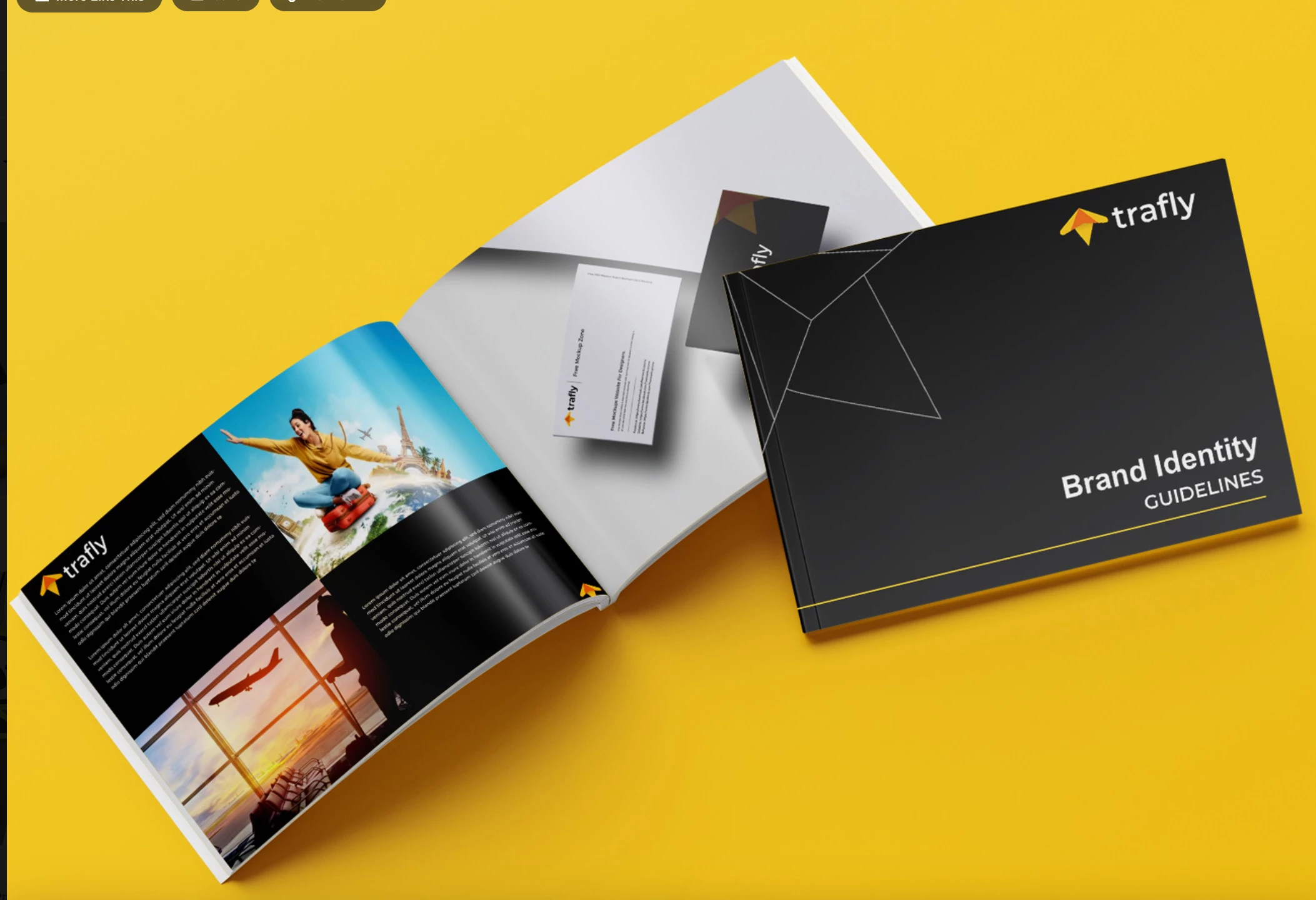
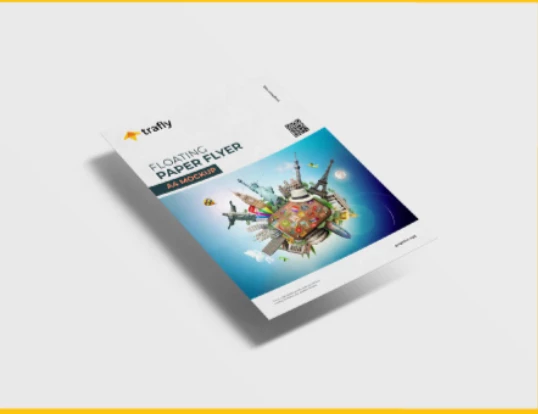
Does anyone know how the designer achieved the "laying down" perspective effects in the below images of a business card and style guide? I have seen this across many design examples using various elements, not just paper or "books". I really appreciate any help provided!
  

This topic has been closed for replies.

2 replies

Ton Frederiks
Community Expert
Community Expert
October 8, 2023

There are many mockup examples to find when you google psd mockup.

Many of the have distorted smart object that can be replaced by your own.


Monika Gause
Community Expert
Community Expert
October 8, 2023

The one on yellow is probably a photo or a 3D rendering. And while Illustrator has 3D & Materials, you cannot do a scene with both elements, but you could do this with just the book or just the card. Like this: https://youtu.be/6Qrag8mYek0

The second examle: I would draw a rectangle, distort it and the apply a gradient and the blur.

Like this:

Known Participant
October 11, 2023

Wow You are amazing, thank you!   Here is another example. I would like to know how the artist did this so that when create brand guidelines, etc I can present them this way. 


or this, how did they create this loo from the guidelines, is this using the 3d and material video you shared with me earlier?


Monika Gause
Community Expert
Community Expert
October 11, 2023

In that case I'm pretty sure they used PSD Mockup files as Ton already posted.