Participant
May 9, 2020
Answered

Help with recreating this type of illustration.

  • May 9, 2020
  • 3 replies
  • 899 views

Morning all. 
I saw this beutiful leaf illustration and I've been trying to recreate the line effect on the leaves but to no avail. Can anybody suggest a way to do it as what I've tried looks bad so far!!!

Thanks People!

This topic has been closed for replies.
Correct answer tromboniator

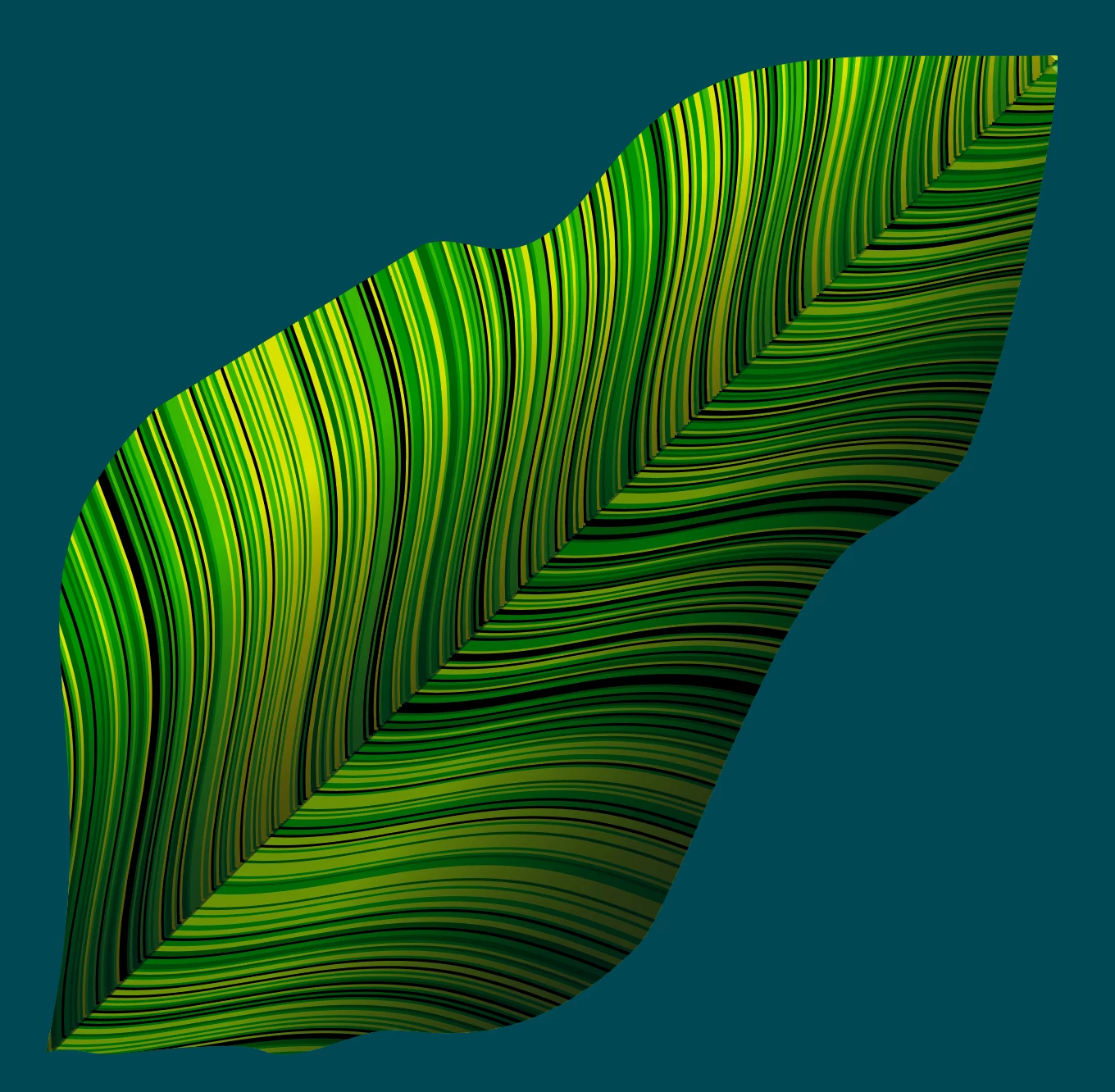
If I understand what you are asking for, my answer (simplified) is to make a blend from two lines, expand, ungroup, and apply a script to the result.


The lines for the blends can be shaped as you like. Best if they have the same number of anchor points.


The script, available here, is adapted from one that is freely available from at least two sources online. The original randomly applies selected swatches to fills of selected paths (search for Random Swatch Fill, or something similar); this one applies them to strokes. Basically, select ungrouped paths, cmd/ctrl + click as many swatches as you want to use, then run the script. Run the script again as often as you like to get a pleasing result.


Peter
 

3 replies

tromboniator
Community Expert
tromboniatorCommunity ExpertCorrect answer
Community Expert
May 10, 2020

If I understand what you are asking for, my answer (simplified) is to make a blend from two lines, expand, ungroup, and apply a script to the result.


The lines for the blends can be shaped as you like. Best if they have the same number of anchor points.


The script, available here, is adapted from one that is freely available from at least two sources online. The original randomly applies selected swatches to fills of selected paths (search for Random Swatch Fill, or something similar); this one applies them to strokes. Basically, select ungrouped paths, cmd/ctrl + click as many swatches as you want to use, then run the script. Run the script again as often as you like to get a pleasing result.


Peter

 

Inspiring
May 9, 2020

Looks like gradient mesh to me, combined with an overlaid gradient object (copy the same object without gradient mesh, or with a separate mesh just for shading, and choose a suitable blend mode). One one leaf, where the ridges are wrongly facing downwards, it looks like gradient mesh couldn't be controlled properly.

Create the leaf shape out of 2 vertical halves, copy it onto another layer, then have lots of green swatches prepared, create a dense gradient mesh using alternating green tones. My take on that subject.


Monika Gause
Community Expert
Community Expert
May 9, 2020

Canyou please show and tell us what you have tried so far?