
Known Participant
August 26, 2022
Answered

Help with removing annoying Wacom Driver Message

  • August 26, 2022
  • 1 reply
  • 1799 views

At one time, my iMac did have a Wacom device installed, but was removed at least 2 years ago. Now with the latest Illustrator ver. 25.6, this message keeps popping up. 
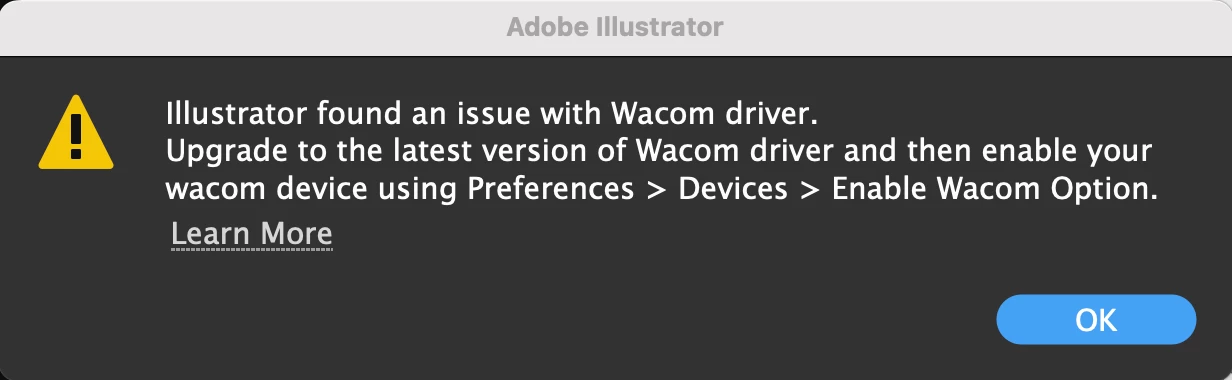

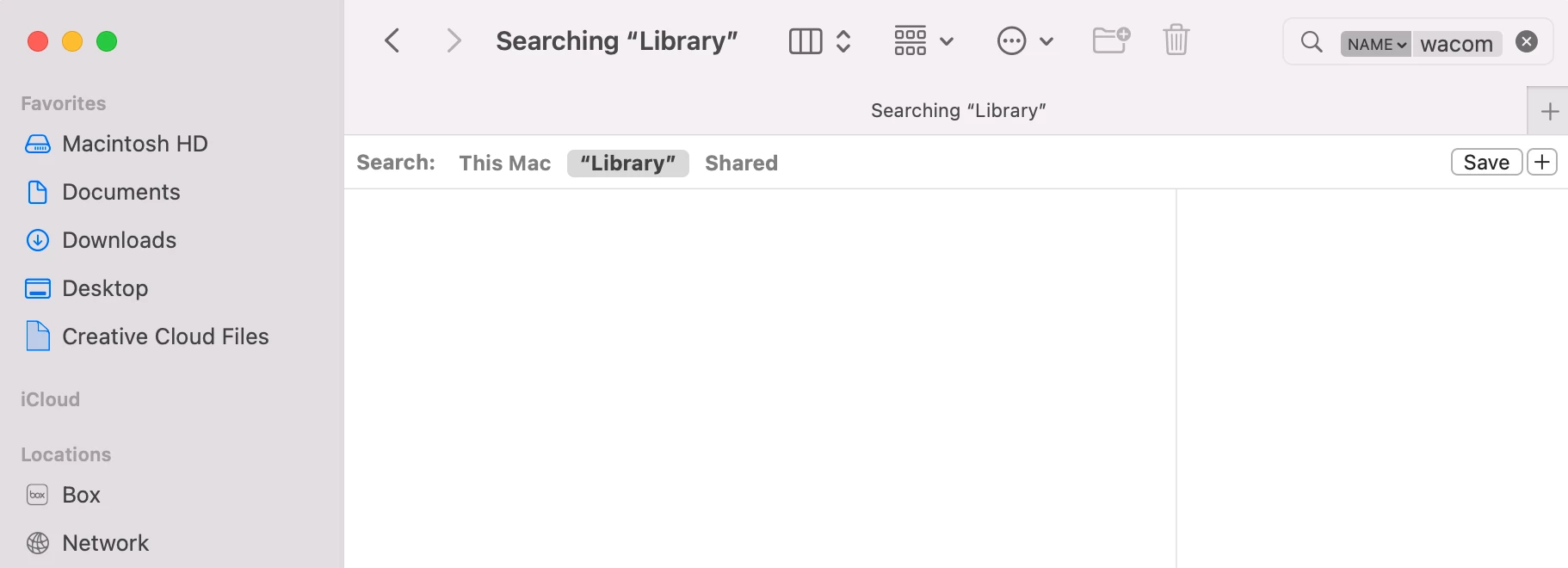
I have done a search for "wacom" in my user library and I am not finding anything.
And when I click on that "learn more" from the Illustrator pop window that goes here: https://helpx.adobe.com/illustrator/kb/illustrator-cc-crash-wacom-drivers.html, there is nothing on that page that helps me figure out what is going on. Please help!

This topic has been closed for replies.
Correct answer Anubhav M

Hello mikey_likes_it,


Thanks for confirming that. You may want to try rebooting your computer in Safe Mode and then deleting the remainder of the files to check if it helps.


Kindly update this thread if you need further assistance. We'd be happy to help.


Regards.

1 reply

Anubhav M
Community Manager
Community Manager
August 26, 2022


Sorry to hear about this experience. I would request you try the steps shared in this Wacom help article to remove the Wacom drivers, relaunch Illustrator after that, and share your observations: https://support.wacom.com/hc/en-us/articles/1500006264541-How-do-I-uninstall-manually-and-re-install-the-Wacom-driver-on-Mac-OS-for-a-Pen-Tablet-Pen-Display-or-Pen-Computer-.


Looking forward to your response.


Thanks,

Anubhav

Known Participant
August 26, 2022

Thank you! That helped. However, I for whatever reason can't get this one item to be trashed. I simply can't force quit it.


As far as getting the pop up window to stop showing up, those steps you shared stopped it from showing up.

Anubhav M
Community Manager
Anubhav MCommunity ManagerCorrect answer
Community Manager
August 26, 2022

Hello mikey_likes_it,


Thanks for confirming that. You may want to try rebooting your computer in Safe Mode and then deleting the remainder of the files to check if it helps.


Kindly update this thread if you need further assistance. We'd be happy to help.


Regards.