Participant
February 9, 2018
Answered

Help with "serrated" line

  • February 9, 2018
  • 2 replies
  • 799 views

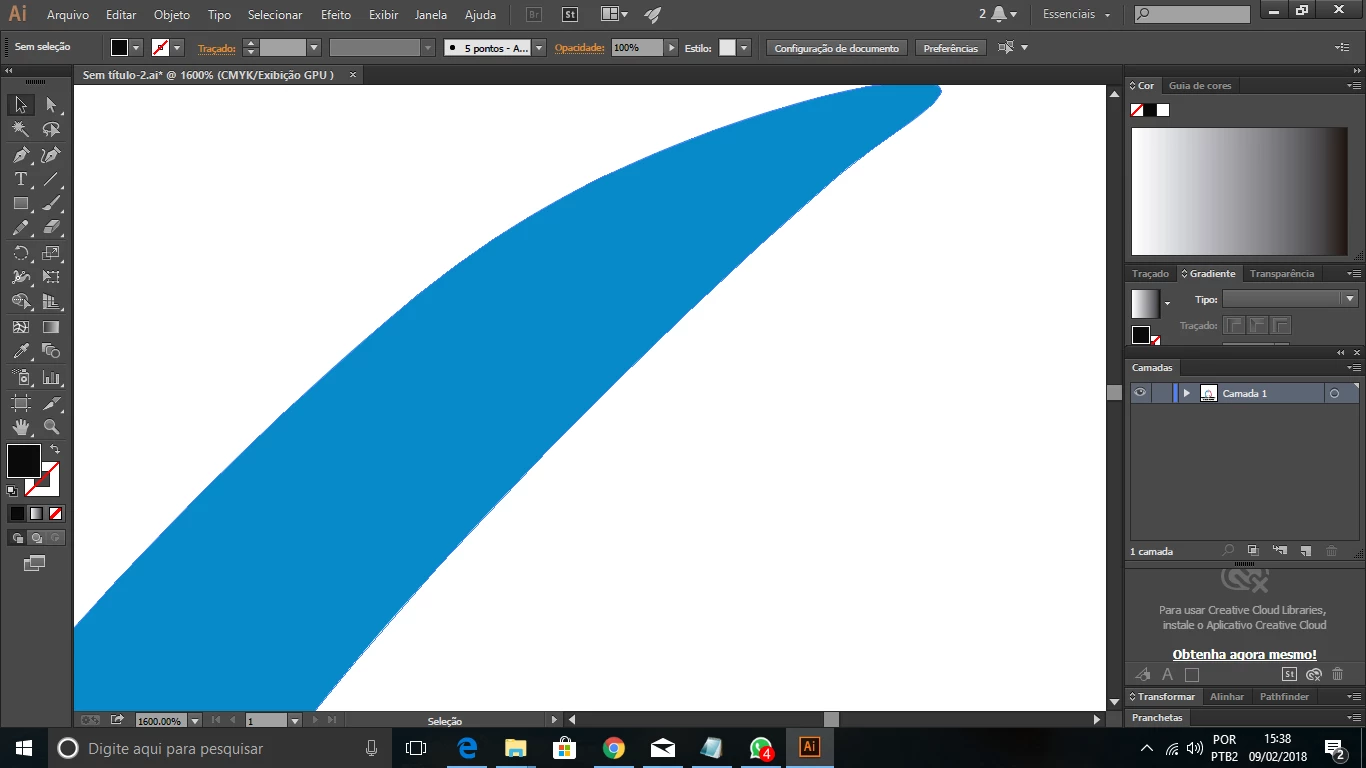
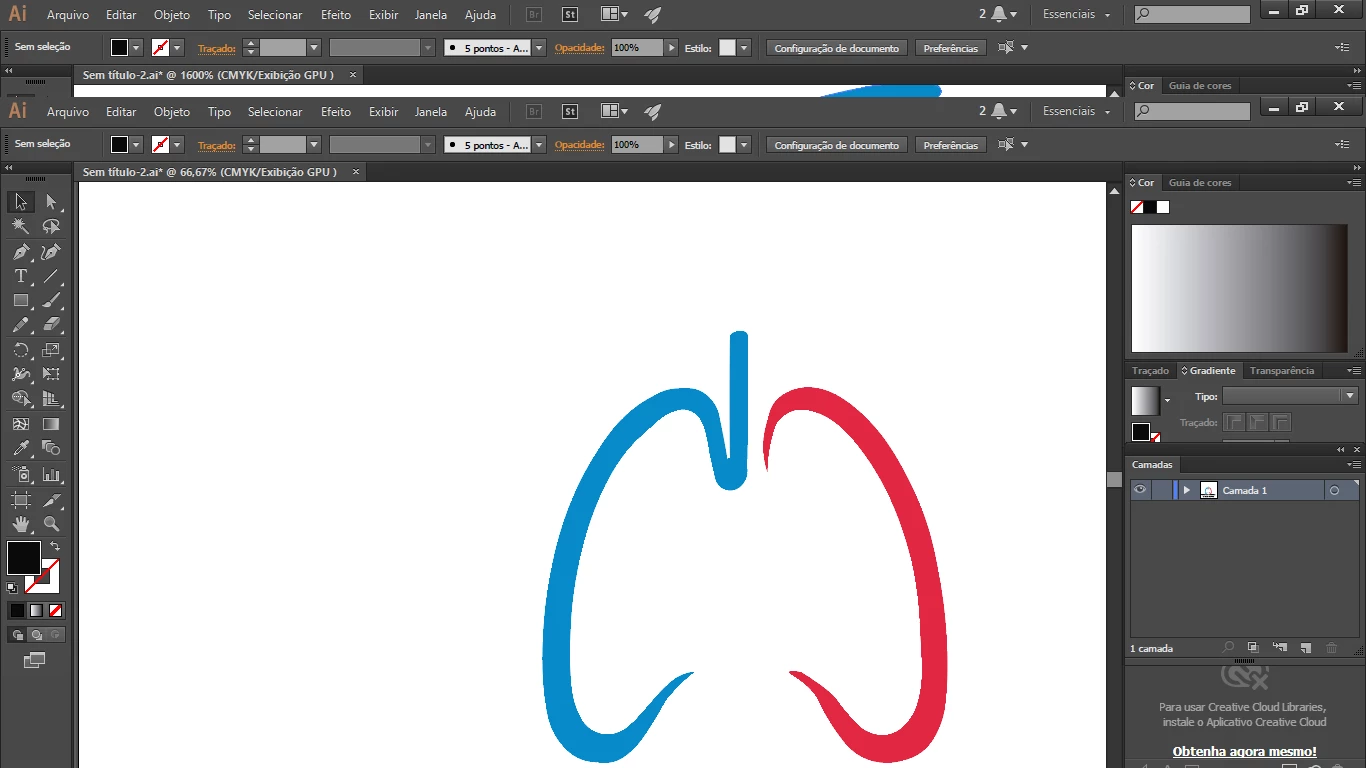
Hey guys, im trying to vectorize one icon but look this "serrated" line. How to fix this please?

If you zoom you can see and if i export in png still there.
    This topic has been closed for replies.
    Correct answer Monika Gause

    Maybe it's the GPU preview.

    Try View > Preview on CPU

    2 replies

    Monika Gause
    Community Expert
    Monika GauseCommunity ExpertCorrect answer
    Community Expert
    February 9, 2018

    Maybe it's the GPU preview.

    Try View > Preview on CPU

    tonyharmer
    Community Expert
    Community Expert
    February 9, 2018

    Turn off pixel preview in the View menu, to resolve your view in Illustrator.

    The png file is going to have that "serrated line" in the .png as it is not directly vertical or horizontal—when you export to .png you're in the world of pixels and that's how diagonal lines will look!

    Participant
    February 9, 2018

    So, i have to export in JPEG?[

    thanks for the answer

    tonyharmer
    Community Expert
    Community Expert
    February 9, 2018

    It doesn't matter what image format you export to, it will be made of pixels, like tiny mosaic tiles. If you want smooth clean vector lines, then you'll need to export to SVG; make sure that the destination for the file supports that format first, though.

    Hope that helps.