

Help with .svg/jpeg
Good Morning!
Let me preface this by saying I've been using Photoshop in it's various incarnations for 30+ years so am not new to that...
...Illustrator though...yeah. That's a different ballgame. I am willing to learn and appreciate constructive ideas. So any help for this Illustrator newb is appreciated.
The goal: To use Illustrator to convert files (.png, .jpg, et al) to vector and then to .svg to use with my CriCut to make T-shirts. These are for family memebrs so there's not a whole lot at stake here but I do want to learn to do it correctly
The issue I'm having: As you can see by the photos (the orinal image was .png) I'm experiencing issues. The first photo is from Illustrator, the second from the cutting machine's design space. As you can see from both, there are many abberations. I need to get rid of these.
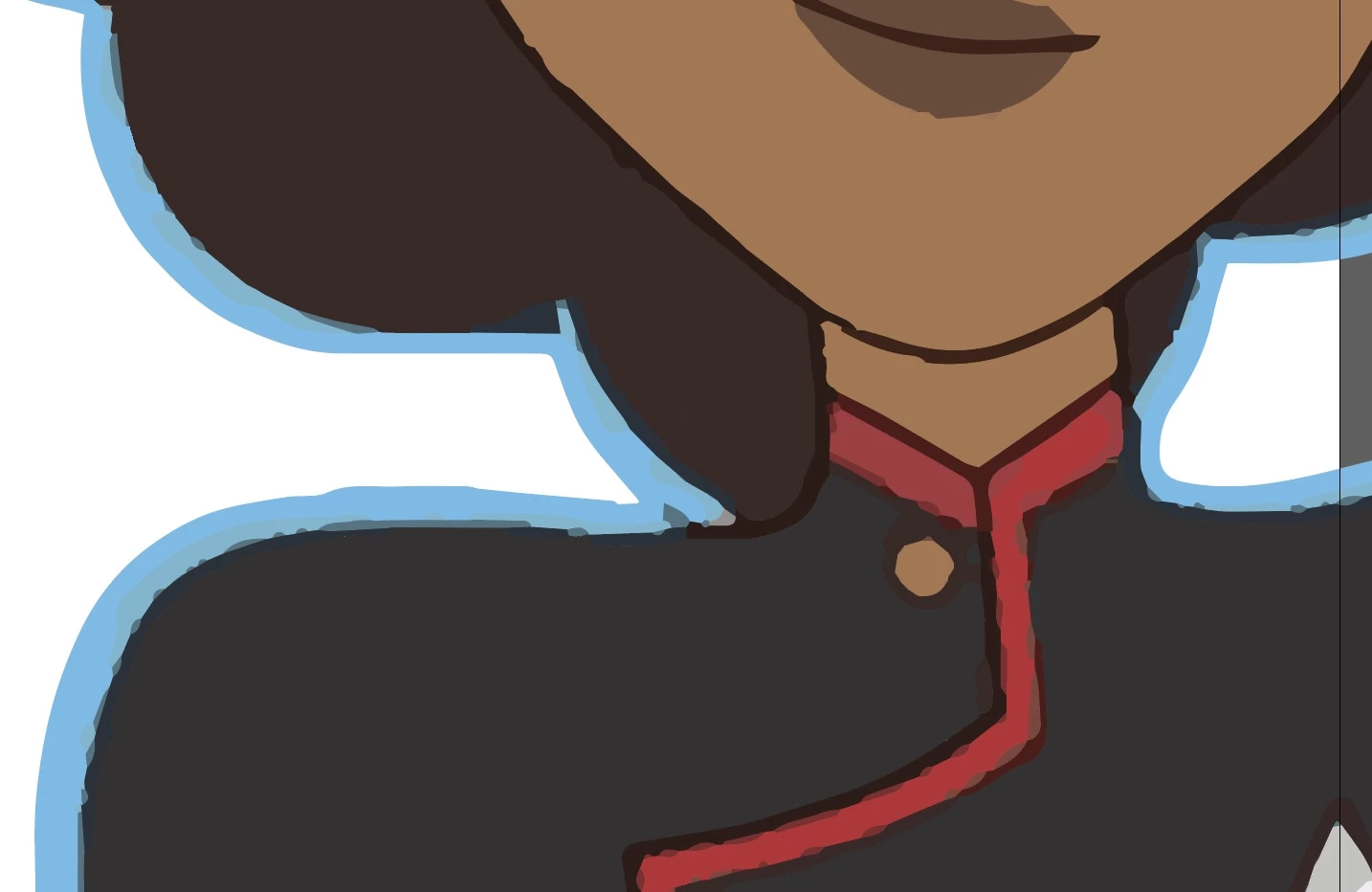
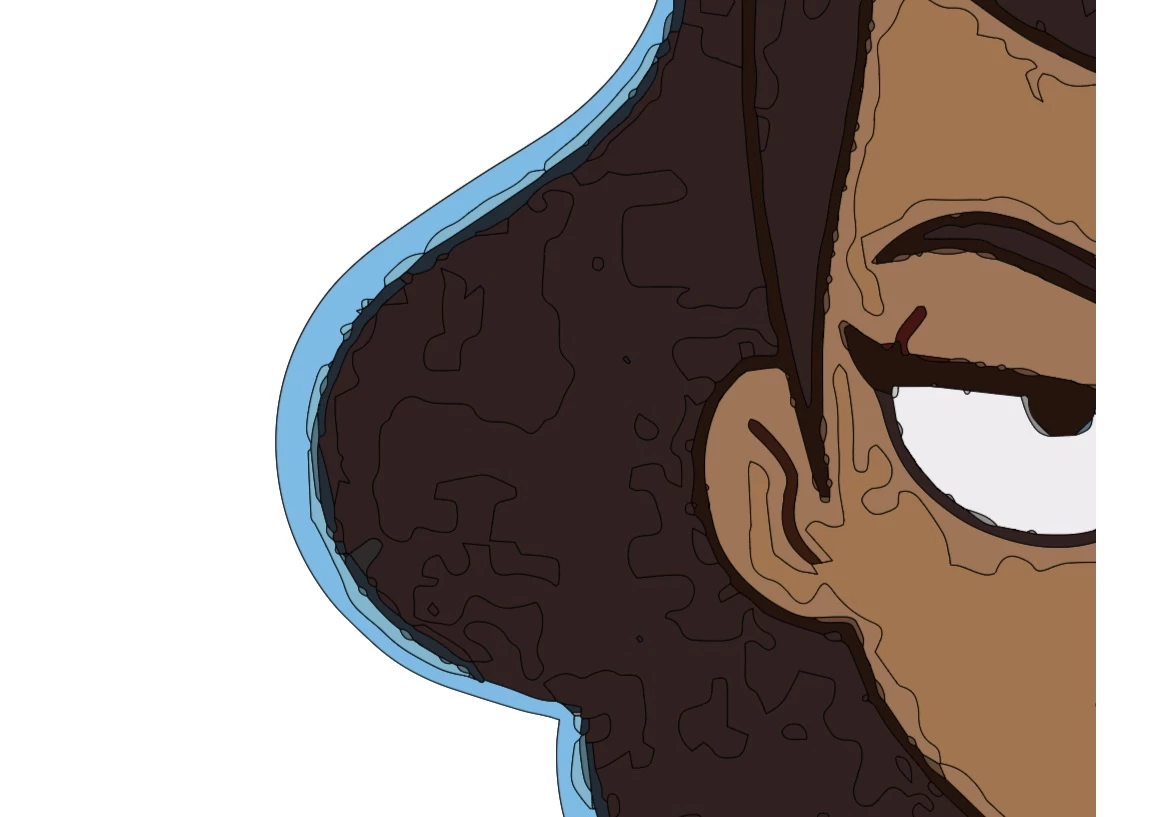
Is there some way I can take these original .png's and .jpeg's and clean them up in Illustrator. Is it designed to do that? Or am I barking up the wrong tree?
Again, many thanks for the help in advance.
Mike
 AdChoices