
Participant
August 24, 2024
Question

Herramientas en Illustrator

  • August 24, 2024
  • 1 reply
  • 140 views

Buenas noches disculpen estoy aprendiendo a usar AI soy usuaria de Corel el punto es que existe una acción en corel que se llama crear limites se encontraria practicamente en lo que en AI es buscatrazos quisiera saber en Ai como lograria esa accion lo que esa herramienta hace es que me permite tomar varias formas que se esten tocando y hacer un margen practicamente seria mas o menos  como unificar pero lo que hace es un duplicado de puros margenes sin tocar el diseño original, 
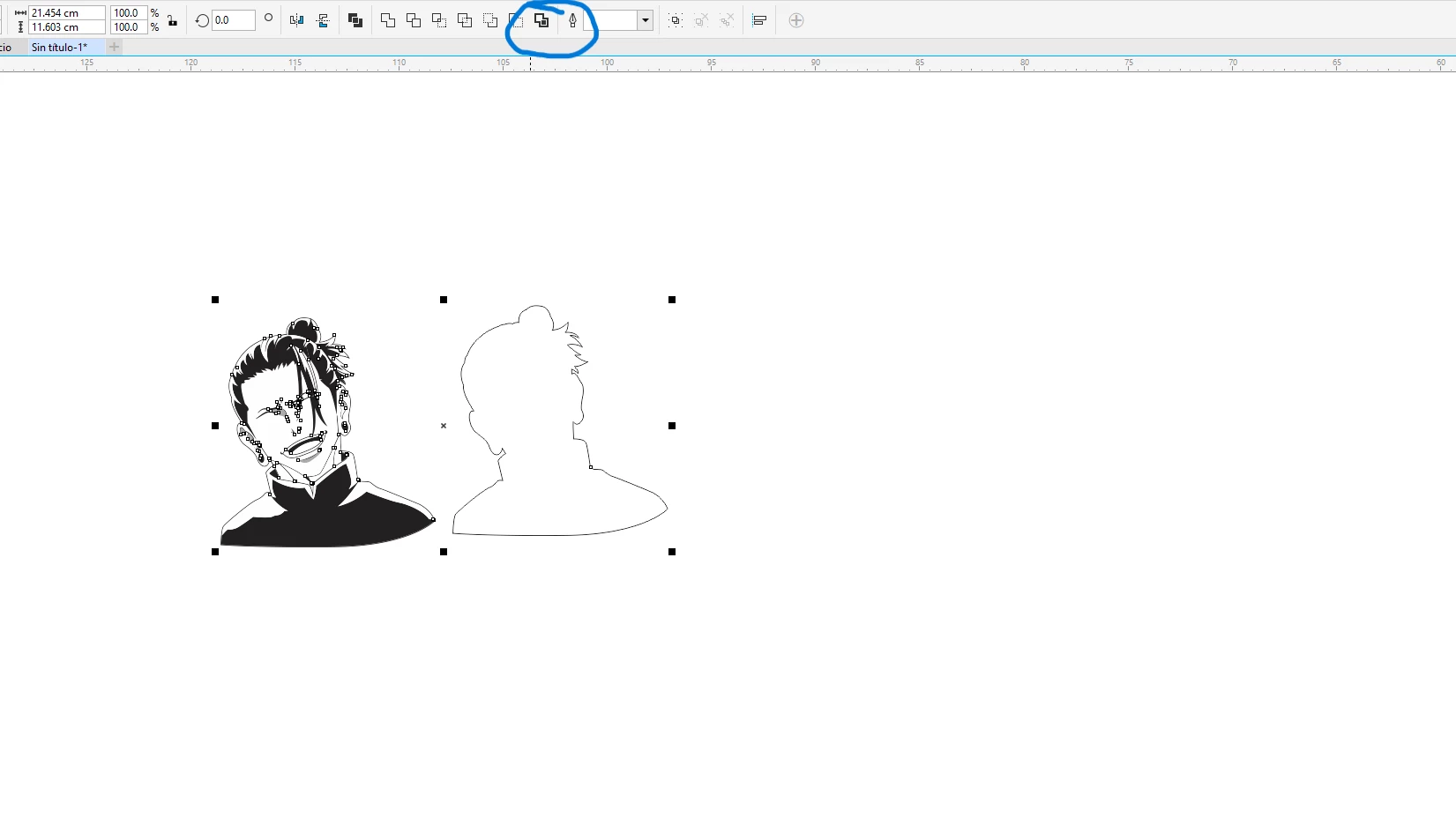
si alguien sabe como realizarlo le  agradeceria que me compartiera ese  conocimiento por favor.

This topic has been closed for replies.

1 reply

Jacob Bugge
Community Expert
Community Expert
August 24, 2024

Tamara,


I wonder whether this will do the deed, always keep a backup of original artwork to fall back on:


1) Select everything, then in the Object dropdown click Path then click Offset Path and insert a (positive) value large enough to make the paths overlap;

2) In the Pathfinder palette apply Unite/Add to shape area (top left, the one that shoew the shape becoming one);

3) Repeat the Offset Path from 1) with the same value, only negative.


This ought to give you a path following the outer bounds of the artwork, closing gaps if needed.


You can try with different values of Offset in 1).