Participant
March 18, 2024
Answered

Hey guys, Need some help with an export.

  • March 18, 2024
  • 1 reply
  • 291 views

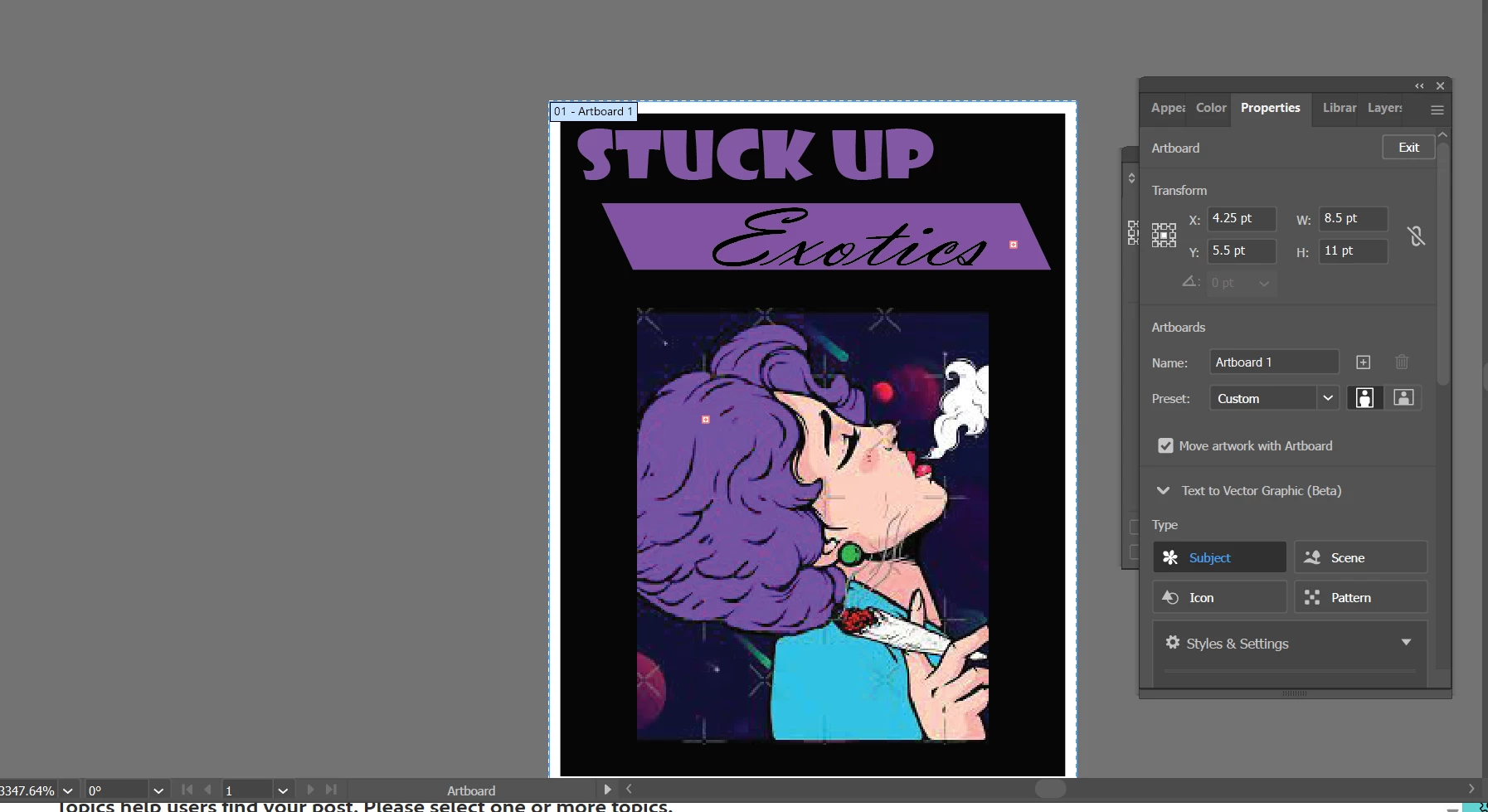
I'm trying to export an artboard to my computer. But for some reason it turns out super small and pixelated. I tried messing around with the pixels, and trying again but it keeps coming up super small. How do I export it with the actual size in tact? Here are pics.  And btw, thanks for everyone that has helped me before! Keeping a young gal like me going and motivated lol. 
This topic has been closed for replies.
Correct answer Ton Frederiks

You could try this:

Select all, double click the Scale tool.

Enter the size you want in cm or inches.

Click OK and while still selected choose Object > Artboards > Fit to Selected Art


1 reply

Jacob Bugge
Community Expert
Community Expert
March 18, 2024

Marissa,


8.5 x 11 pt is extremely small. You have a high zoom value in your first screenshot, a bit like working with a microscope.


I believe you meant to make it 8.5 x 11 ".


You can just change the unit from pt to "/point to inch. Or multiply by 72 (to 612 x 792).


With regard to suitable size/resolution of the artwork, the way further depends on the final use; print and size/viewing distance as one possibility/aspect, screen/web use and image size as another one.


Participant
March 18, 2024

I intend on using this for prints on t shirts. And for a website logo. So fairly large. And I tried changing that, and it still came out tiny. 

Ton Frederiks
Community Expert
Ton FrederiksCommunity ExpertCorrect answer
Community Expert
March 18, 2024

You could try this:

Select all, double click the Scale tool.

Enter the size you want in cm or inches.

Click OK and while still selected choose Object > Artboards > Fit to Selected Art