
Question
Hide artboard borders/edges
Is there any way to hide artboard edges (individually or all of them)?
I'm designing a header in amockup template. I set it up in Illustrator so that the mockup template format is the larger artboard around the header design, and the actual header design is on a smaller artboard within the template. For showing the design in context I'd like to be able to show the design together with the template but without the inner/smaller artboard edges (dark hairlines) showing.
Is there a way to turn off individual (or all) artboard edges, or can I turn of individual artboards alltogether?
See the simplified visual reference attached to understand what I'm trying to do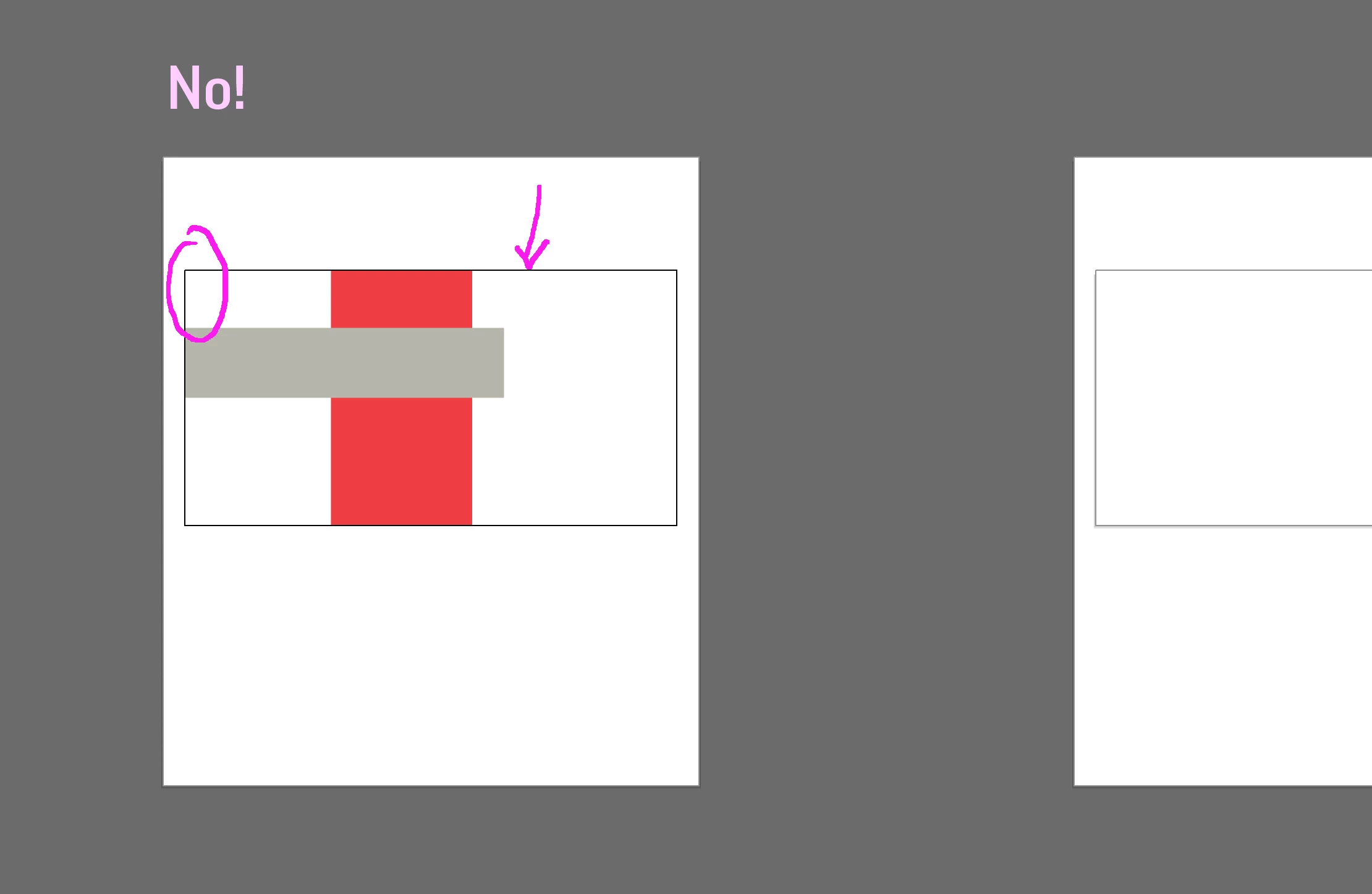
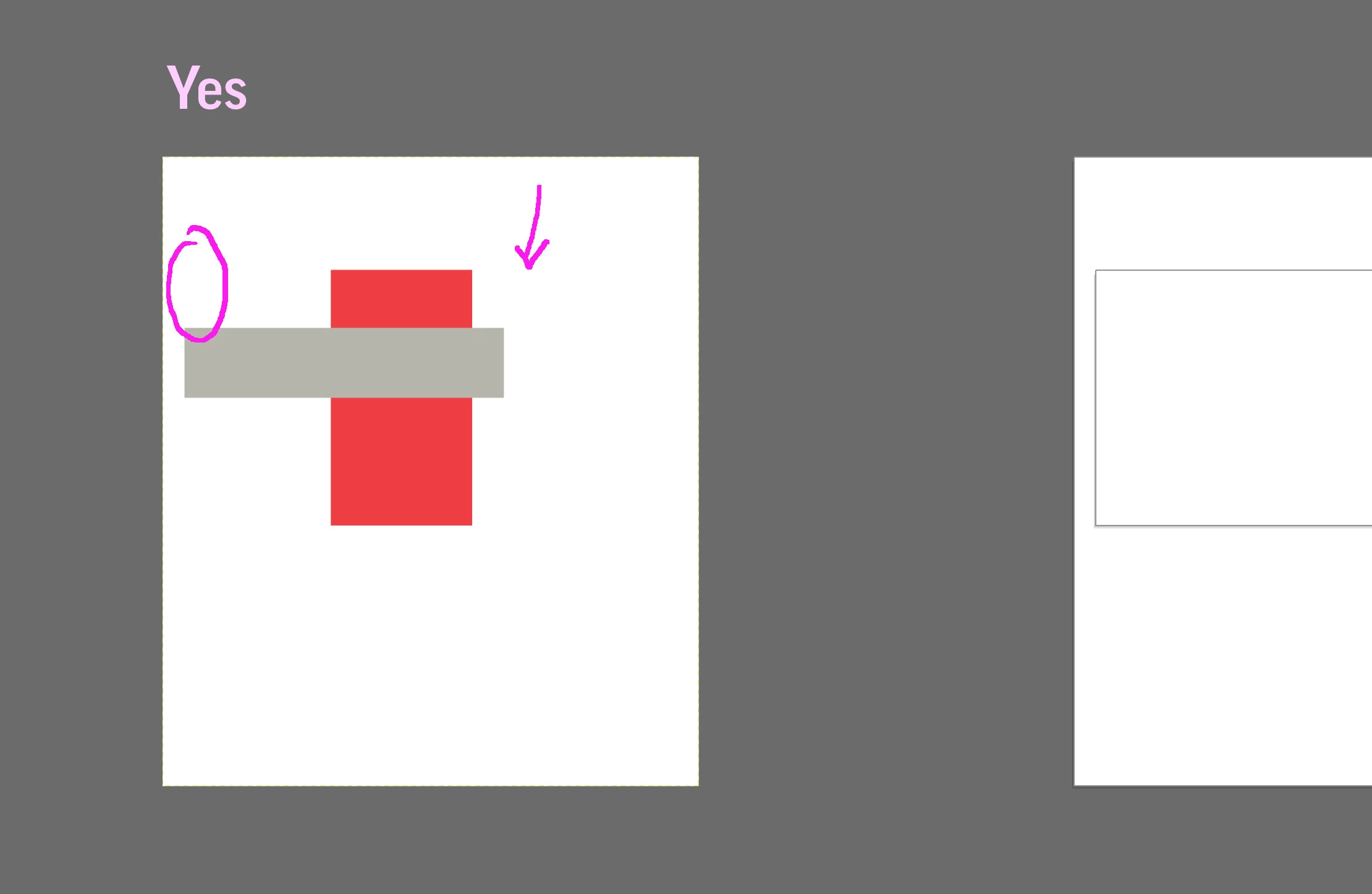
Thank you!
 AdChoices