Hi there,
Sorry to hear about this issue. It has been reported by a few other users as well and we have tried to fix this in our latest update for Creative cloud. Please make sure that the Creative Cloud Desktop app is upto date.
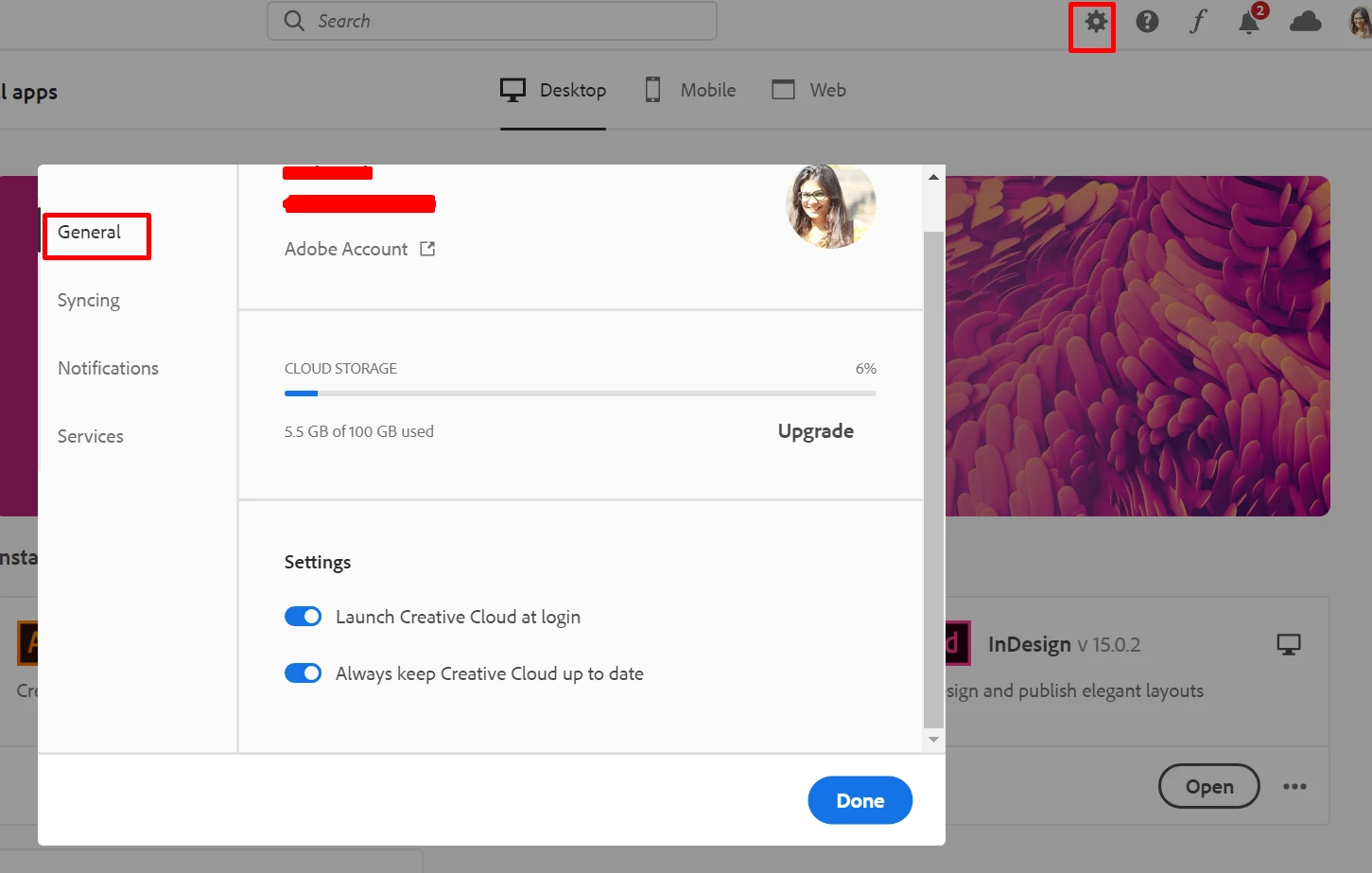
- Click on Settings Icon > General > and make sure "Always keep Creative Cloud up to date" is turned on (image 1).
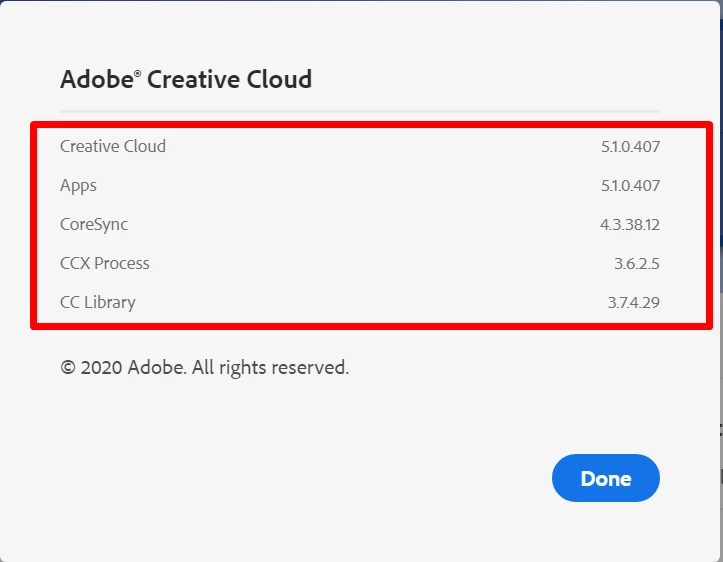
- Then Go to Help > About Creative Cloud and check the the version of Creative Cloud (image 2).
- If that doesn't help, go to following locations and rename extensions folder to extensions_old.
MAC: /Library/Application Support/Adobe/UXP
Windows: C:\Program Files\Common Files\Adobe\UXP
Regards,
Srishti


 AdChoices