AFV314
Participant
February 27, 2019
Question

HORRIBLE VECTOR PIXELATION

  • February 27, 2019
  • 6 replies
  • 7768 views

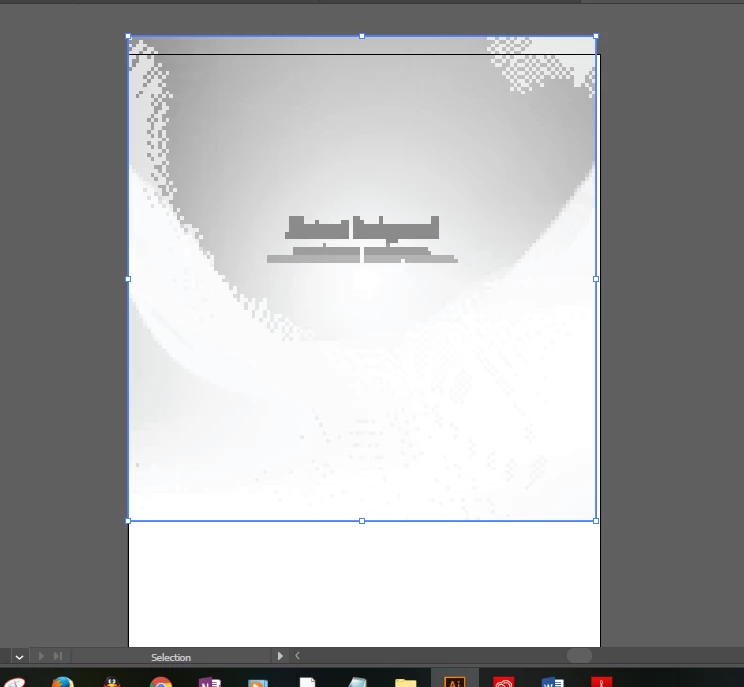
I have purchased this EPS file and my illustrator opens it as a horribly pixelated file. I have the Pixel Preview not checked. I have tried to open the file on its own and also to place it within a file. in both cases, the image does not work. I would like to know if there is a workaround. I don't see how it should open like this as my computer that I am working with is brand new (3 weeks old). I run illustrator and Photoshop without issue and can run both at the same time with no loss in function.

This is what it looks like:
This is what it should look like:

This topic has been closed for replies.

6 replies

carrie1009
Known Participant
November 16, 2019

ok, for anyone else finding this thread and having the same problem with shutterstock? on the page where you download (or redownload) your image, it will ask if you want to open it in the editor...say yes, open it, do nothing and choose to save it as a jpg. tada. spent hours searching on this one! 😃

Participant
December 12, 2019

Saving it as a JPEG doesn't work if you want to customize the layers of the vector art. Good suggestion for a flat image if you are using it as is. If you only need the image (like many other stock photo repositories) I would just purchase the JPEG as it typically costs less than a vector image. My problem is that my EPS file looks great but when I go to open in Photoshop it is pixelated. Nobody seems to have a fix for this. If anyone has any tricks please let me know.

denise_O_o
Participating Frequently
October 14, 2019

I just got the same nasty pixelization and tried all of these suggestions to no avail. I saved the eps file from shutterstock as an ai and opening in Photoshop worked as it should.

MichaelStephens
Legend
February 28, 2019

I"m guessing that the file you downloaded from Shutterstock is an eps file and you've used File > Place to get it into Illustrator. In Edit > Preferences > File Handling & Clipboard, you likely have "Use low resolution proxy for linked EPS" files checked. If you place an image with this turned on you'll get the low resolution pixelated appearance for any eps files that are placed in a document. You can turn off this preference, but in order to work with the file you'll just need to open the file instead of placing it as Monika suggested.

bradbarber
Participant
June 14, 2019

Had the same problem just now with a Shutterstock vector image.

In Illustrator, go to Effects > Document Raster Effects > set Resolution to High 300dpi

Fixed it for me.

lambiloon
Community Expert
Community Expert
February 28, 2019

Hi if you not mind share file here so we can check it for you....Thanks

Ali Sajjad / Graphic Design Trainer / Freelancer / Adobe Certified Professional
barbara_a7746676
Community Expert
Community Expert
February 28, 2019

In the Transparency panel, is the mode set to something other than Normal?

Monika Gause
Community Expert
Community Expert
February 27, 2019

When you open it (don't place it), pull up the layers panel and let us have a look inside.