
Answered
How can I achieve such design in illustrator?

Please refer to the above icon image. How can I create such gradient effect in illustrator?
Thanks
Please refer to the above icon image. How can I create such gradient effect in illustrator?
Thanks
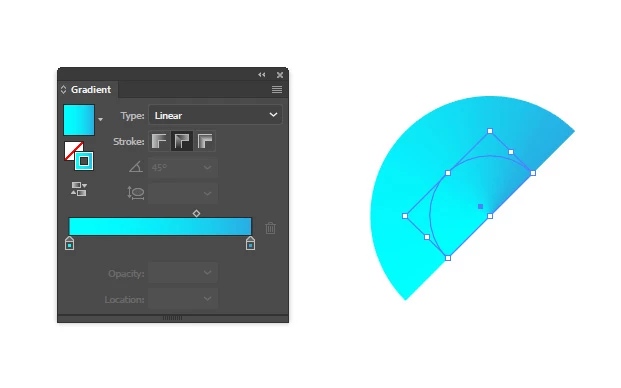
best i can do is... a wee semicircle with a gradient along a path from darker blue to cyan:
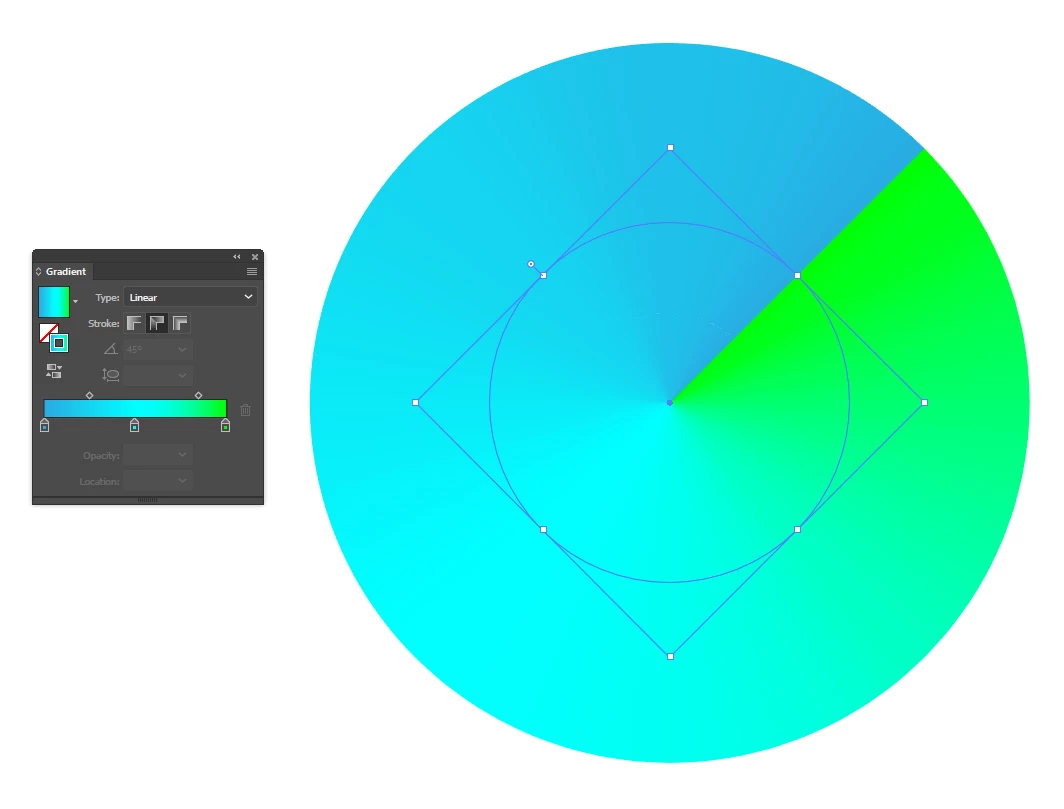
a larger circle centred on the same point, with a grad along a path from blue to cyan to green:
this shape (as key object here below) used as a clipping path for the larger circle:
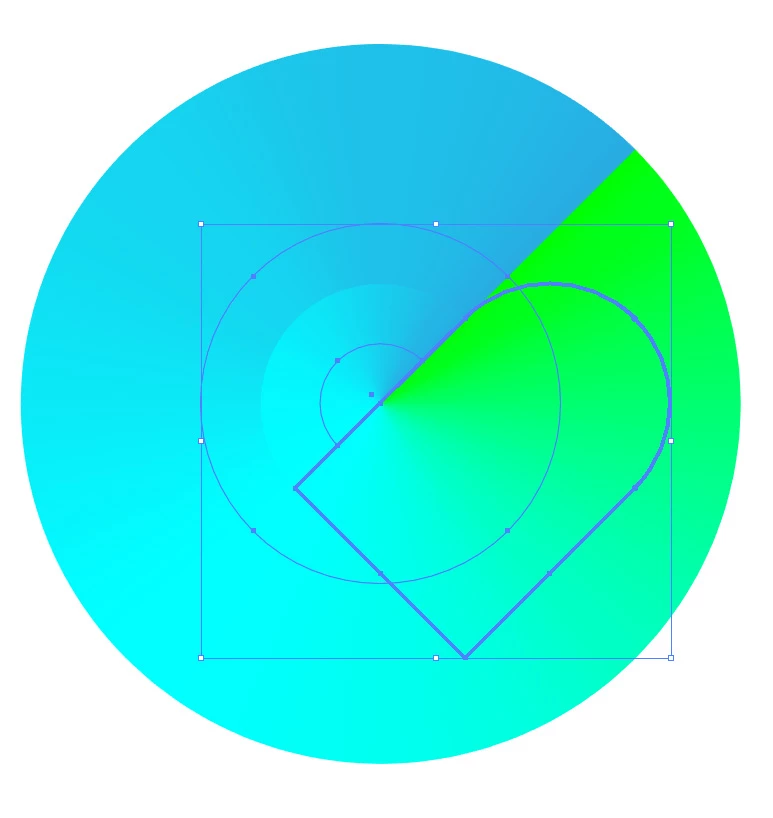
voila:

Already have an account? Login
Enter your E-mail address. We'll send you an e-mail with instructions to reset your password.
 AdChoices