Participant
August 17, 2019
Answered

How can I change an Object into another Object?

  • August 17, 2019
  • 1 reply
  • 555 views

Hi

How can I change an Object (for example a triangle) into another Object (for example a hexagon)? I made a really complex decoration only with triangles. Now I would like to see, if the illustration works better with hexagons. Can I change/transform the triangles in hexagons with a few clicks or I have to redraw the whol illustration again?

Thanks a lot for the help!

db_
    This topic has been closed for replies.
    Correct answer Doug A Roberts

    1. What version of Illustrator are you using?

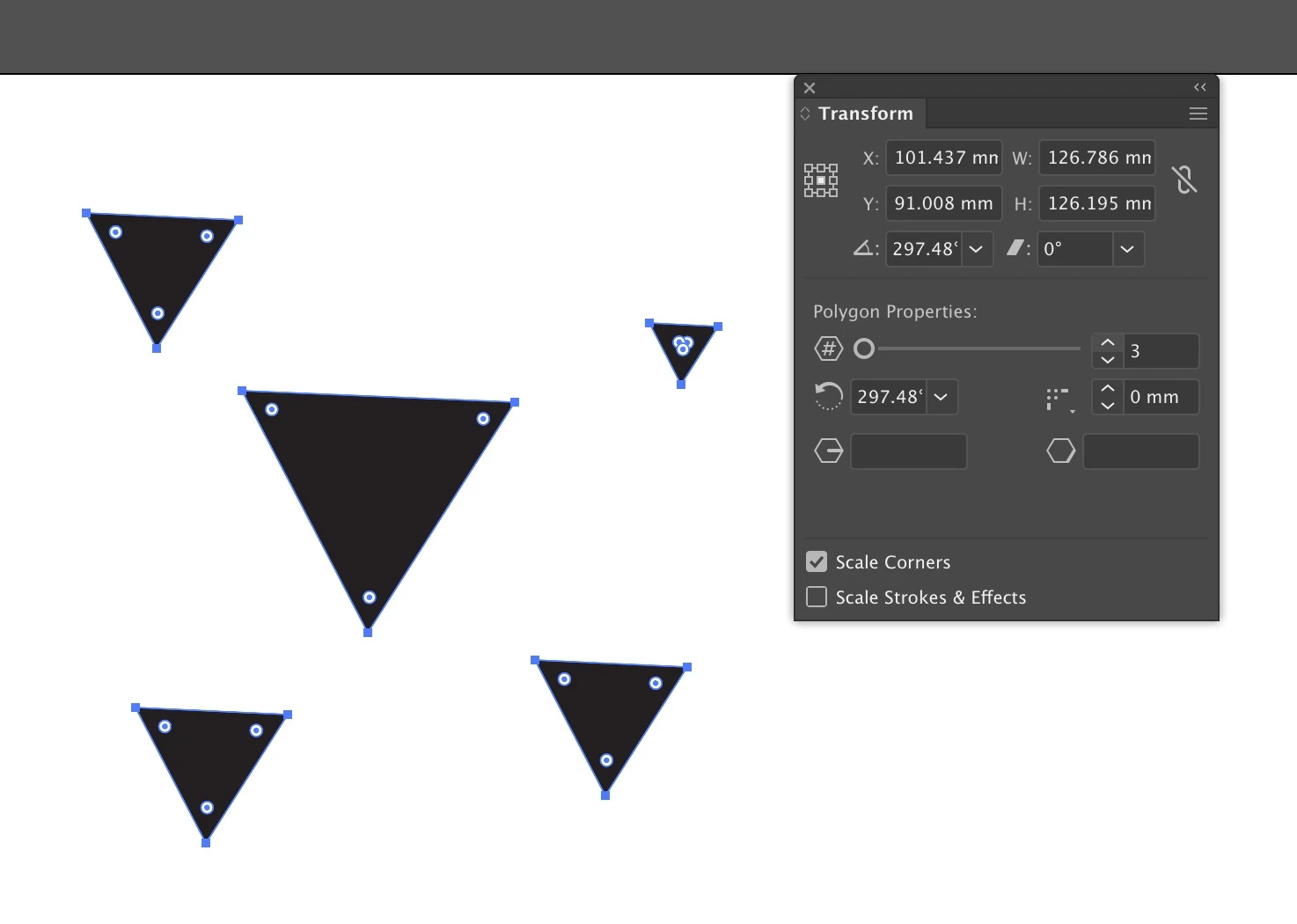
    2. Are these triangles live shapes? If so, nd you're using a recent version, you might use Global Edit to select them, then live shape properties in the Transform panel to add more sides:

    1 reply

    Doug A Roberts
    Community Expert
    Doug A RobertsCommunity ExpertCorrect answer
    Community Expert
    August 17, 2019

    1. What version of Illustrator are you using?

    2. Are these triangles live shapes? If so, nd you're using a recent version, you might use Global Edit to select them, then live shape properties in the Transform panel to add more sides:

    darben_Author
    Participant
    August 17, 2019

    I have Illustrator CC 2018 v.22.1

    Your solution would be perfect but, how can I convert my triangles in live shapes?

    Thanks a lot!!

    db_

    darben_Author
    Participant
    August 17, 2019

    I did it! Thanks!