Answered
How can I change the language to french ?
How can you change the language from english to french in Illustrator, there is no "Preferences" option on the account icon like the documentation say.
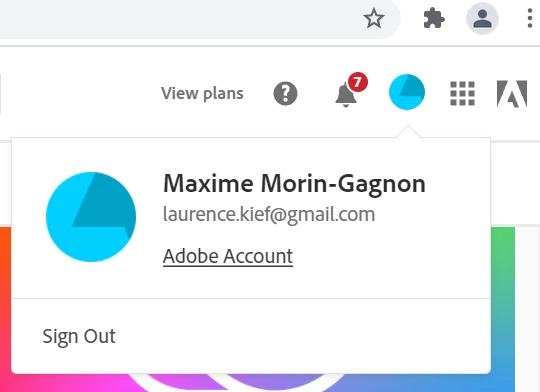

How can you change the language from english to french in Illustrator, there is no "Preferences" option on the account icon like the documentation say.
Hi there,
Thank you for reaching out. It seems you are on a web browser. Please download & install the Creative Cloud Desktop app. Then, launch the app and log in with your Adobe account, follow the instructions mentioned in this help article (https://helpx.adobe.com/creative-cloud/help/change-install-language.html), and you will be able to locate the Preferences option as mentioned in the help article. I hope it helps!
Regards,
Anshul Saini
Already have an account? Login
Enter your E-mail address. We'll send you an e-mail with instructions to reset your password.
 AdChoices