
Participant
February 26, 2018
Question

How can I delete strokes without changing the bg layer?

  • February 26, 2018
  • 2 replies
  • 307 views

Purpose:

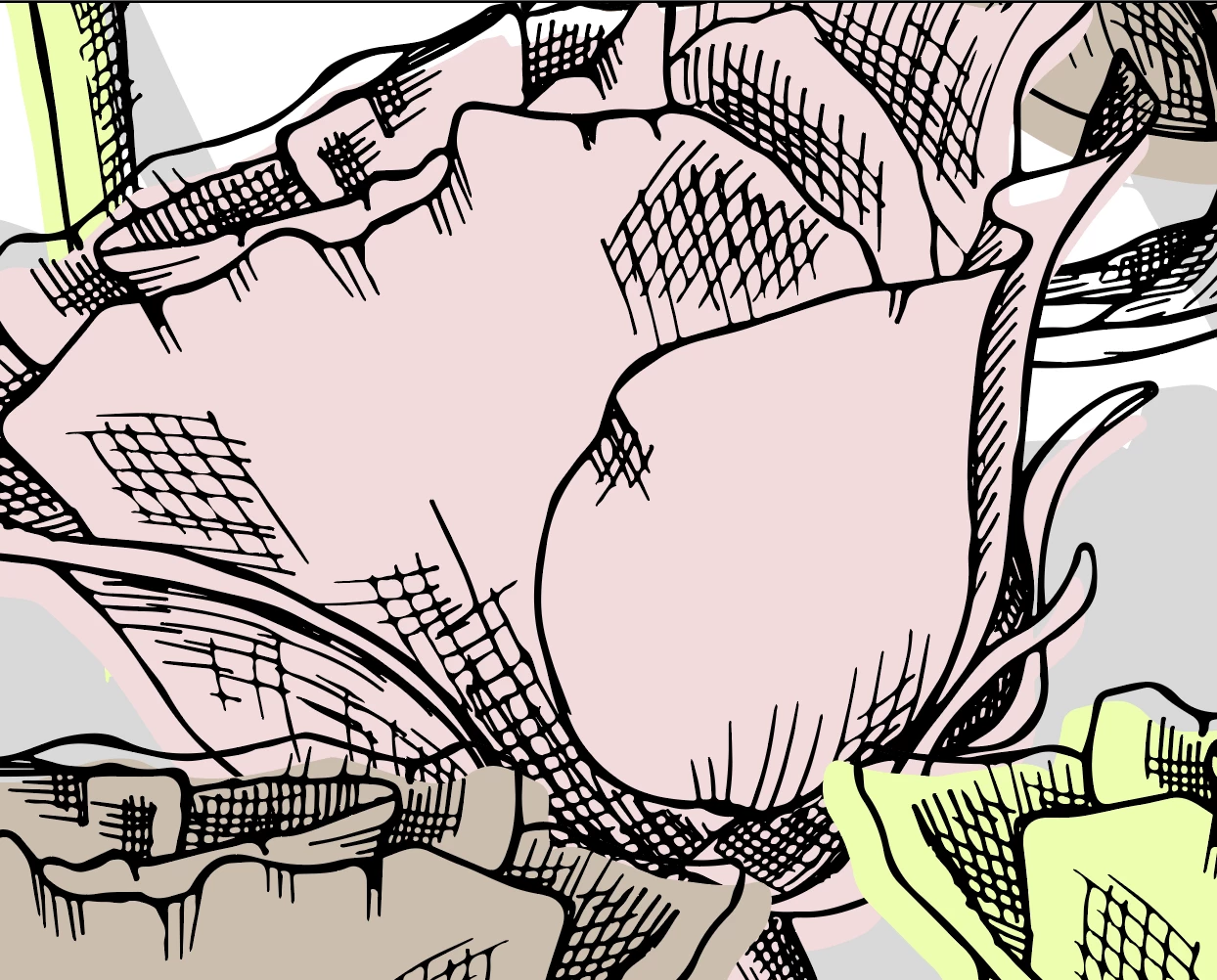
I have a vector image of roses, and i will like to delete the small strokes inside the rose.

Problem:

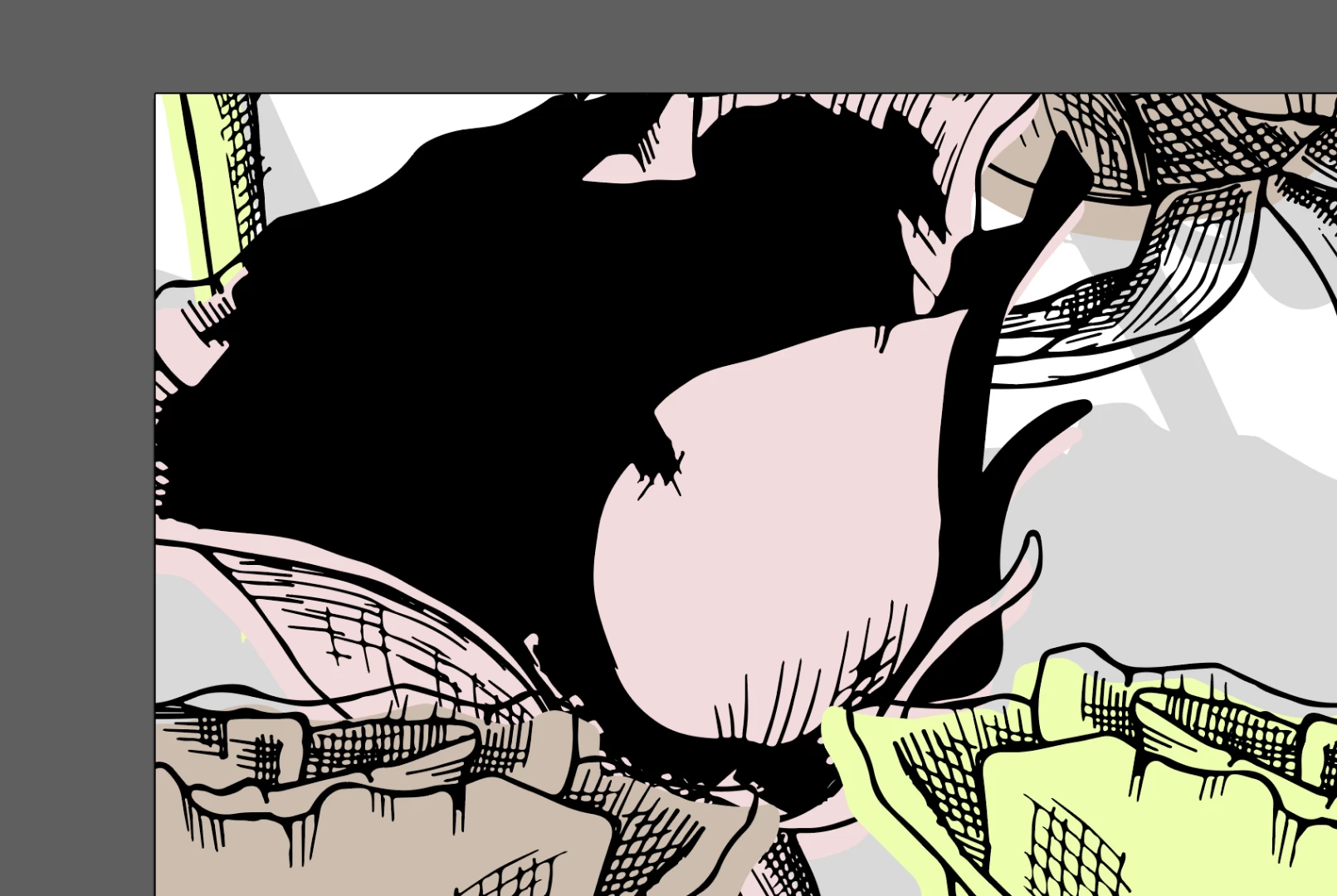
It seems that layers have been merge together and I can't get them unmerge. I have tried different tecniqs as releas compound path and clipping mask and ungroup and it doesn't work.

I got this image
When i release its compound path, this happens:
When I delete the black strokes, the bg turns out white
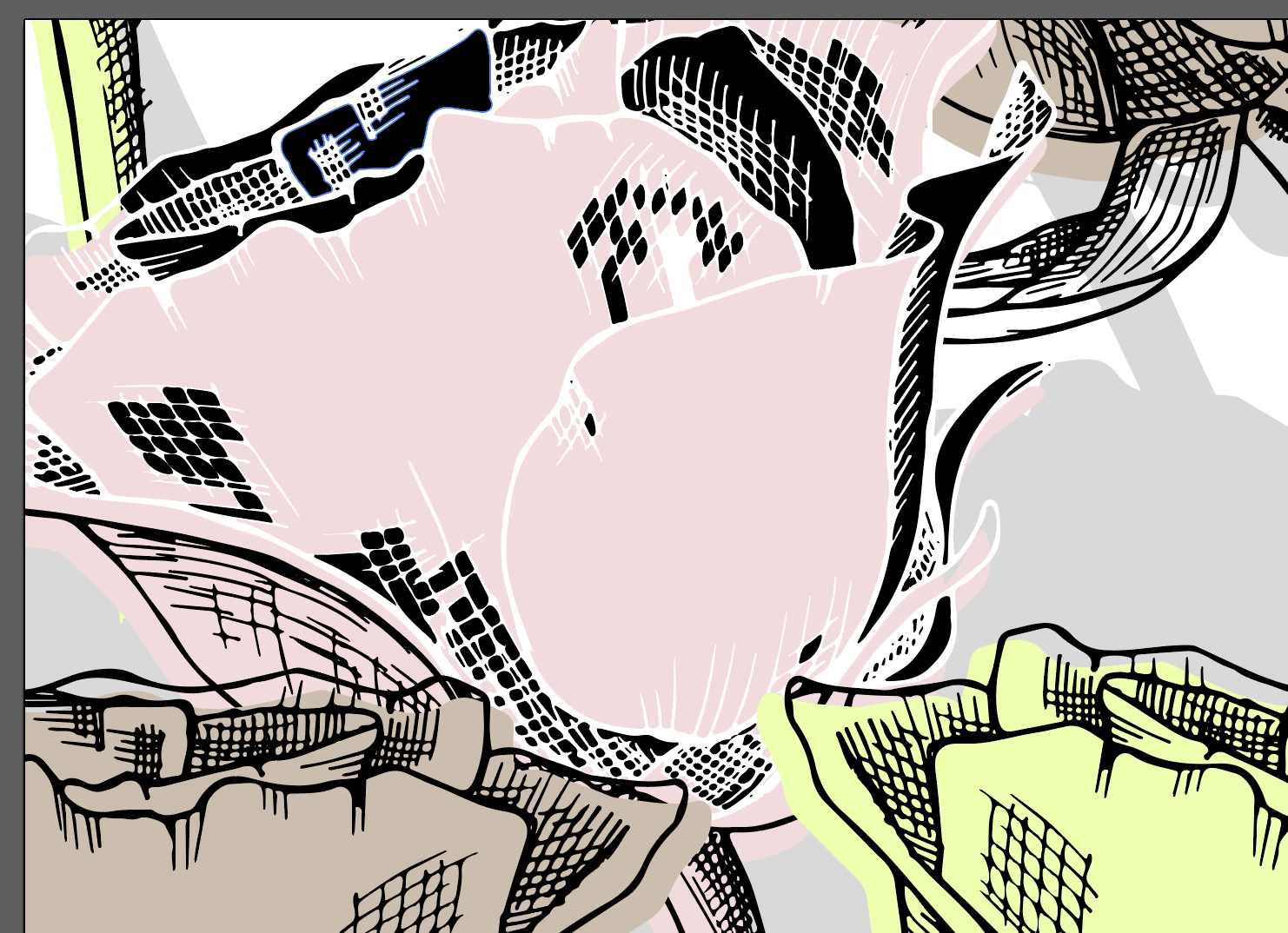
I can't figure out how to delete the black strokes and keep the pink color? Do you have any ideas?

And thank you for any suggestions that may come up

    This topic has been closed for replies.

    2 replies

    rcraighead
    Legend
    February 27, 2018

    If your black lines have, indeed, been merged with the color (which they probably are, judging by the white areas within the black) you can still move the black to a new layer and work with the color to unify the shapes by using the Pencil tool. Somewhere, I think there is still a way to make the Pencil tool act as a "Smooth" tool for lines. Adobe has created a "NEW" Smooth tool, which makes it MUCH harder to do a simple smoothing process with the pencil tool. If you still have Illustrator CS 5 it is MUCH easier to do the editing there.

    Yes, I'm old and these new tools in Illustrator seem worthless, since they only make editing paths more complicated and tedious. Ok, nuff said.

    rcraighead
    Legend
    February 26, 2018

    You can reconstruct your layers by creating a new layer, selecting all Black-filled objects using "Select>Same>Appearance" and dragging the selection onto a new layer. Use the "Erase" tool to edit your black lines. Because they are a compound path, they would be difficult to edit using the normal selection method.

    Maybe this video will help: