
Answered
How can I fix this gap?
Step1: I create two cubes, one big, one small.
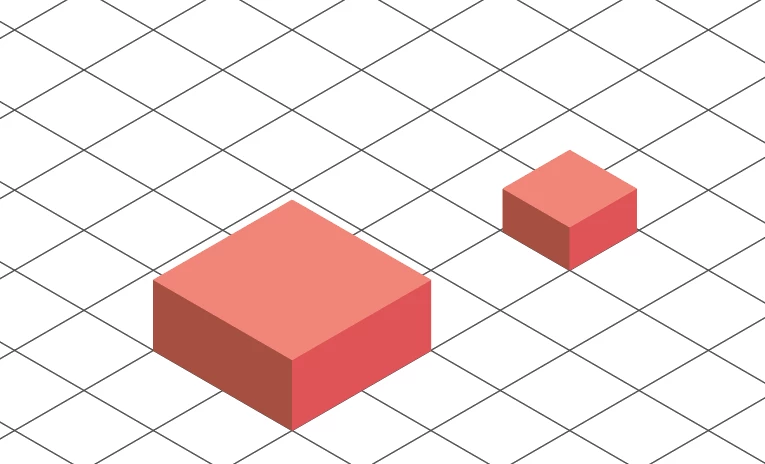
Step2:Put the small cube on the big cube.
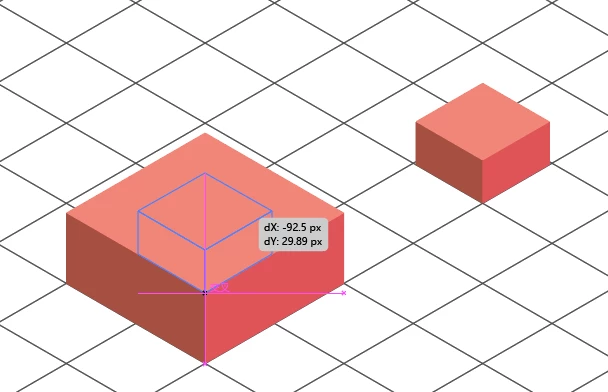
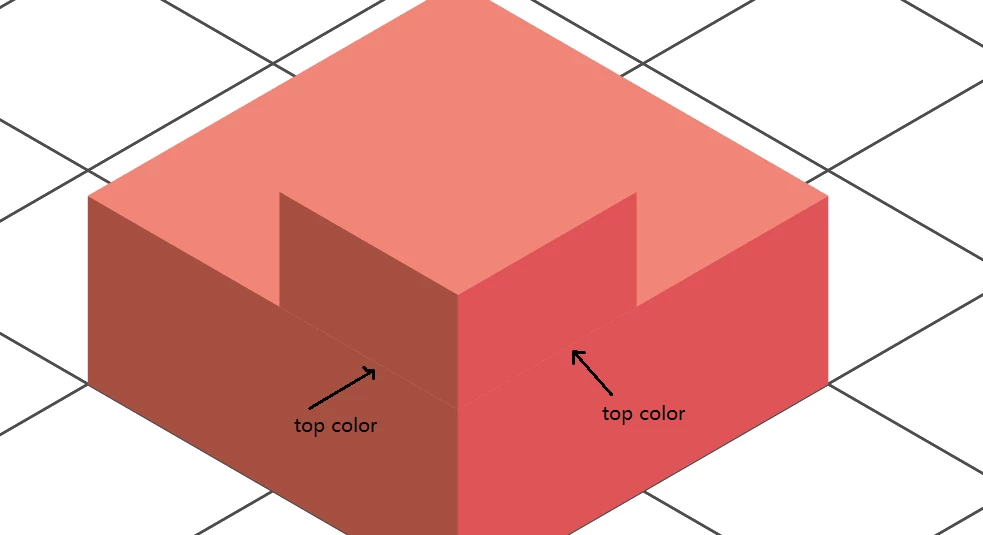
Step3:I found there is a strange gap,
the top of the big cube can't be covered completely.
Step4:I checked outline want to find out problem,
but found nothing wrong.
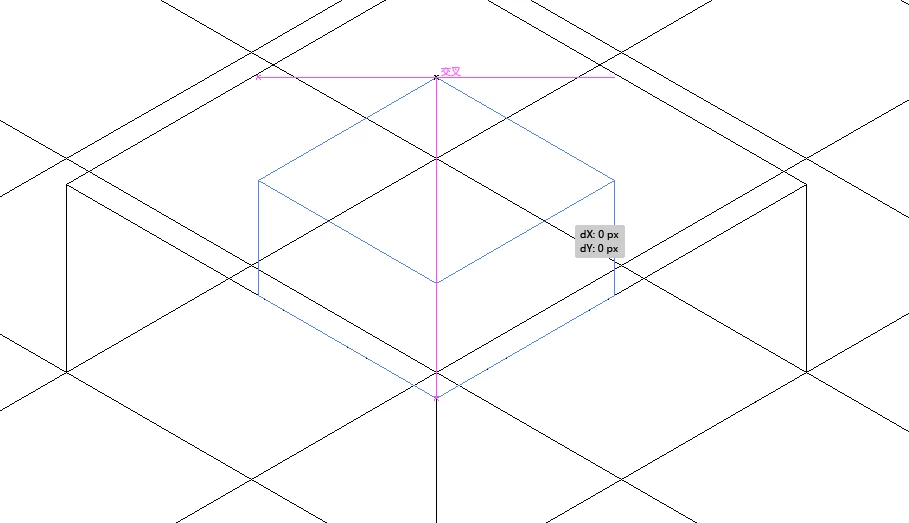
Why became this gap? How can I fit it?
 AdChoices