
Question
How can I get rid of the black background around of "glow" (transparency/.png) in Illustrator
Hello Community,
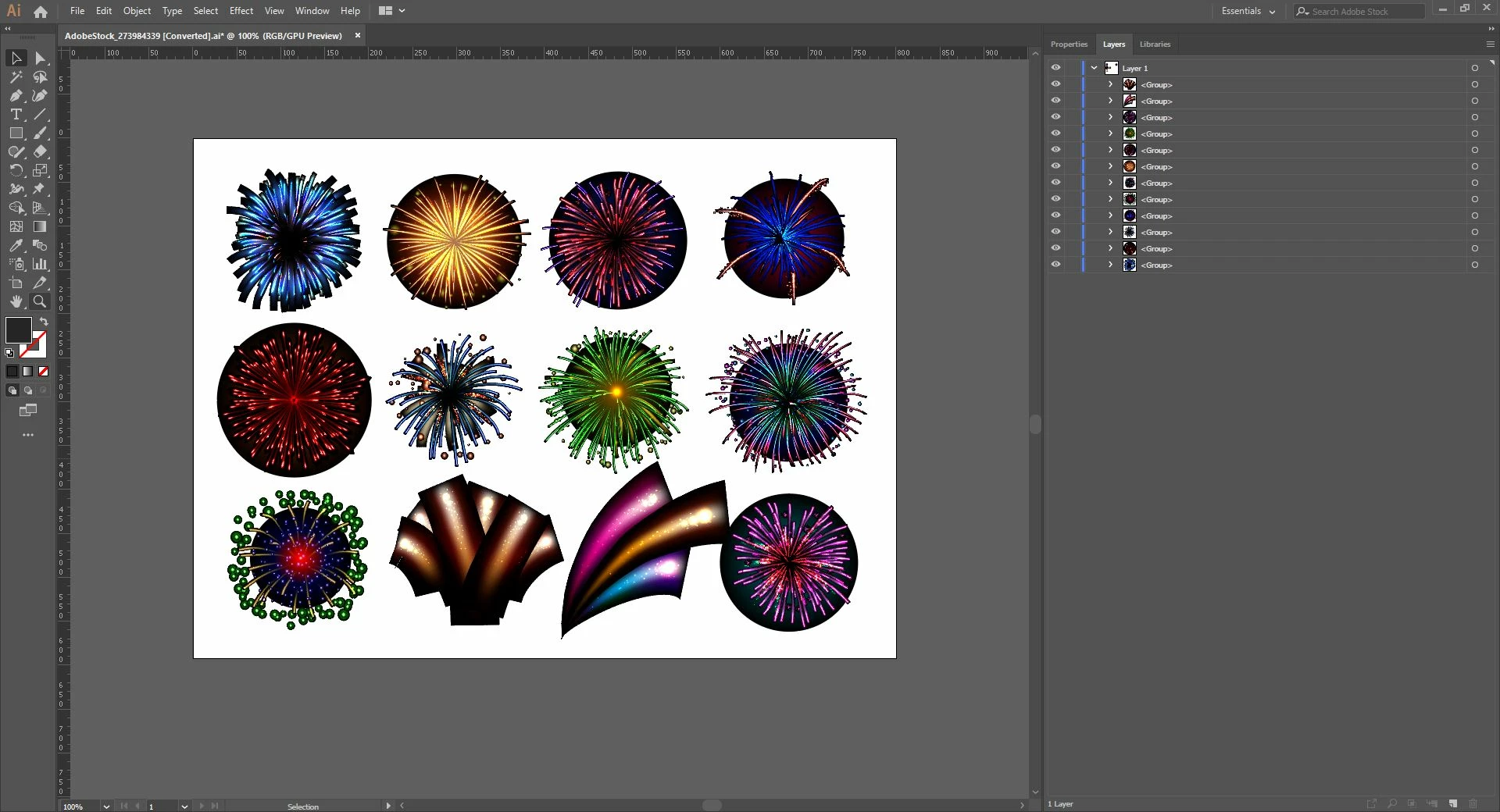
Today I downloaded some .ai files from Adobe Stock to decorate my own private photo book i'm working on at the moment. Removing the background layer to save the files to .png worked fine so far. But then I needed some fireworks and downloaded a file that looked good to me, to do the same thing. But as I tried, a black background appeared behind the "glow" instead of a nice transparency (see in sceenshot).
Now my question is how I can get a nice transparent .png of the fireworks. Can anybody help?
Thanks a lot.
{Renamed by MOD}
 AdChoices