
jeff_DCI
Participant
January 13, 2017
Answered

How can I get rid of these lines?

  • January 13, 2017
  • 1 reply
  • 1908 views

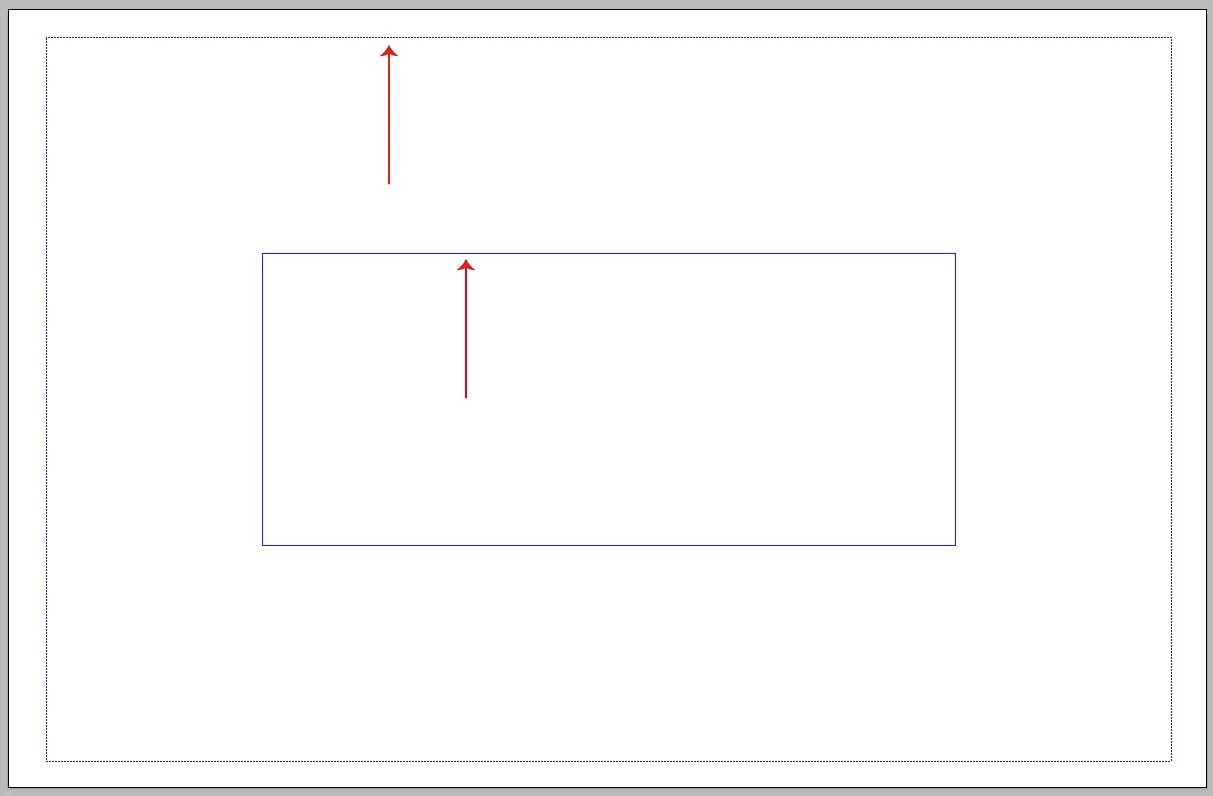
I have these lines on a document and for the life of me I can't figure out how to get rid of them.

They are blue in color. The outer line is dashed and the inner line is solid.

They seem to be attached to the artboard in some way because if I resize or move the artboard they move along with it.

They are only visible on the active artboard, and if I create a new artboard, it includes the lines too.

They are not guides or print tiling, and even after deleting all existing layers in the original document (I made a new blank layer first) they are still there.

They do not go away when the Hide Guides command is used.

Any ideas on how to get rid of them?

Thanks in advance for any and all answers!
    This topic has been closed for replies.
    Correct answer John Mensinger

    You are correct, I work at a prepress house and the file was supplied by a customer. I don't have any information on how the file was originally created, and I'm working in CS 2015. I really don't need to get rid of them, they don't affect the file in any way. It's just an "I don't want them there" kind of thing, and I can't get rid of them. I guess if it was really that big of of a deal, or if they did affect the file I could copy-paste the layers in to another file. Now it's just a puzzle I would like to solve.


    I really don't need to get rid of them, they don't affect the file in any way. It's just an "I don't want them there" kind of thing, and I can't get rid of them.

    Now it's just a puzzle I would like to solve.

    I understand that better than I'd like to admit.

    But, having grown old and cranky, I no longer have the patience the pursue something like this, and would quickly move on to something else even more annoying. (There's no shortage of such things.) So allow me to represent the voice of reason: Let it go, Jeff.

    1 reply

    Monika Gause
    Community Expert
    Community Expert
    January 13, 2017

    Why don't you think it's the print tiling?

    jeff_DCI
    jeff_DCIAuthor
    Participant
    January 13, 2017

    Because the print tiling lines are a double set of dashed grey lines and I can turn those on and off.

    John Mensinger
    Community Expert
    Community Expert
    January 13, 2017

    They look kind of like a video template's margins/safeties, but not like those native to Illustrator's built-in profiles, although the inner one is quite tight for that. In any case, it seems obvious the file didn't originate with you, so is it possible someone somehow hard-wired them into a template that was used when the file did originate? How long has the file been around? Could it have originated in a much older version, or even in a different format or application?

    Maybe those mysteries aren't even worth solving if you could just get rid of those lines, so have you tried just cutting/pasting whatever actual artwork you need from that file into a new, clean file of your own making?