first everd2030366
January 13, 2026
Answered

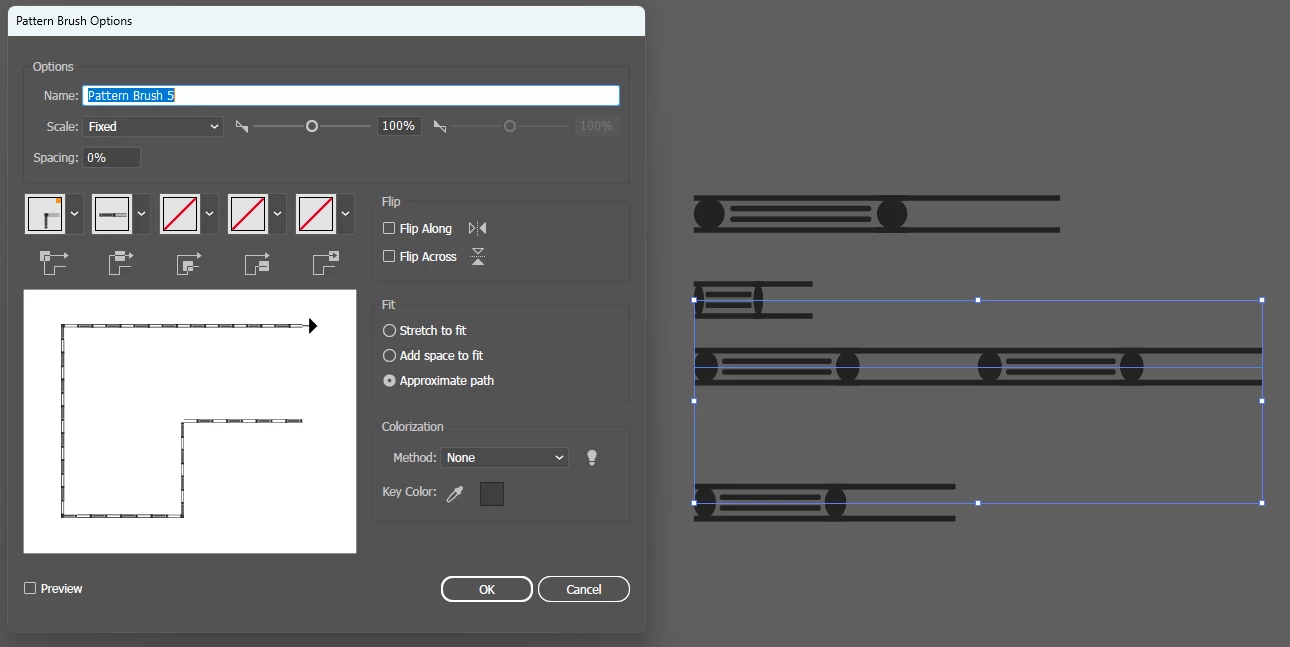
How can i make a pattern brush that doesnt stretch?

  • January 13, 2026
  • 1 reply
  • 129 views

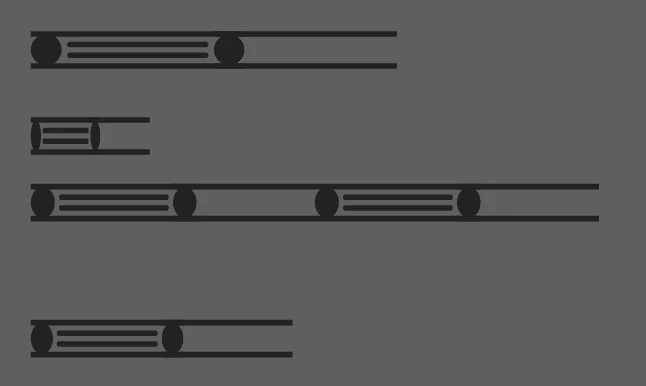
How do i make a pattern brush so that instead of stretching, the pattern just crops when the line ends?
I have been playing around with flip settings and fit settings but no matter what i pick the pattern keeps stretching, unless i select 'add space to fit' but i dont want gaps in the lines. 
firsteverd2030366_0-1768278193554.png

firsteverd2030366_2-1768278291603.png


Correct answer Monika Gause

So you want Illustrator to show only a part of the pattern element?

That would surely be useful, but will not happen.The only thing you can achieve is that the brush stretches only the last segment of the pattern on the stroke. Like this: https://youtu.be/vqtrovRA3To 

1 reply

Monika Gause
Community Expert
Monika GauseCommunity ExpertCorrect answer
Community Expert
January 13, 2026

So you want Illustrator to show only a part of the pattern element?

That would surely be useful, but will not happen.The only thing you can achieve is that the brush stretches only the last segment of the pattern on the stroke. Like this: https://youtu.be/vqtrovRA3To 

first everd2030366
January 13, 2026

Thanks for the response! Its interesting that it isnt an option. I always thought this was possible but i must be misremembering!
I am applying the brush to a front/back/side view, so on the side view it should be 'cut off' as the pattern wouldnt be fully visible. I might have to just use a clipping mask.

Monika Gause
Community Expert
Community Expert
January 13, 2026

a clipping mask is probably the easiest way to get it.