



WhizGamer
Participant
September 10, 2020
Answered

how can i make png files not rasterized

  • September 10, 2020
  • 4 replies
  • 1568 views

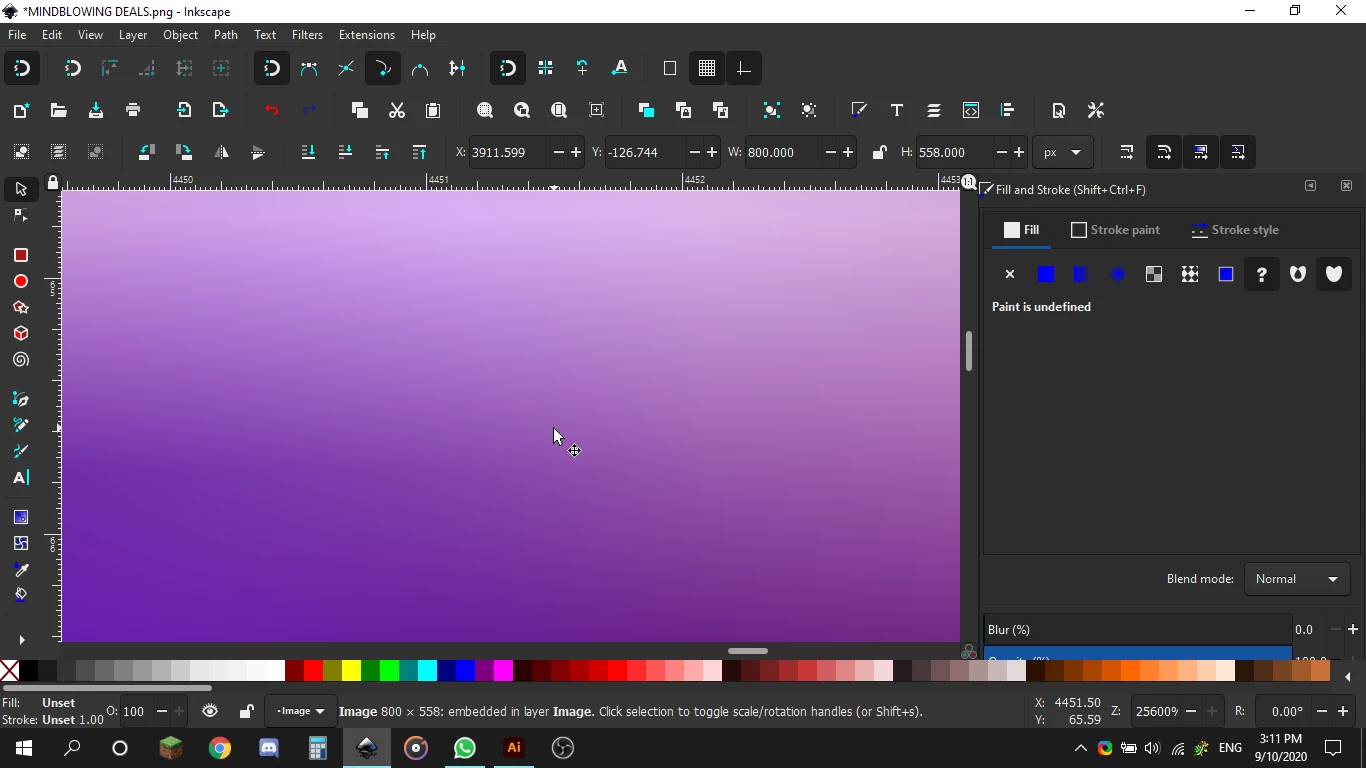
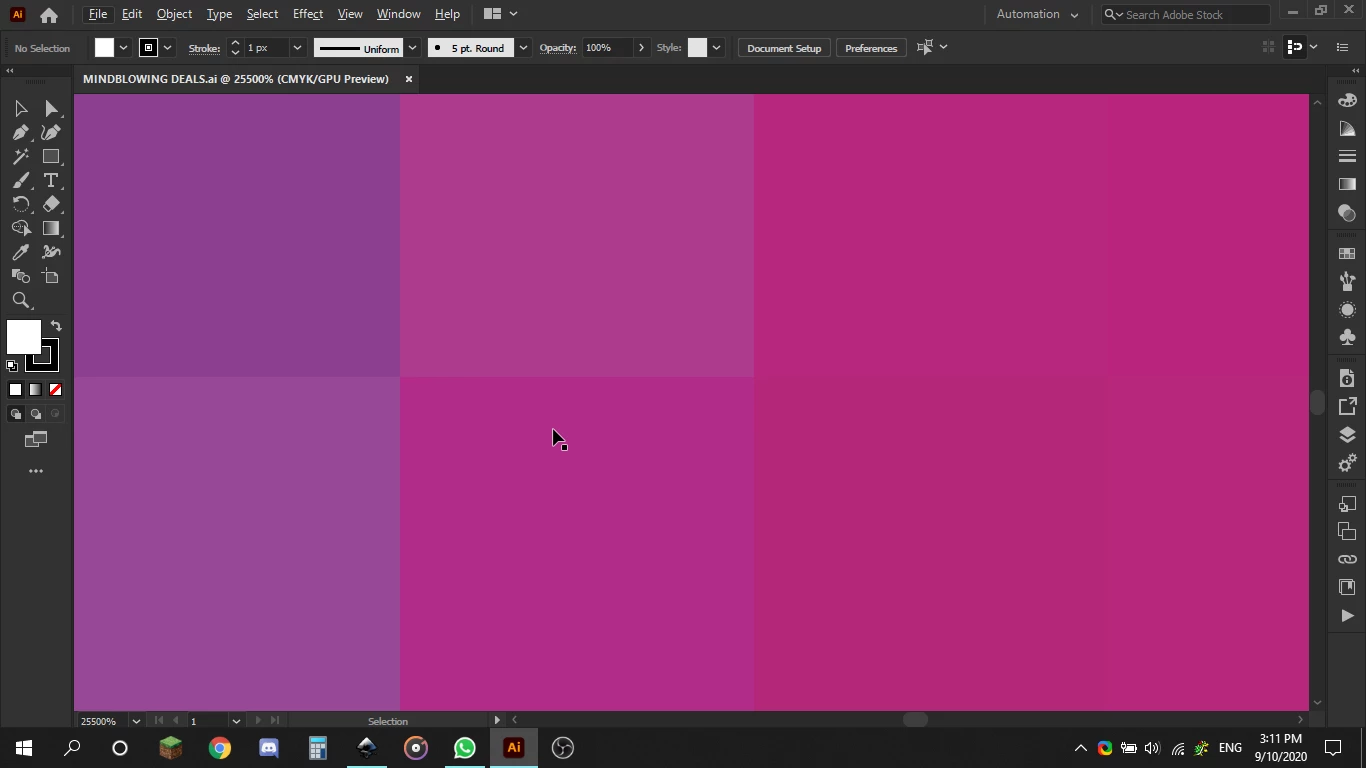
Ive recently switched from inkscape to adobe illustrator but i wanted to clip a text to a image it worked but it was bad quality, why does inkscape make the png files colors mixed and you cant see pixels so the clipping looks much better quality is their a way to fix this? Here are the image diffrence of inkscape and illustrator, Thanks!
This topic has been closed for replies.
Correct answer ElEgY

I'm echoing Monica again.

Inkscape seems to blur the hard edges of the pixels in the video you shared. They're still there, though.

It's best to start a design with higher quality images, but if you need to enlarge a low quality image you can do so in Photoshop, where it will resample the image (pretty much the same as blurring the pixels). It will still pixelate at high zoom, but all images do this.

The goal is to have an image that appears "unpixelated" at the size the artwork is intended to be viewed. This is about 300ppi for print, and 72-200ppi for screen.

When you're creating a path to clip an image, it's important to "feather" the edges of the mask. Feathering blurs the edges of the clipped image so they don't appear jagged.


4 replies

Jacob Bugge
Community Expert
Community Expert
September 14, 2020

Michele,


Maybe too silly, but how about just recreating it as AI vector artwork?


ElEgY
Participant
September 10, 2020

Hi Whiz,


I suspect the "PNG" shown above in Inkscape is actually rendering from the original SVG (Inkscape's native file type). As Monika mentioned, any PNG you export from this will be rasterized by nature.


In order to retain the lossless vector gradient, you might try exporting the original from Inkscape as a PDF or SVG (EPS might work but you will lose transparency). With the right file export settings this should avoid rasterizing the gradient effects and allow you to make edits with Illustrator.


WhizGamer
WhizGamerAuthor
Participant
September 14, 2020

Hi, I dont think it worked heres a video of what i mean because maybe I didnt write it right and theirs a misunderstanding anyway 

Inkscape look like its pixelated but when you zoom in its like gradients as you said, Thanks.

Monika Gause
Community Expert
Community Expert
September 14, 2020

Inkscape renders raster images differently. It blurs them while doing so.

Illustrator doesn't.


Inkscape doesn't improve the PNG quality, it just hides it from you.

Monika Gause
Community Expert
Community Expert
September 10, 2020

PNG files are pixel based images. So what you want is impossible.

lambiloon
Community Expert
Community Expert
September 10, 2020

Hi may be there is difference in zoon level for both pictures zoom out and check...regards

Ali Sajjad / Graphic Design Trainer / Freelancer / Adobe Certified Professional
WhizGamer
WhizGamerAuthor
Participant
September 10, 2020

No, inkscape will blend the colors this is a example of when I zoom in to the max, Thanks, Michele Awada.