

futuremotion6798557
Inspiring
September 25, 2026
Answered

How can I place multiple SVGs into a document and retain the SVG filenames after placement?

  • September 25, 2026
  • 4 replies
  • 74 views

I am in the process of recoloring an SVG icon set that has 155 separate SVGs.

When I place these SVGs into a new Illustrator document by shift+dragging them into Illustrator’s window, they all get placed inside the document as expected, but each SVG object gets a generic name like “<group>”. See this image:
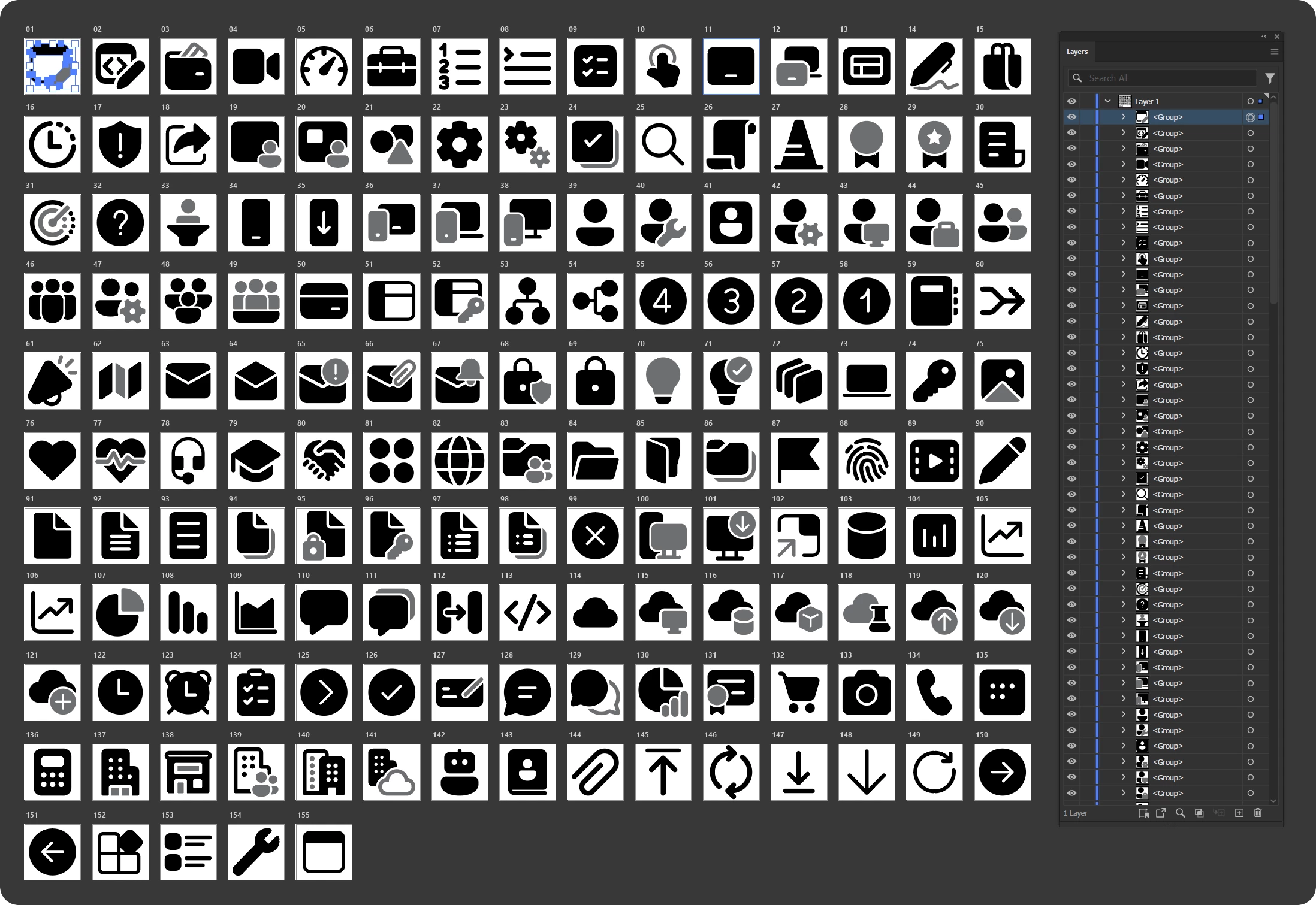


This is a nightmare because I have to now rename all of the exported SVG files back to their original names after exporting my changes.

Does anyone here know of a way to place multiple SVG files into an Illustrator document and retain the SVG filenames?

Any help greatly appreciated.

    Correct answer Monika Gause

    This can probably done by scripting.

    I have achieved it with some test files and the AI assistant in the Illustrator Beta. I have used only 4 test svg files, so I do not know whether 150 work. But you could try batches.

    The prompt:

    “Place the files from the folder “svg” on my desktop into this file and keep their names as names for the groups”

    the assistant then asked me for a list of the file names (which you can generate by copying them and placing into a text editor).

    When I gave it that list, the assistant imported the files and kept the names. For 150 files this might take some time.

    4 replies

    Monika Gause
    Community Expert
    Community Expert
    September 25, 2026

    On reddit this has been posted: https://github.com/iconfinder/ai-merge 

    derekwatson
    Community Expert
    Community Expert
    September 25, 2026

    I am seeing this too. Even when Import Options is selected, the options are not asked for so suspect it is a bug. I have asked a specific question about this
     

    Place Options not working

    Derek Watson
    Monika Gause
    Community Expert
    Monika GauseCommunity ExpertCorrect answer
    Community Expert
    September 25, 2026

    This can probably done by scripting.

    I have achieved it with some test files and the AI assistant in the Illustrator Beta. I have used only 4 test svg files, so I do not know whether 150 work. But you could try batches.

    The prompt:

    “Place the files from the folder “svg” on my desktop into this file and keep their names as names for the groups”

    the assistant then asked me for a list of the file names (which you can generate by copying them and placing into a text editor).

    When I gave it that list, the assistant imported the files and kept the names. For 150 files this might take some time.

    CORCTON34033231
    Community Expert
    Community Expert
    September 25, 2026

    Illustrator does not offer a setting to automatically name placed objects after their source filenames, so placed artwork always gets a generic name like <group> or <Image> in the Layers panel. The original filenames are not lost though: open Window > Links and you will see every placed file listed by its actual filename.


    For your actual goal (recoloring 155 icons and getting the original filenames back on export), there is a cleaner workflow than placing everything into one document: instead of placing, open the SVGs so that each one becomes its own document, which is automatically named after the file. Record your recolor steps as an Action (Window > Actions), then run File > Automate > Batch on the folder of SVGs. Batch processes each file and keeps the original filename on save, so you never have to rename anything afterwards.