

Question
How can I remove fill from my icon if there are many layered elements?
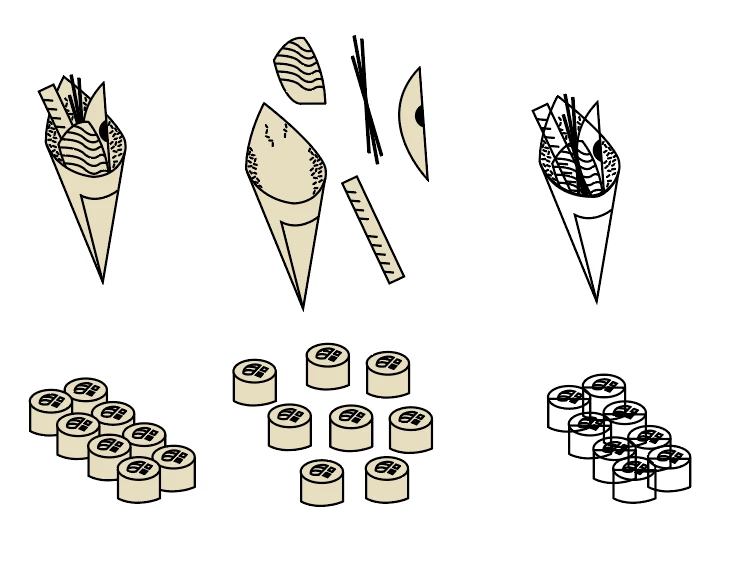
I created an icon set, but each icon contains many different elements, it looks good when there is a fill on each element cause it covers a part of back element, but when I remove the fill -- all icons become transparent and messy cause you can see the back icon contours. The problem is that now I need these icons without any fill, just black contours. Maybe there is an easy way to get rid of the fill and save the original icon view without these see through thing?
 AdChoices