Answered
How can I remove two gradients from one object in Illustrator?
How can I remove two gradients from one object in Illustrator? When I delete the gradient, the object is deleted as well.
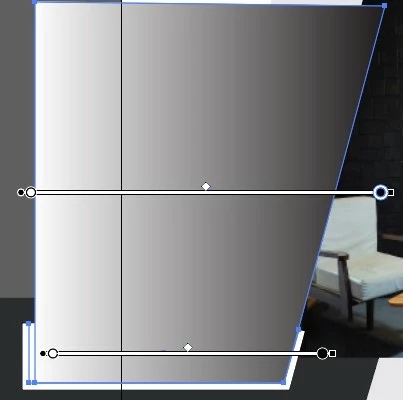

How can I remove two gradients from one object in Illustrator? When I delete the gradient, the object is deleted as well.
The object was grouped, that's why! Thanks mate!
Already have an account? Login
No account yet? Create an account
Enter your E-mail address. We'll send you an e-mail with instructions to reset your password.


 AdChoices