Answered
How can I see how much the object has been rotated
I've rotated an object. How can I see how much the object has been rotated? In other words, how can I know by selecting an object how much this object has been rotated?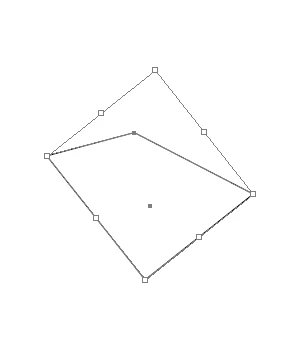
I've rotated an object. How can I see how much the object has been rotated? In other words, how can I know by selecting an object how much this object has been rotated?
that's weird, in my case it's still zero. Maybe is there some option to activate?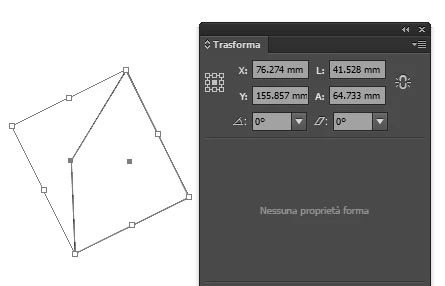
The angle should be there. But you can also take the line segment tool, have snap and smart guides turned on and then drag from one anchor point to the other. The transform panel will then tell you the angle.
Already have an account? Login
Enter your E-mail address. We'll send you an e-mail with instructions to reset your password.
 AdChoices