
Answered
How can I split these paths without outlining them?
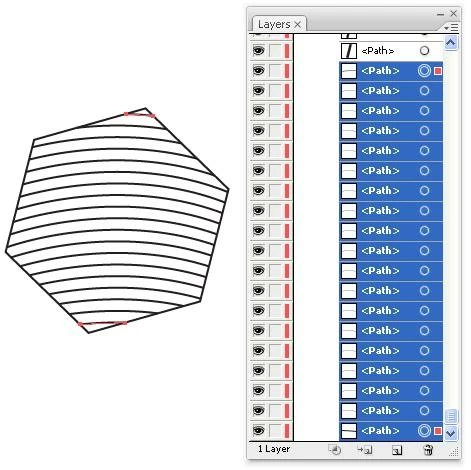
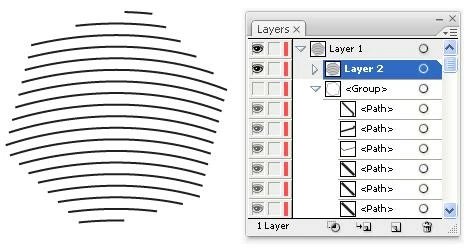
I have hundreds of shapes filled with a pattern of lines. I am trying to figure out a way to clip the lines without ending up with the lines that have been converted to (outlines) closed shapes. It seems like a simple proceedure but Illustrator keeps converting them to closed shapes whenever I try any type of clipping or cropping technique.
I have attached a screen shot showing an example of the shape with tthe line. Any suggestions would be greatly appreciated.



 AdChoices