Participant
April 13, 2020
Answered

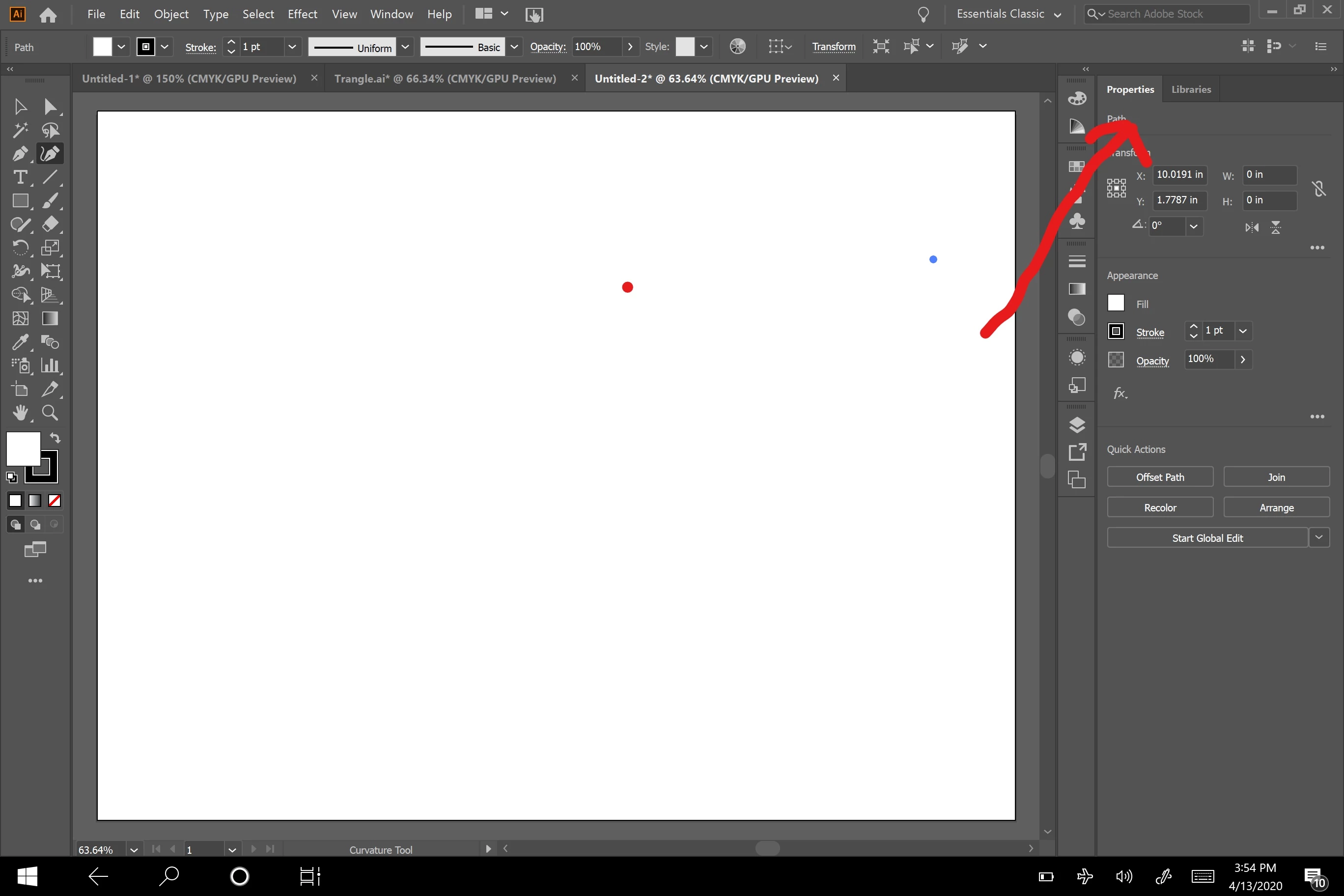
How do I bring the Layers Box back? I must have hit something...
  • April 13, 2020
  • 5 replies
  • 2127 views

How do I bring the Layers Box back? I must have hit something...



This topic has been closed for replies.
Correct answer tromboniator

Also in the Window menu.


Peter

5 replies

Ton Frederiks
Community Expert
Community Expert
April 13, 2020

If you select Window > Workspace > Essentials, you will see a Layers panel tab next to the Properties Panel.

Is that what you mean?

pixxxelschubser
Community Expert
Community Expert
April 13, 2020

I have no idea what the OP means exactly.


And yes - I saw the word Layers in the Properties panel.


But perhaps he only want to "group" the panels together … ???

Ton Frederiks
Community Expert
Community Expert
April 13, 2020

Yes, it shows what is selected.

Ton Frederiks
Community Expert
Community Expert
April 13, 2020

Have you ever seen Layers in the Properties panel?

pixxxelschubser
Community Expert
Community Expert
April 13, 2020

If I understand you right:


… and then actived your layer

Ton Frederiks
Community Expert
Community Expert
April 13, 2020

Window nenu > Layers?

RyanPA1Author
Participant
April 13, 2020

Thanks for getting back to me - I meant the properties tab - no Layers.  Any thoughts?

tromboniator
Community Expert
tromboniatorCommunity ExpertCorrect answer
Community Expert
April 13, 2020

Also in the Window menu.


Peter