


Answered
How do I combine this image's two lines into one
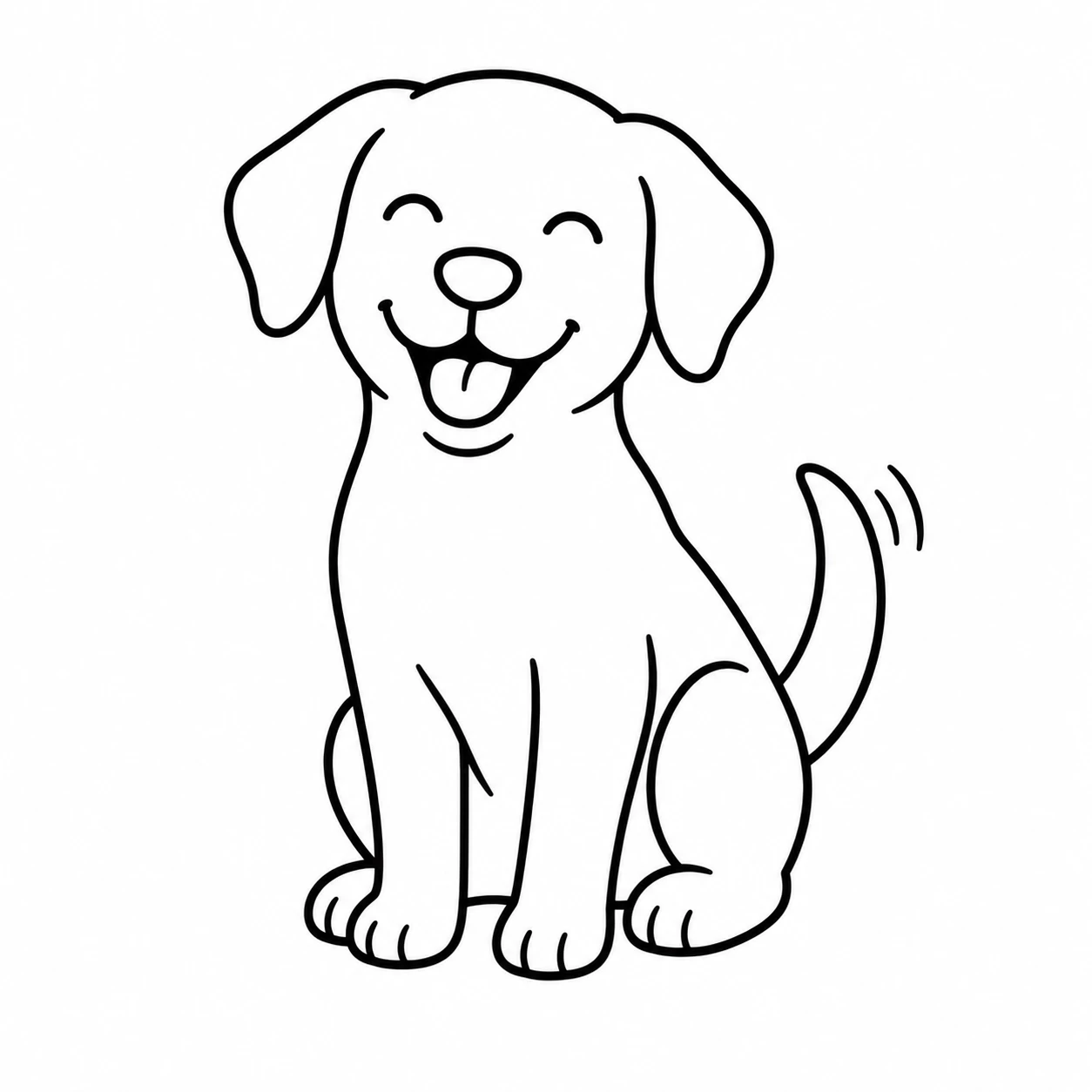
I am not sure what I am asking for here, but maybe it is a merge? That is why I can’t look it up. I had AI created an image that I need to be a vector file to move into CAD software. When I use AI 2026 and do a n image trace and expand I get the object with 2 lines that are adjacent to each there. I laser cutter/engraver does’t like this. Can you please tell me how to merge these lines if that is possible, or delete one set of lines? For some reason, I can’t upload the .ai file here, so here is the original that you may be able to recreate my steps.

 AdChoices