
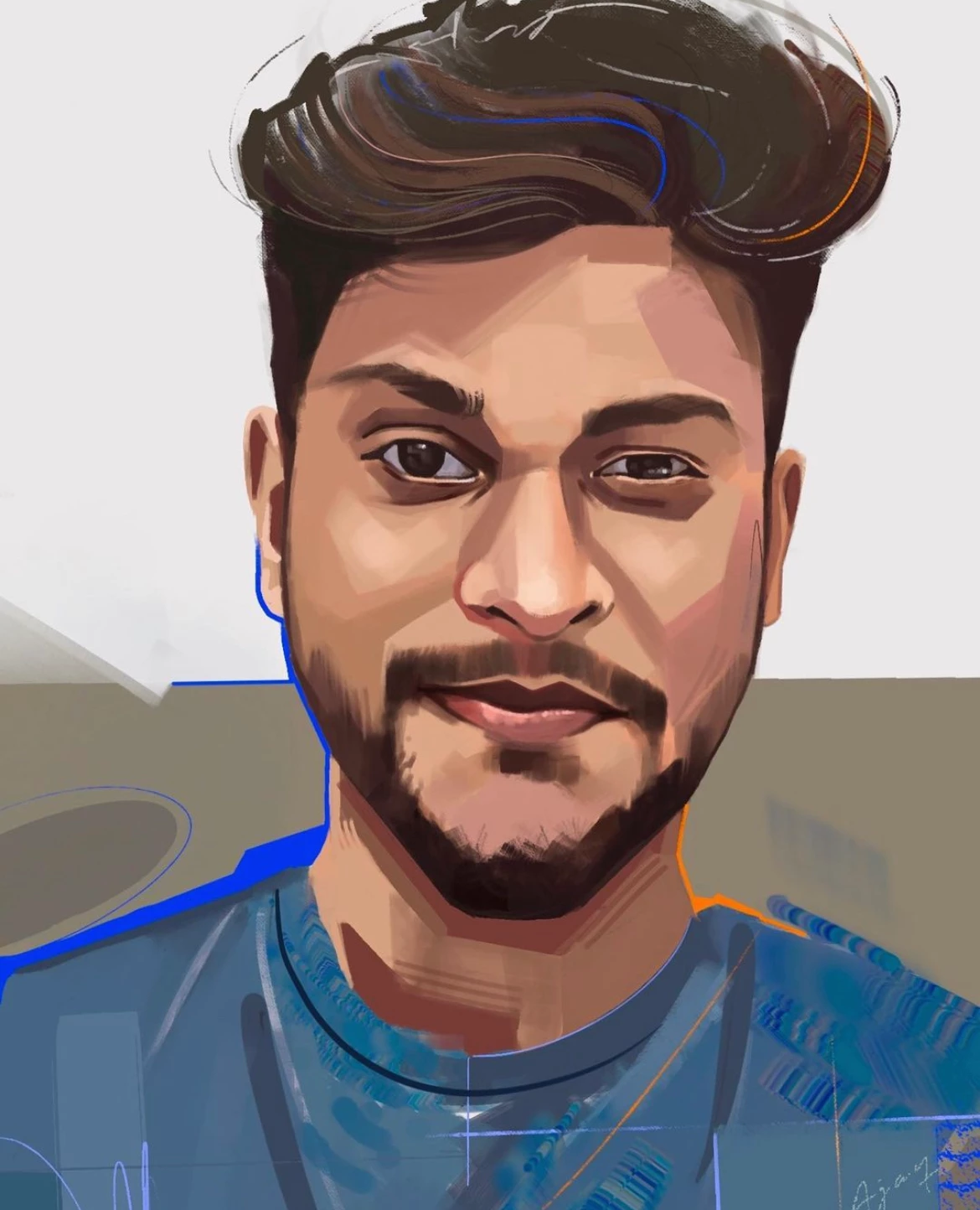
How do I create brush effects as shown in the below image.
I'm trying to recreate some brush effect art as in the below attached image.
Attached image is in (.ai) format and it is color editable.
I'm currently using Adobe illustrator - 27.1.1 version
- I've tried looking in the default brushes, no luck!
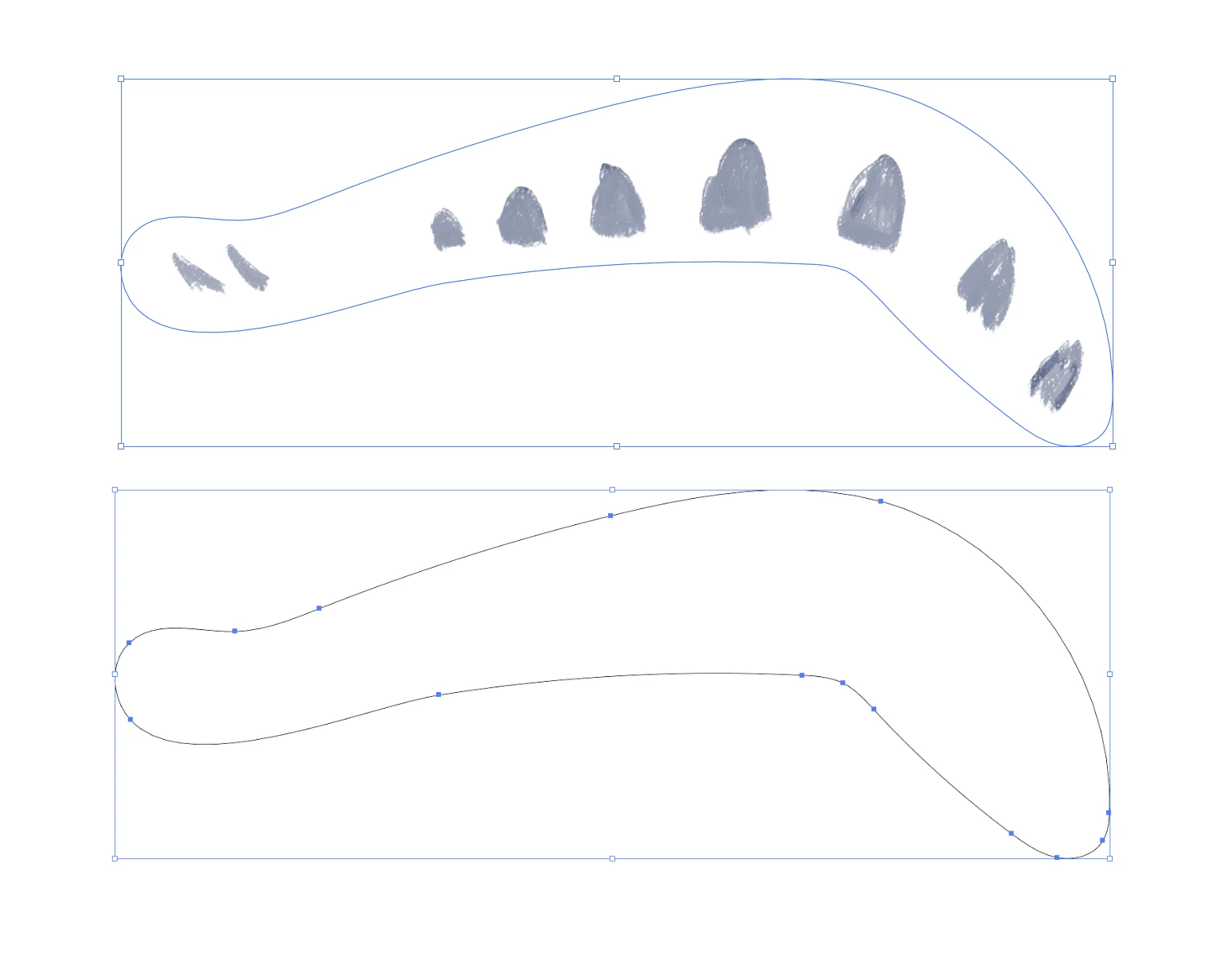
- I've tried importing brush created in photoshop, saved as PNG and then imported into illustrator, image traced and then added as brush. Im not able to achieve the same as in photoshop.
- I've tried looking for illustrator brushes online, no luck!
Is there any other method to create such brush effect in illustator (see image)
This seems like some simple steps to be done, I know how to create this look in photoshop but I need this to be vector and color editable. Any suggestions would be great!
Thanks!
 AdChoices