


Inspiring
July 22, 2026
Answered

How do I create individual vectors out of this pattern filled text?

  • July 22, 2026
  • 2 replies
  • 44 views

I have a simple line pattern that I am using to fill text.  How can I convert this all to individual vectors so it is recognized as individual components in an exported cutting (svg) file?
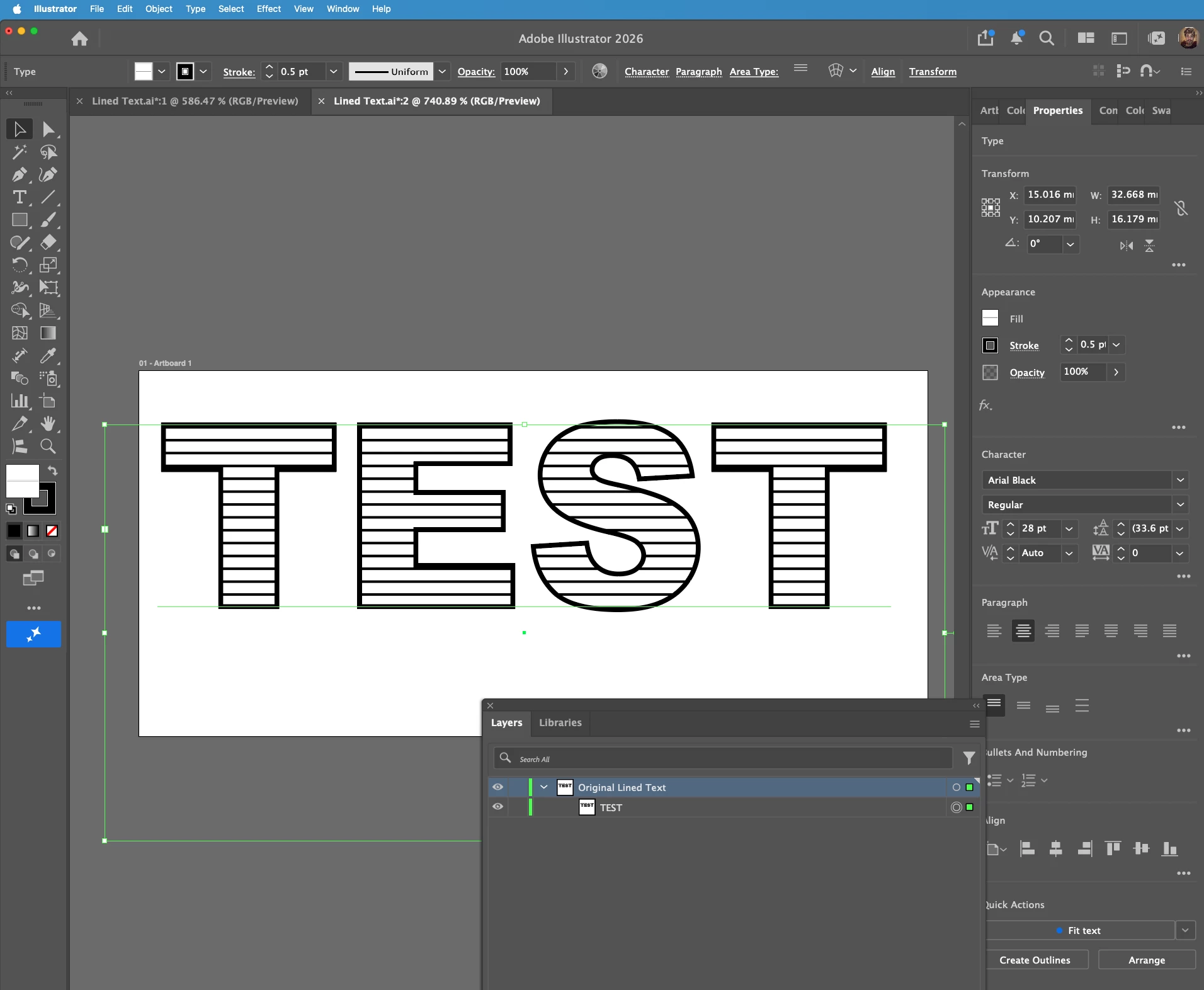


    Correct answer Monika Gause

    You need to expand the appearance. And then cut the lines, because there will be clipping masks. In order to keep the lines as lines (and not get shapes), you need to use a script for that - Split path: https://github.com/creold/illustrator-scripts/blob/master/md/Path.md#splitpath


    Check the layers panel after expanding.

    2 replies

    Ton Frederiks
    Community Expert
    Community Expert
    July 22, 2026

    @DoYouLikeHam 

    I would use a slightly different approch to avoid the complexity of working with patterns.

    I would duplicate a series of lines and send them to the back of some outlined text with a stroke and a fill.

    Select both the text and the lines and use the SplitPath script from Sergey Osokin that was mentioned by Monika.  https://github.com/creold/illustrator-scripts/blob/master/md/Path.md#splitpath

    Select Intersect and Keep original filled path.

    When done, change the color. 

    Monika Gause
    Community Expert
    Monika GauseCommunity ExpertCorrect answer
    Community Expert
    July 22, 2026

    You need to expand the appearance. And then cut the lines, because there will be clipping masks. In order to keep the lines as lines (and not get shapes), you need to use a script for that - Split path: https://github.com/creold/illustrator-scripts/blob/master/md/Path.md#splitpath


    Check the layers panel after expanding.
