
Cao.Arch
Participant
October 22, 2023
Question

How do I create randomized distribution of text, in Illustrator?

  • October 22, 2023
  • 2 replies
  • 1053 views

Hey You Guys!

I would greatly appreciate it if someone could explain to me how to recreate the randomly distributed text effect seen below.
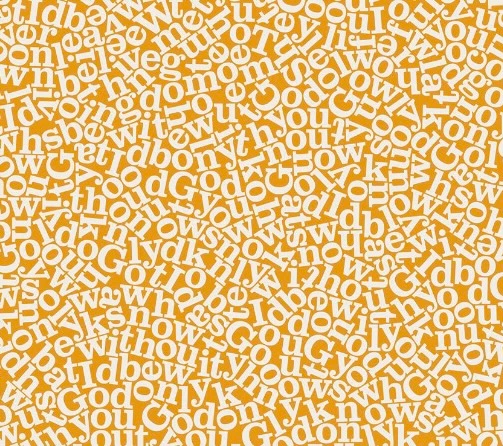
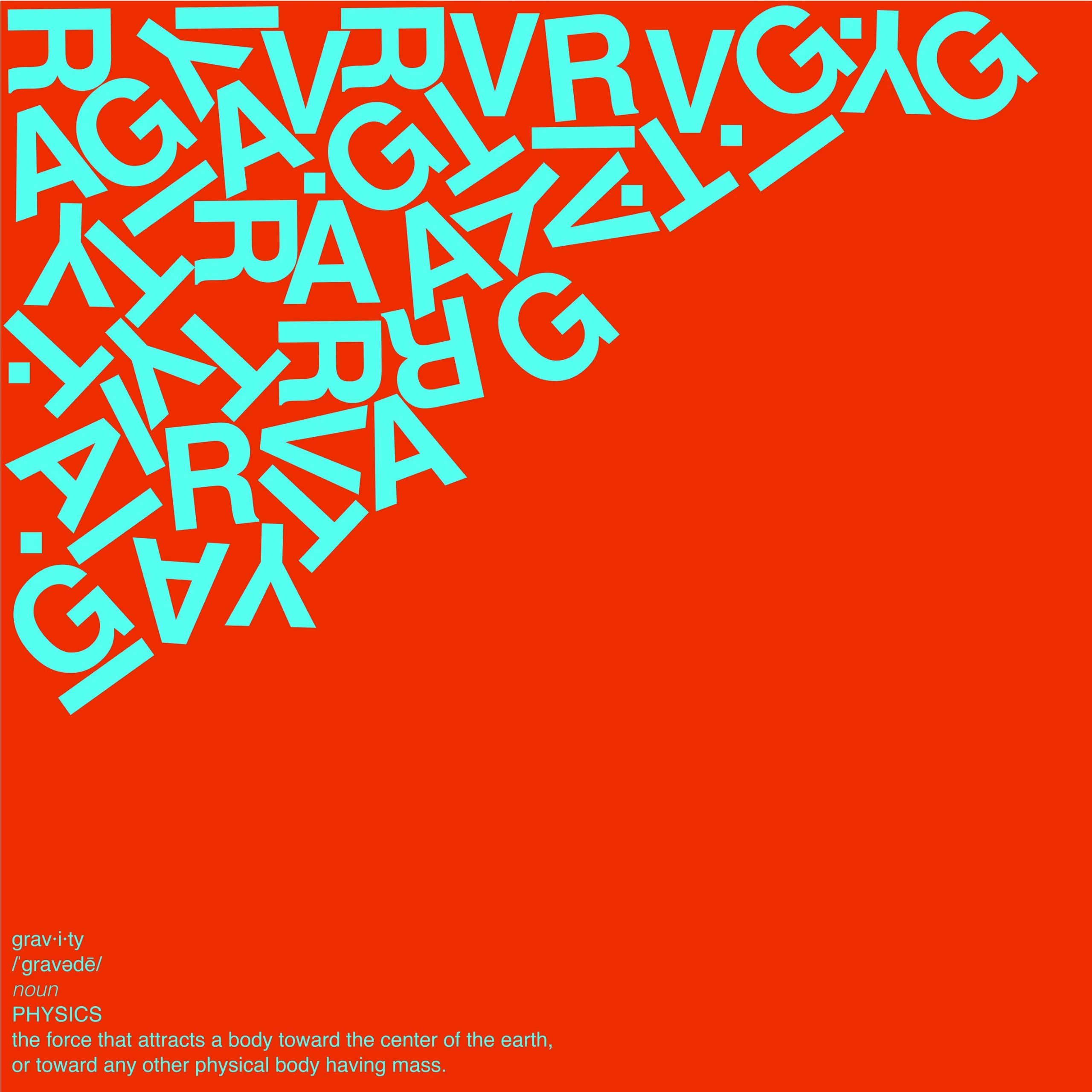
How do you recreate this effect, where it looks like randomly distributed and overlapping words of text? I know that in Adobe After Effects, there is a calculations effect that achieves something similar, but I would definitely appreciate it if anyone wouldn't mind explaining how to achieve this effect in Adobe Illustrator.


Huge Thank You!

This topic has been closed for replies.

2 replies

Community Expert
October 22, 2023

Astute Graphics' Space Fill plugin can reproduce this effect. But there is one drawback. The filter doesn't prevent shapes (or letters in this case) from overlapping each other. So a fair amount of manual editing will be necessary.

Cao.Arch
Cao.ArchAuthor
Participant
October 23, 2023

Hi Bobby Henderson,

Thank you for your response. I've tried the trial version, and I found it work for creating patterns, but in this case, I want it to have physical properties(like Physics Now on After Effect can make). Thank you and have a nice day!

femkeblanco
Legend
October 22, 2023

I was able to make this quickly with SVGnest, but using it will require lots of trial and error. 


Cao.Arch
Cao.ArchAuthor
Participant
October 22, 2023

Hi femkeblanco,

Thank you for your incredibly quick reply! I'll try it. I absolutely appreciate the response, THANK YOU!