Question
How do I cutout the black parts? (Stroke and fill)
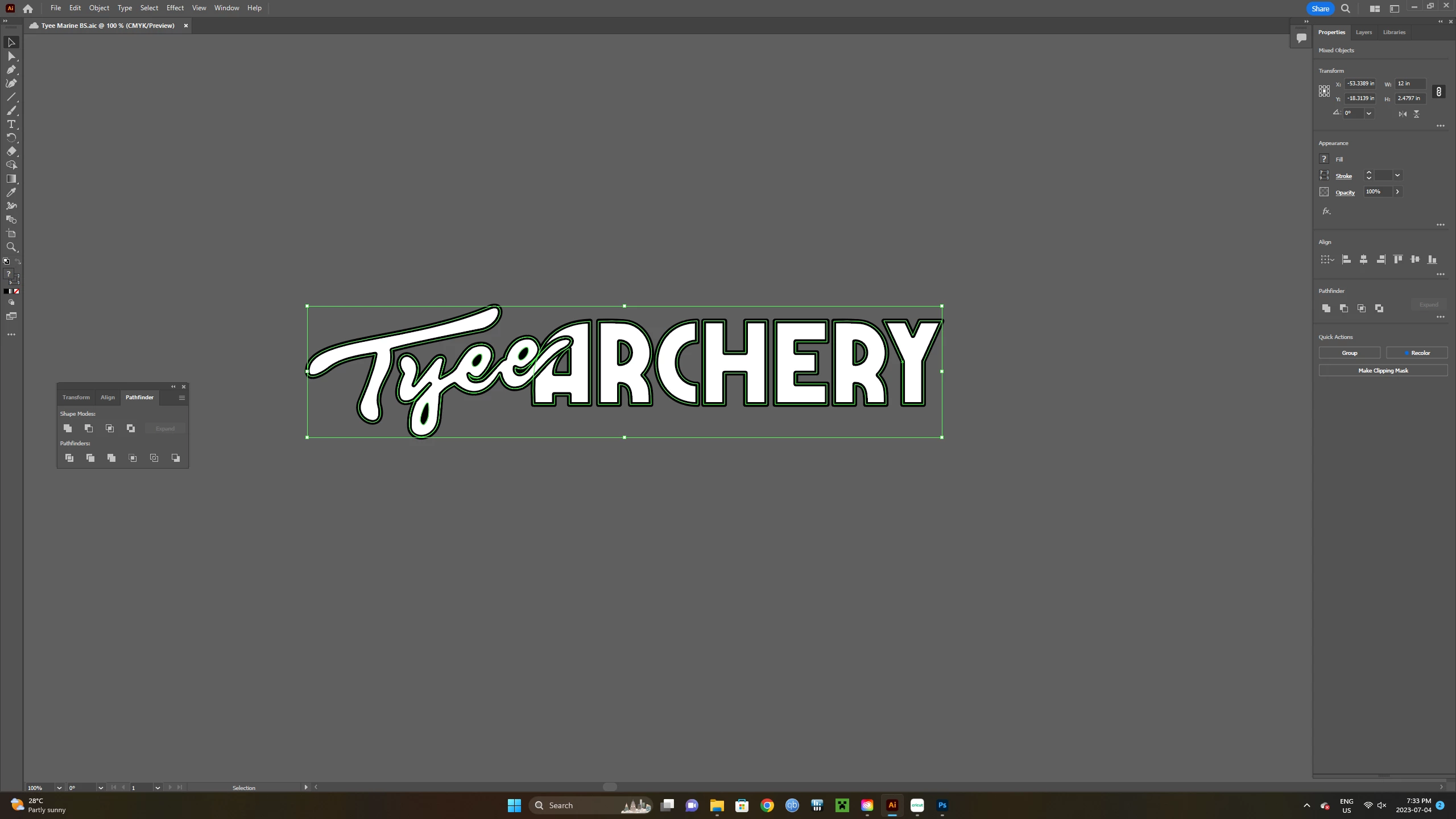
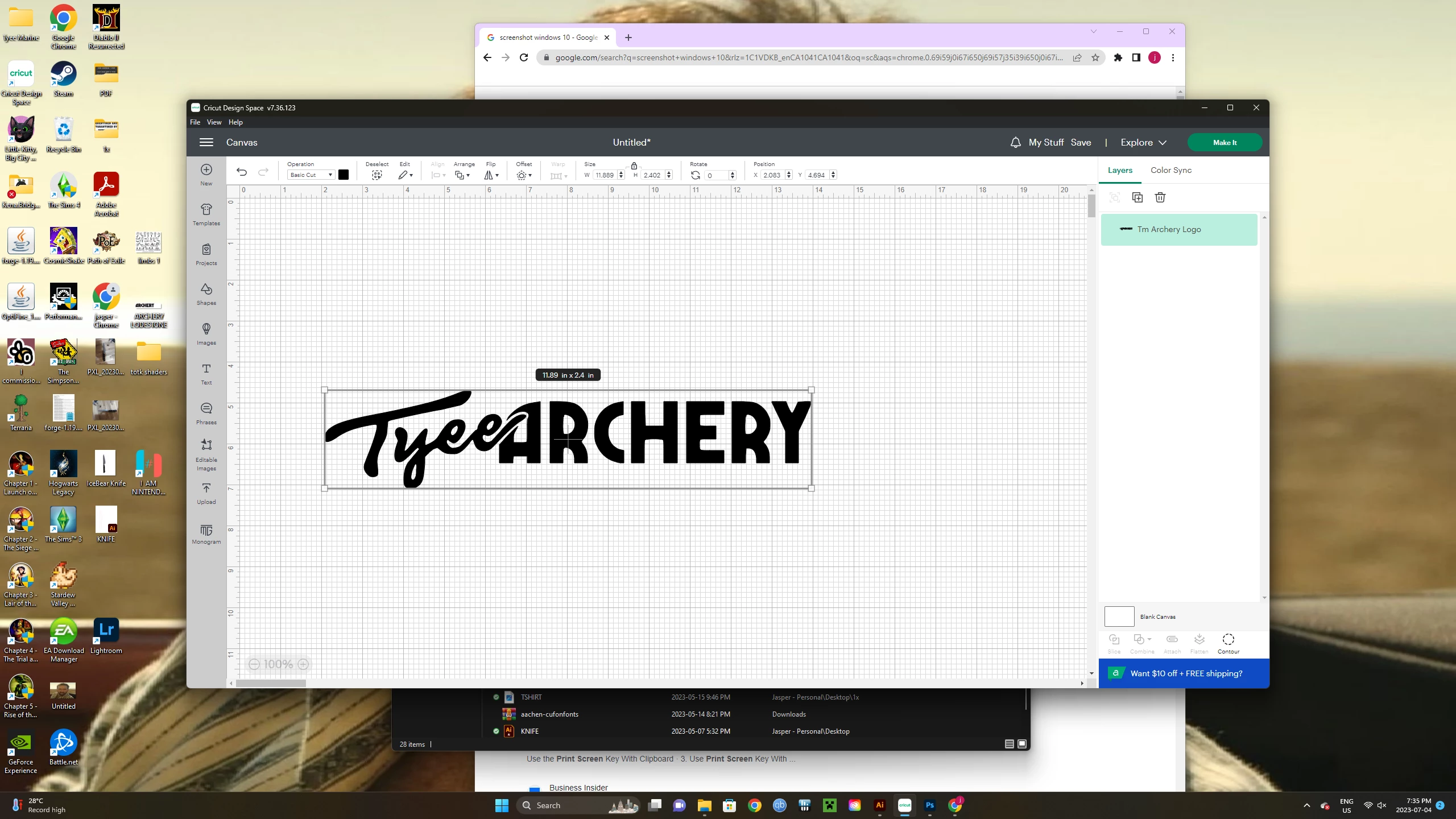
How do I cut out the black parts (stroke and fill) of the first image to get it to look like the second image? None of the pathfinder/shape modes do it. Can further explain if needed. This is to be used as a tshirt design
 AdChoices