Question
How do I expand a 3D graphic to Vector? in illustrator
It is a map for a Mall, before I used Adobe CS6 and it was easy to expand the graphics to 3D, but in this new version they complicated everything or I simply do not understand it.
I already created the map vector and used the 3D tool, so far so good. I want to expand (convert to vector), preserving the color.
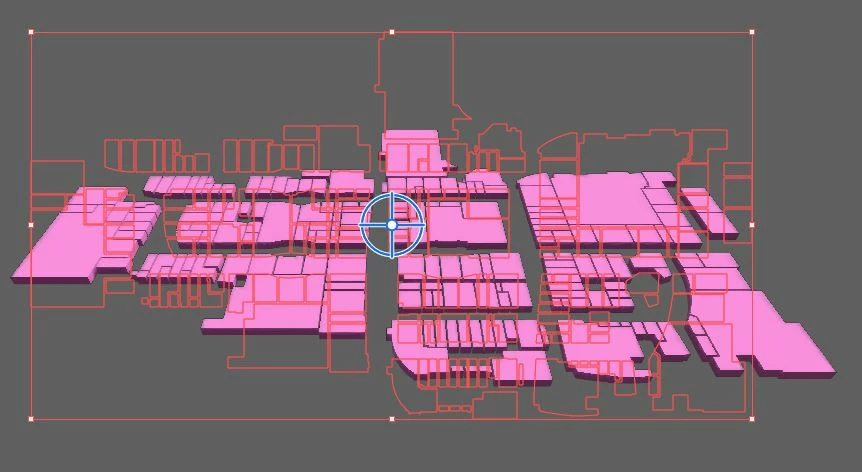
I click on convert to metal mesh and it appears like this:
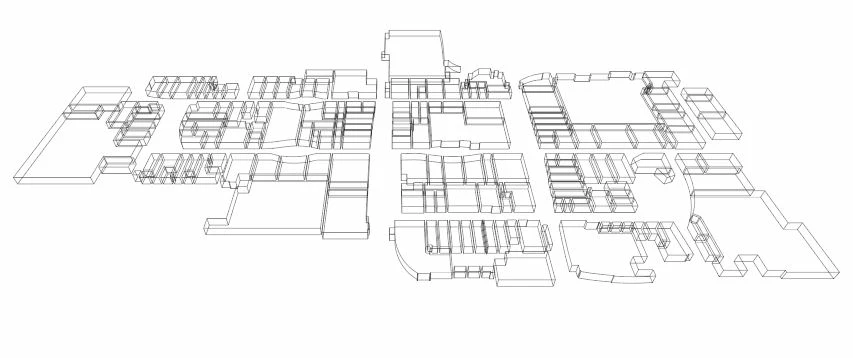
It's not what I want, before in Adobe CS6, one only pressed the expand button in the menu. But I can't find that function here.
This new version offers a render option, but it's not what I want.
I hope someone can help me, because I can't find anything on YouTube or other places.
Thanks
 AdChoices