Ton Frederiks
Ton FrederiksCorrect answer
Community Expert
March 1, 2025

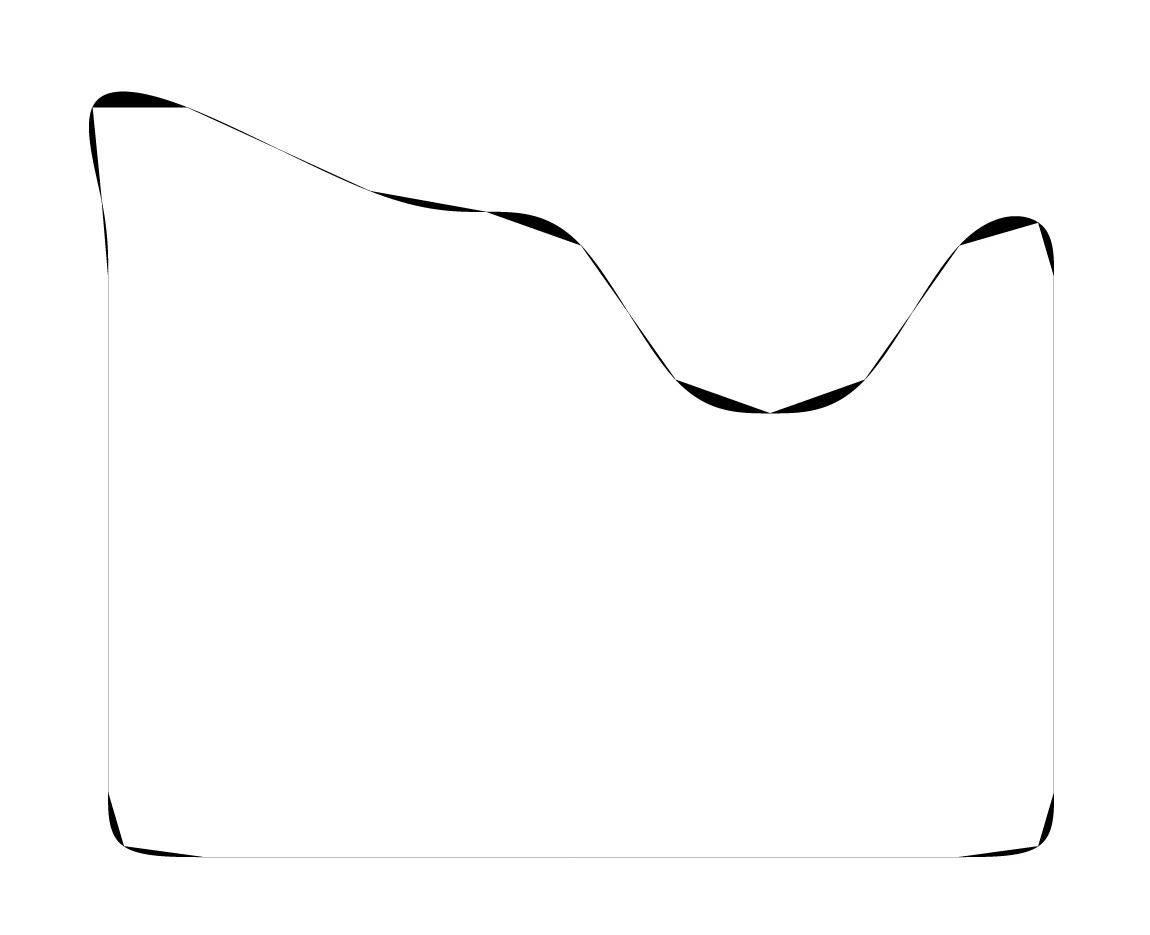
As Jacob noticed, you have many open paths.

You can try to select them all, hit Cmd or Ctrl K and use Live Paint to fill it.

https://helpx.adobe.com/illustrator/using/live-paint-groups.html


4 replies

Ton Frederiks
Community Expert
Ton FrederiksCommunity ExpertCorrect answer
Community Expert
March 1, 2025

As Jacob noticed, you have many open paths.

You can try to select them all, hit Cmd or Ctrl K and use Live Paint to fill it.

https://helpx.adobe.com/illustrator/using/live-paint-groups.html


Translate
firash77511400
Participant
March 1, 2025

Worked.  thanks alots


Translate
Ton Frederiks
Community Expert
Community Expert
March 2, 2025

Good to hear that worked.

Translate
Jacob Bugge
Community Expert
Community Expert
March 1, 2025

firash,


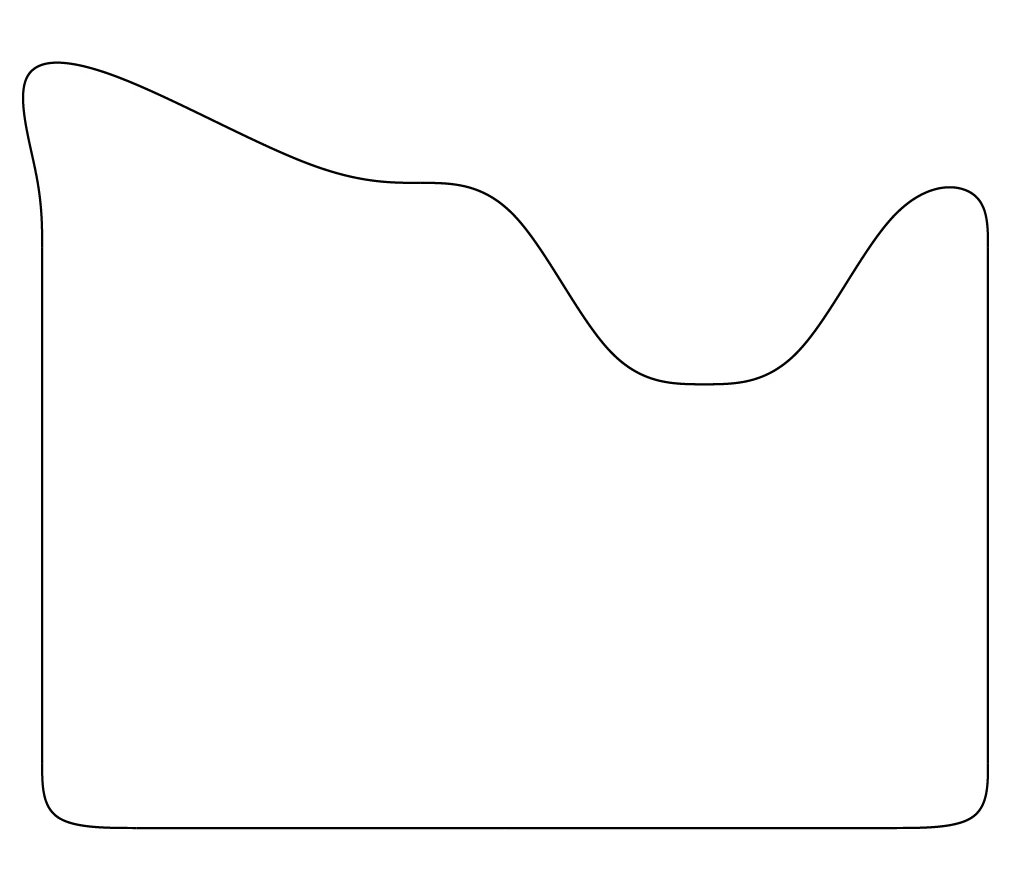
The top image shows that you have a number of open paths, the straight fill of curved paths ending at the end Anchor Points.


How have you tried to join them?


Are the open end Anchor Points of adjacent path coinciding or a bit off?


The best solution depends on the required quality of the artwork.


Translate