Participant
June 3, 2026
Answered

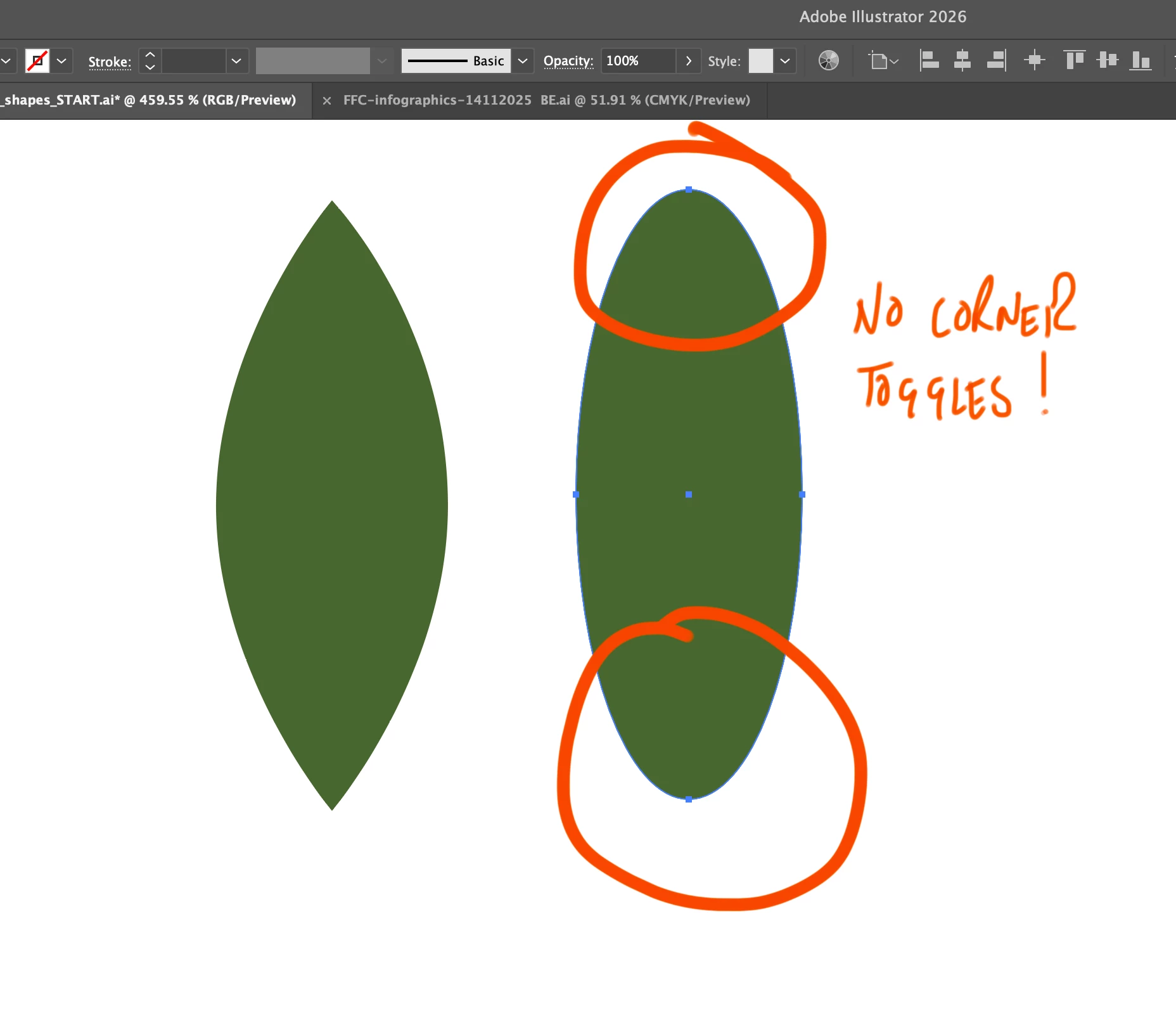
How do I get corner toggles to show up on this shape?

  • June 3, 2026
  • 2 replies
  • 34 views

Hi, I’m learning a few things on Illustrator and  need help creating a shape like the first image with corner toggles on each end to create a sharp point. It looks like it was made with the ellipse tool, but obviously not. 

Does anyone know how this shape was made as it seems circular? I need to re-create it and would appreciate the help. Thanks
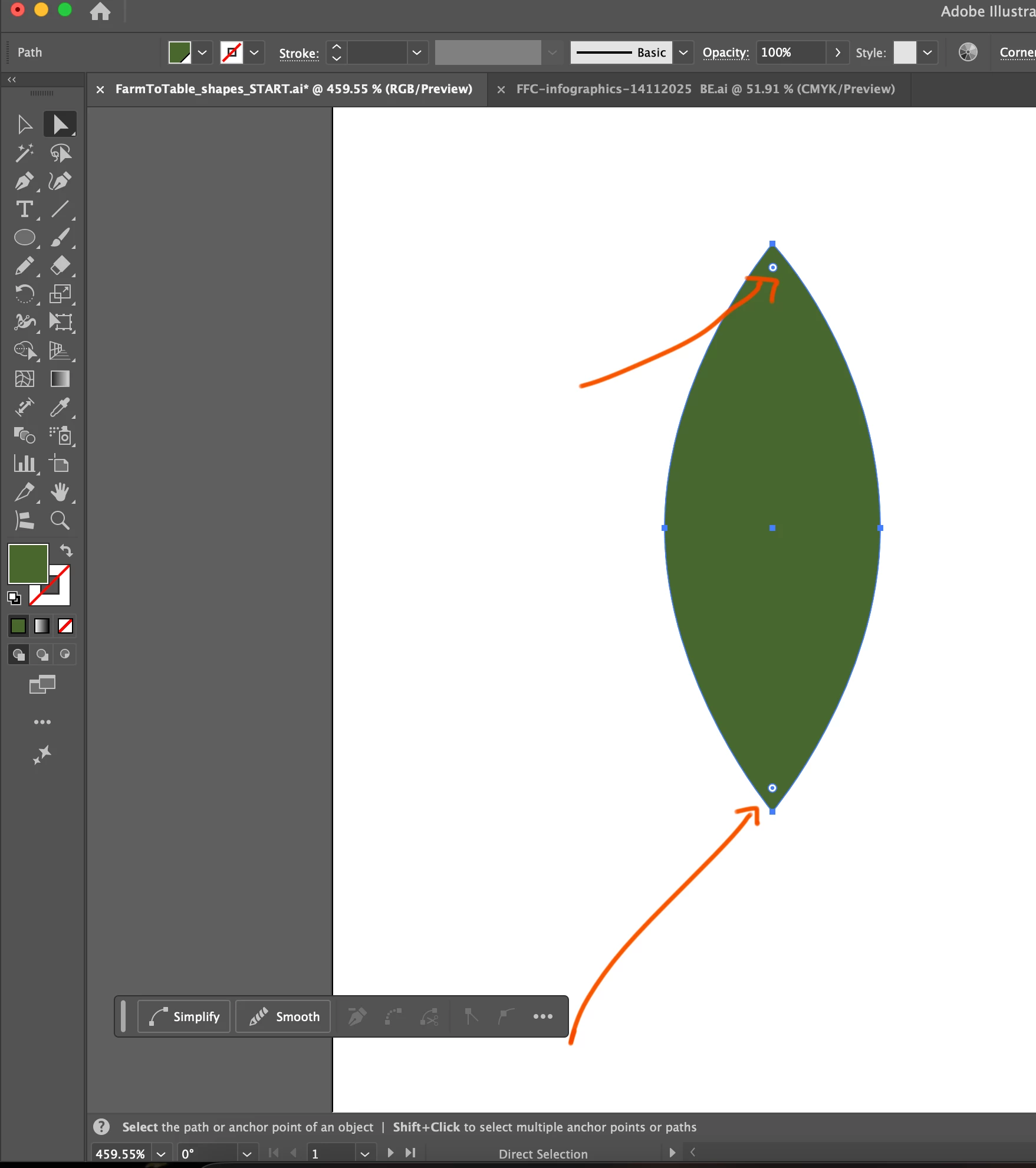
 

Shape with corner toggles


    Correct answer pixxxelschubser

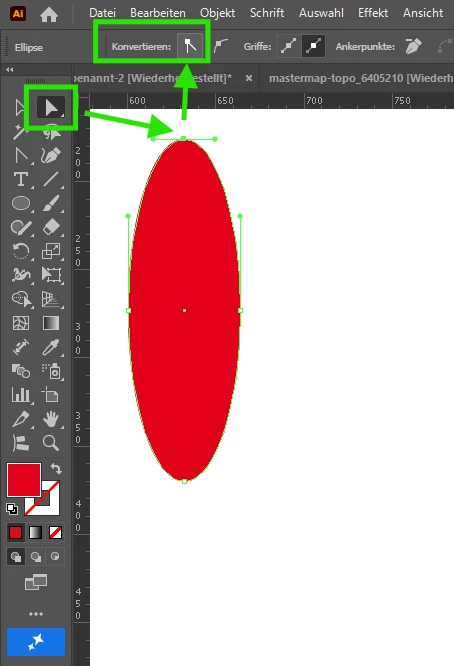
    There's a reason for that. The “corners” you're showing aren't corners—they're curves.

    Select one anchor with Direct Selection Tool. Then use the convert button to convert the anchor.


    2 replies

    Bex5C51Author
    Participant
    June 4, 2026

    Spot on. Thanks so much for taking the time to show me that. 

    pixxxelschubser
    Community Expert
    pixxxelschubserCommunity ExpertCorrect answer
    Community Expert
    June 3, 2026

    There's a reason for that. The “corners” you're showing aren't corners—they're curves.

    Select one anchor with Direct Selection Tool. Then use the convert button to convert the anchor.