
AriSR98
Participant
October 27, 2018
Answered

How do I invert the colors of a placed cropped image?

  • October 27, 2018
  • 2 replies
  • 20810 views

So I am having a little bit of trouble, I got to the point that I cropped an image by creating a duplicate layer, but whenever I try to invert the layer's color to invert color or convert to grayscale, nothing occurs. Is there some other way to invert the colors of a placed image?
This topic has been closed for replies.
Correct answer tromboniator

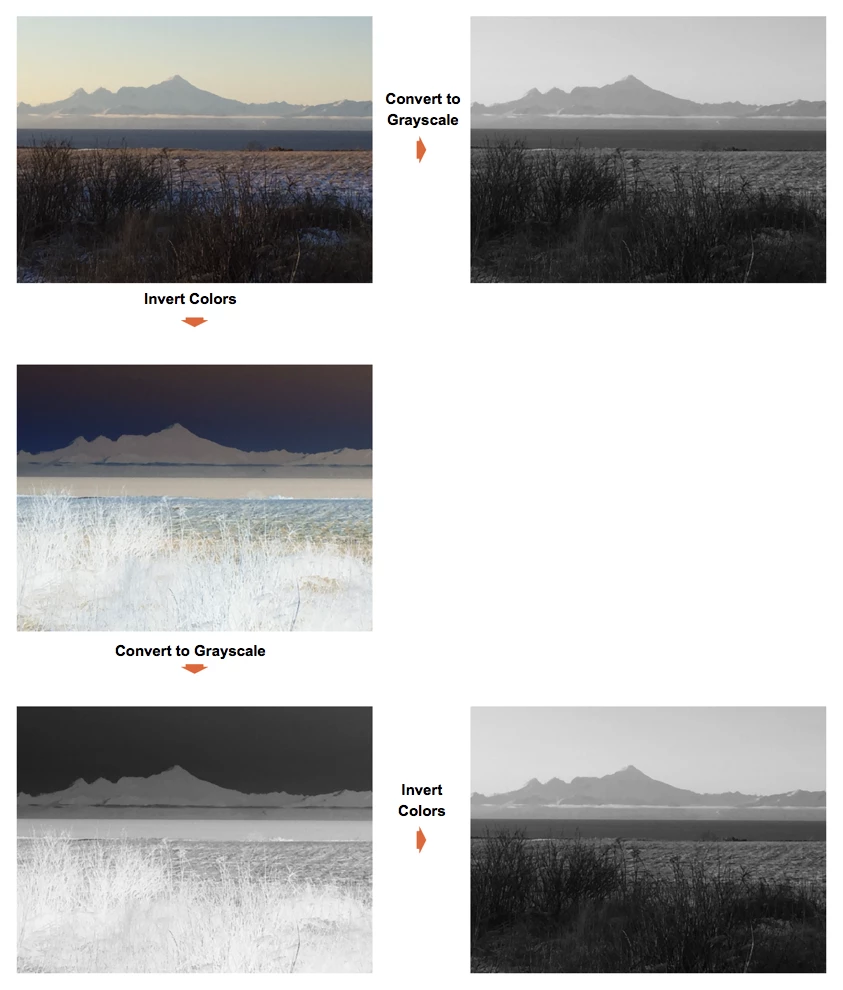
What you're saying doesn't seem to make sense in Illustrator. Creating a duplicate layer doesn't crop anything, and a layer doesn't have a color to invert. You can crop an image by Clicking on Crop Image in the Control bar and adjusting the handles that appear, and you certainly can invert colors (or convert to grayscale) an embedded image by going to Edit > Edit Colors > Invert Colors (or Convert to Grayscale).

2 replies

Inspiring
October 27, 2018

you don't do that in illustrator. you can play with opacity effects, like draw a white square over you image and change it's opacity to color and that will make your image black and white. but you can't do actual inversion of a raster image. you'll need photoshop for that.

AriSR98
AriSR98Author
Participant
October 27, 2018

An update on the issue, now when I select invert color, it converts it entirely to White, and with grayscale, nothing happens to the placed image.

tromboniator
Community Expert
tromboniatorCommunity ExpertCorrect answer
Community Expert
October 27, 2018

What you're saying doesn't seem to make sense in Illustrator. Creating a duplicate layer doesn't crop anything, and a layer doesn't have a color to invert. You can crop an image by Clicking on Crop Image in the Control bar and adjusting the handles that appear, and you certainly can invert colors (or convert to grayscale) an embedded image by going to Edit > Edit Colors > Invert Colors (or Convert to Grayscale).