
Question
How do I make a circle 2 different colors
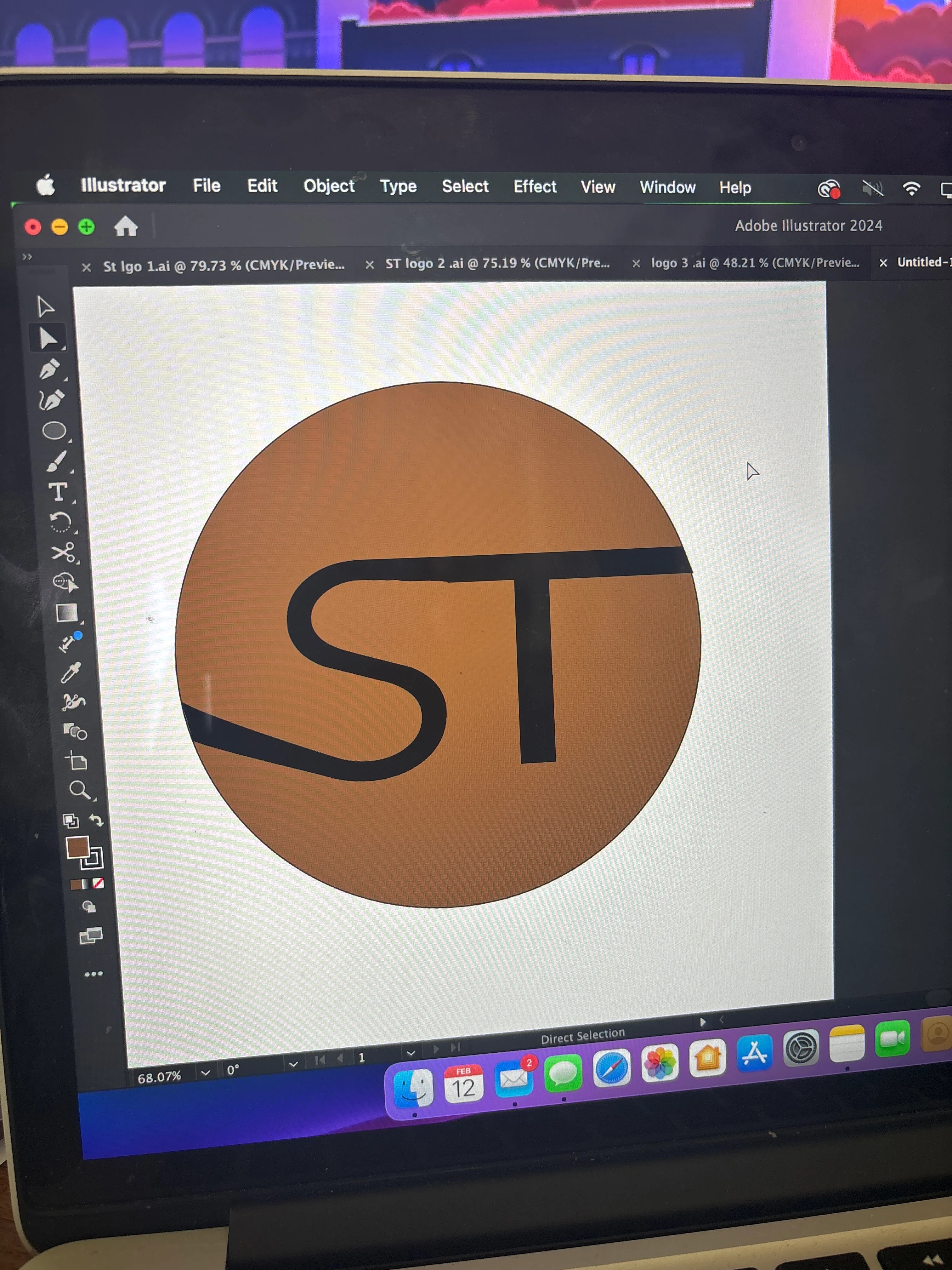
Hi,
im VERY new to illustrator and Adobe altogether, but I have been assigned a class project to create a personalized logo for our first Adobe project. My issue right now is making a logo that has 2 diffrent colors above and below the text in the middle. I would like the entire logo to be a circle with my initials in the middle. I above the letters I want it to be red and below I want it be to black but I can't seem to figure out the right way to cut the shape and make it happen. I'll attach some pictures to hopefully help with what I'm trying to do. THANK YOU!


 AdChoices