

How do I make a vintage effect using a mask with compound paths.
Hi everyone.
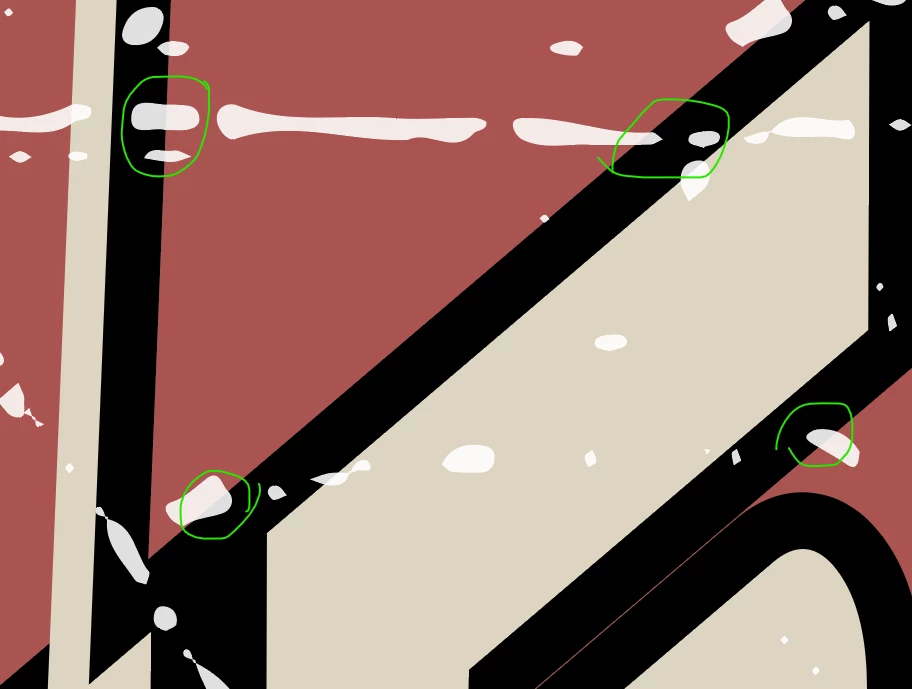
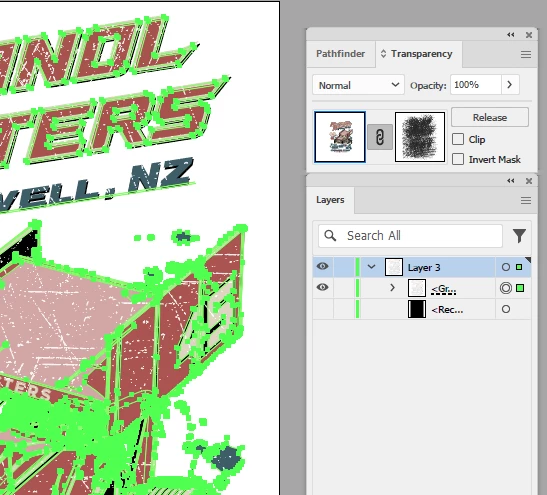
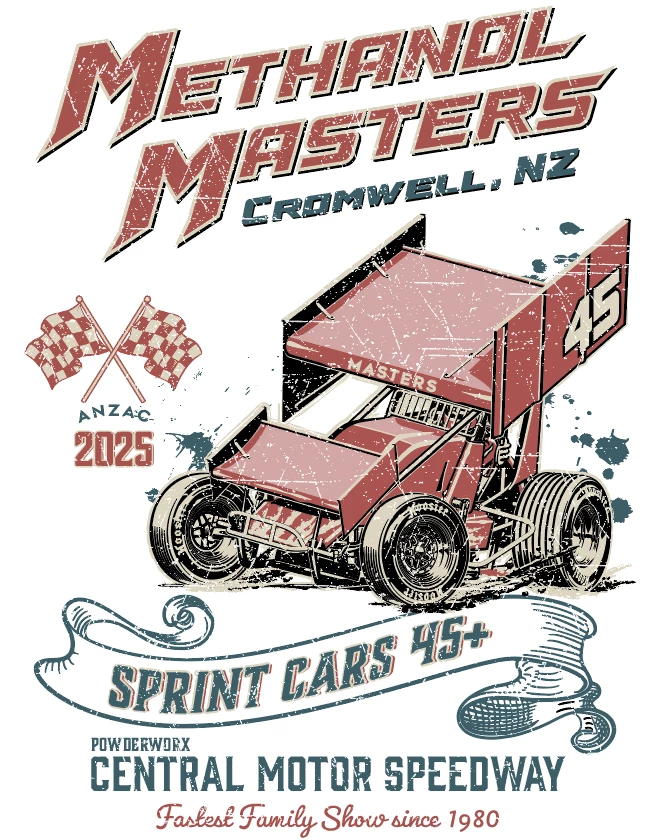
I'm an experienced Photoshop and Indesign user still learning about Illustrator. I do still struggle and will often watch YouTube "how-to" tutorials. I am trying to create a design for a vintage tee. I have almost achieved this however my lack of experience in masks and path knock-outs has me falling just short. I can't seem to get the mask to fully cut out the underlying objects. There seems to be a slight opacity showing through. See attached screenshots. Circled in green is what shows me that the areas will print in white rather than be transparent.
I am wanting the white dots, scratched areas to be transparent and not print, therefore having the tee fabric showing through after printed/pressed.
Apologies if I'm not writing the correct terminology to explain things.
Thanks in advance to all that have a helpful response, Tania


 AdChoices