You need this with personalization? Or just how to do it generally?
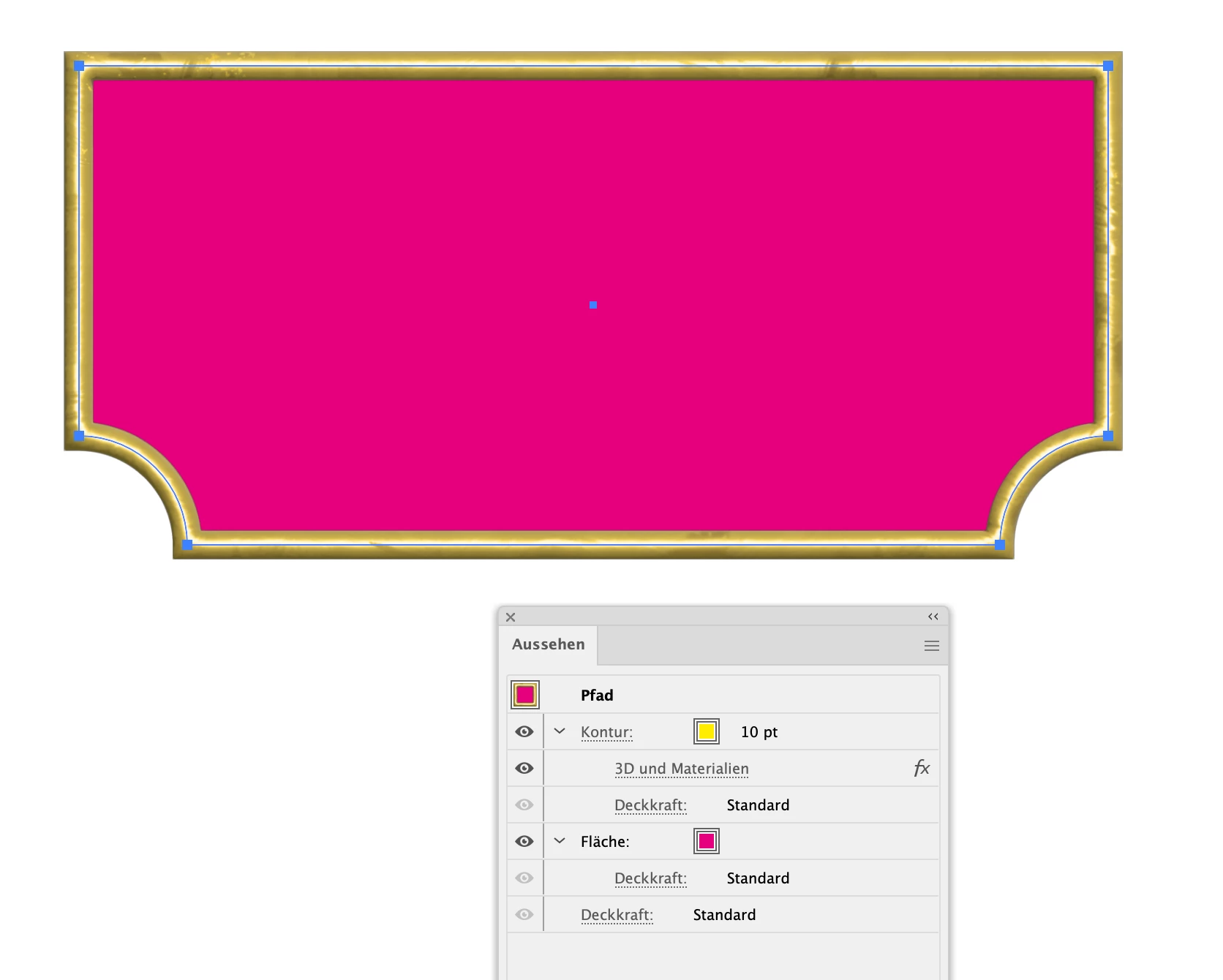
Generally: draw a rectangle and then make the 2 bottom corners with inside rounding in the transform panel or using the widget.
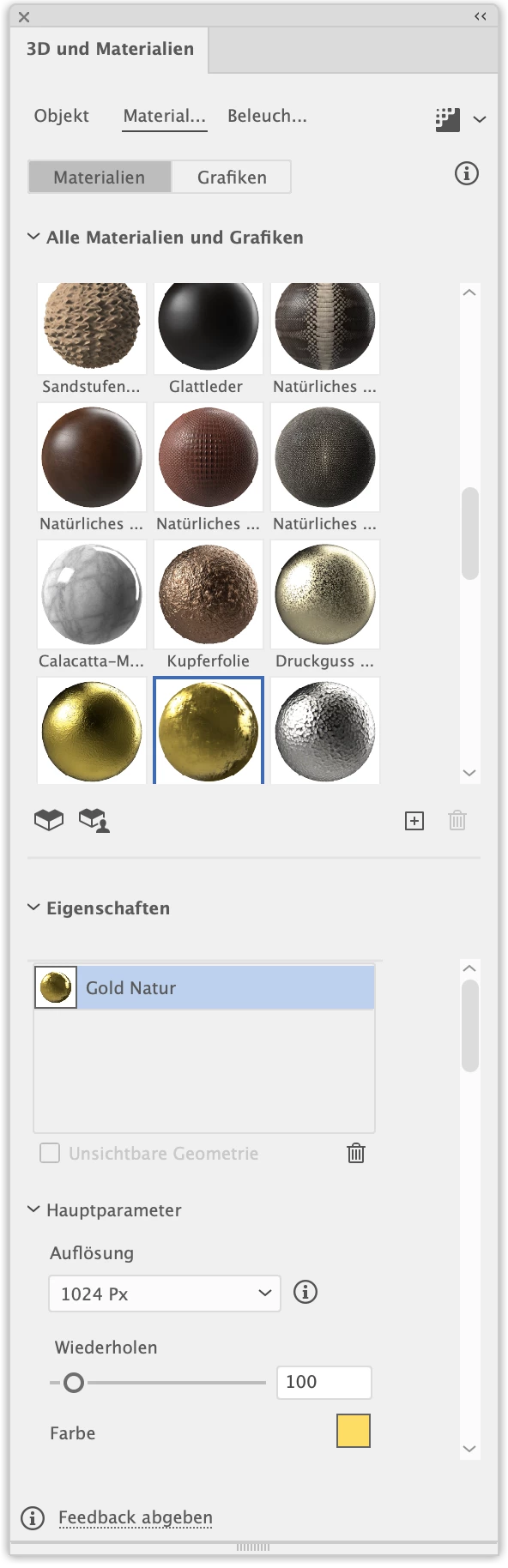
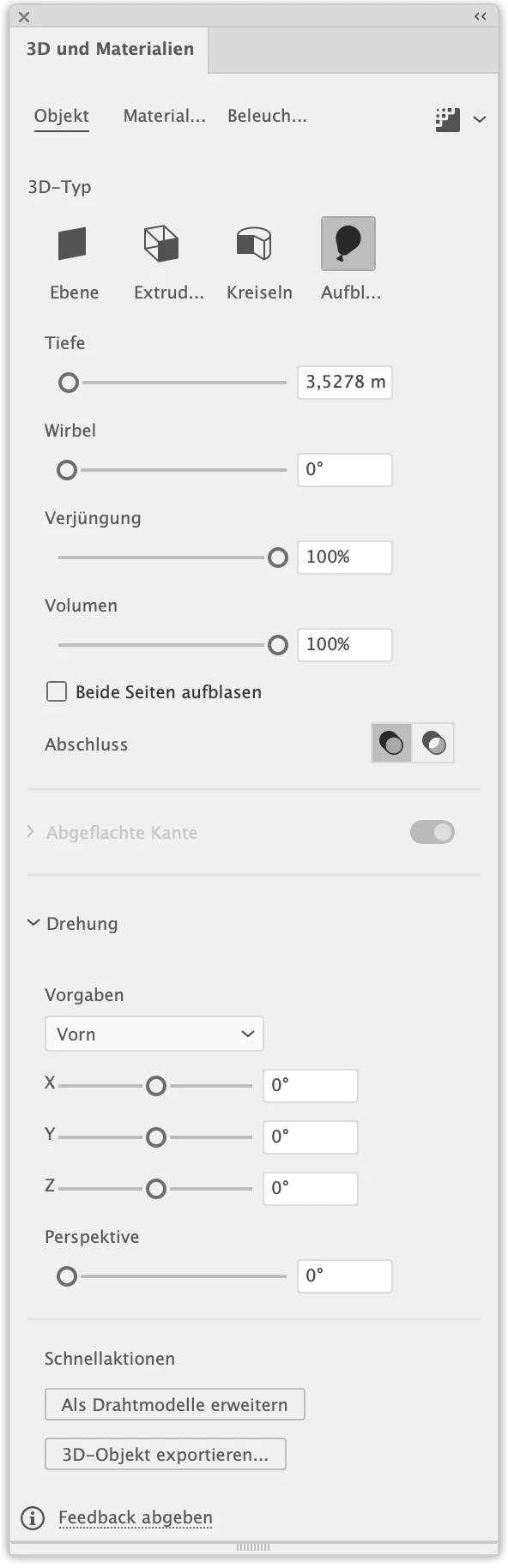
Then apply a fat stroke and apply the 3D & materials Inflate just to that stroke in the Appearance panel. Set the material to Gold and adjust to your delight
For the text: you could apply a gradient to it or also use 3D & materials.
Gradient on text: How to apply a gradient to text in Illustrator
3D: https://helpx.adobe.com/illustrator/using/create-3d-graphics.html
Appearance panel: How to Use And Read Illustrator's Appearance Panel
Shapes: https://helpx.adobe.com/illustrator/how-to/shapes-basics.html

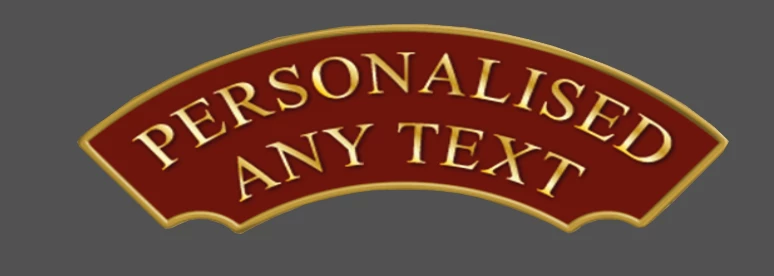 help would be appreciated.....Anyone know how i'd go about making a sign like this with the bevelled edge and gradient light effect please?
 AdChoices