
Question
How do I minimize transparent background when exporting artboards as separate files(PNG)?
I have 10 artboards with 10 different transparent images I want to export as separate PNG files (and SVG if possible).
I know to get rid of deadspace on one artboard you go to Export> Save for Web> Uncheck 'clip to artboard'> Save
I know to save multiple artboards as separate files you go to Export> Save for Screens> Check the artboards you want> Export artboard.
But is there a way to combine these so I don't have to manually crop the deadspace in each file I mass export?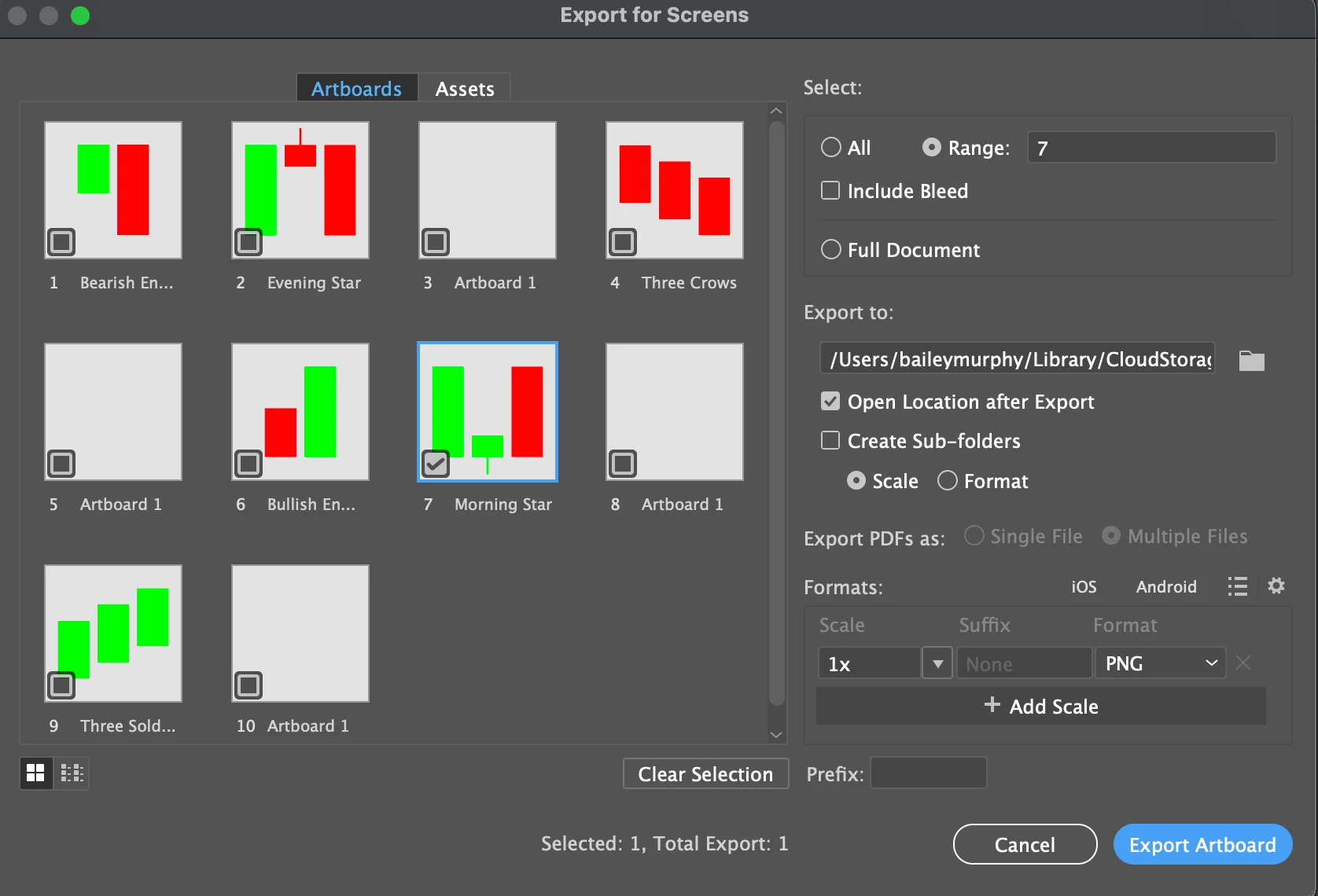


 AdChoices