Participant
January 19, 2018
Answered

How do i remove mesh apparent edge?

  • January 19, 2018
  • 1 reply
  • 398 views

I just bought this smoke effect AI file from adobe stock and the edge of the mesh appear for a reason i don't know. Might be something stupid but i never worked with mesh before.
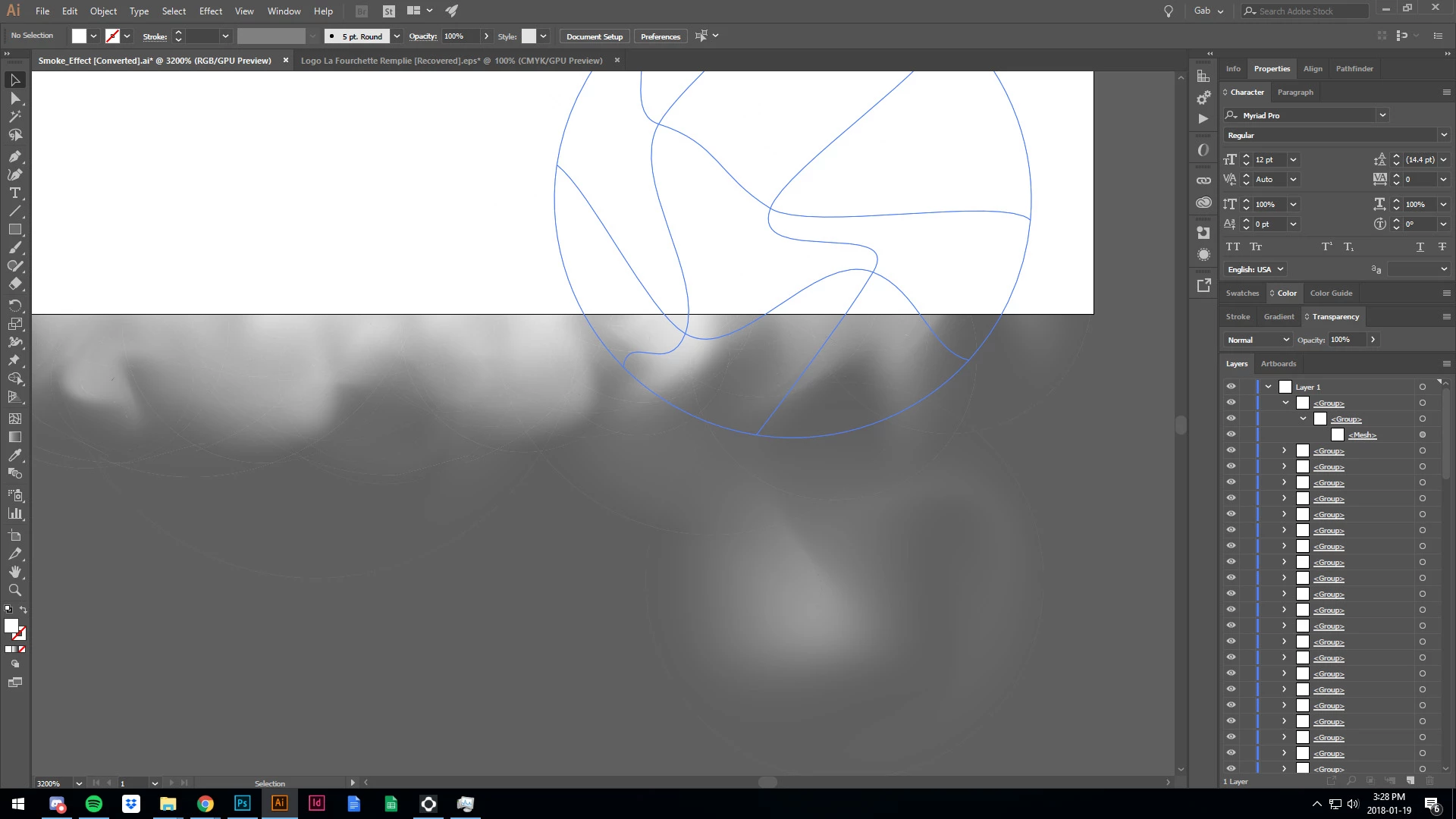
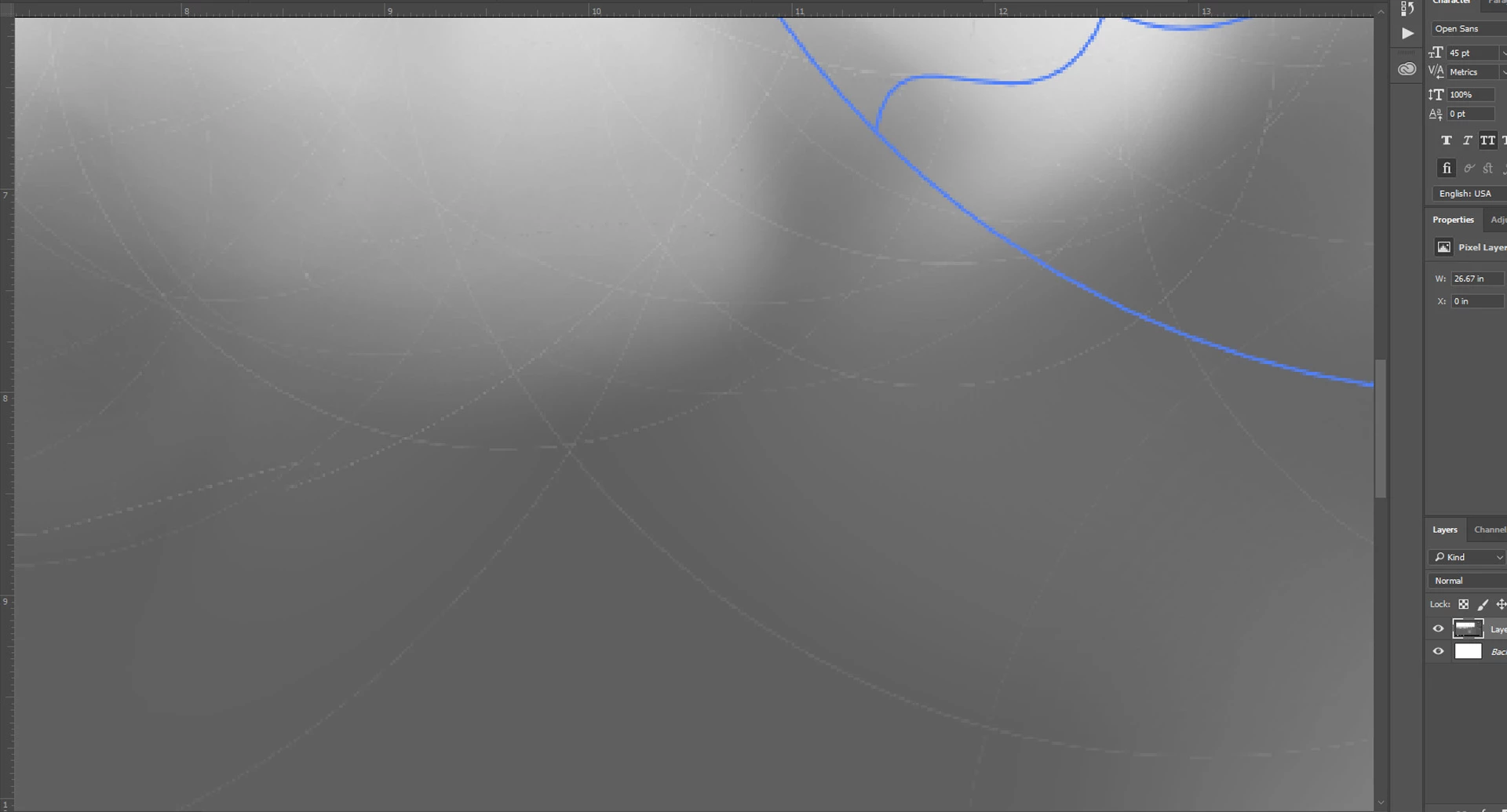
I just want them to disappear... please help

Thank you

This topic has been closed for replies.
Correct answer Monika Gause

There are not only meshes, but also quite a lot of masks and who knows what else. Those circles might be the result of it. They could also be the result of flattening or whatever. Probably they won't show when printing.

Why this happens could be that the file hasn't been created in the best way or you have opened the file in a lower version.

Can you tell us the file number, so someone can check the file?

1 reply

Monika Gause
Community Expert
Monika GauseCommunity ExpertCorrect answer
Community Expert
January 20, 2018

There are not only meshes, but also quite a lot of masks and who knows what else. Those circles might be the result of it. They could also be the result of flattening or whatever. Probably they won't show when printing.

Why this happens could be that the file hasn't been created in the best way or you have opened the file in a lower version.

Can you tell us the file number, so someone can check the file?