How do I remove the white background in shadow (mesh)
I purchased some shadows from Adobe Stock but I am having a problem with exporting them. When exporting, I want a fully transparent shadow, but the white within the actual mesh (shadow) stays. Is there a way to either export without the white background? Or how do I remove it within the file? These shadows are labeled as "mesh" which I am not familiar with. My Illustrator skills are not the greatest, I'll admit. I primarily use PS and DW.
Here is a shadow as it appears when I first open up the file.

NOTE: The checkered background is actually an image. So I find that layer and turn it off.
Next, I see this:

Here is a screenshot of the shadow when I click on it. In the Layers panel, it is labeled <mesh>:
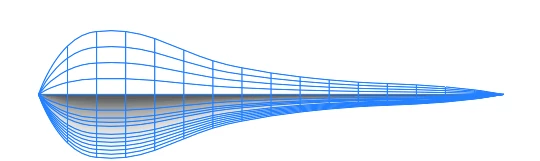
After I export as a transparent .png, this is what I get.
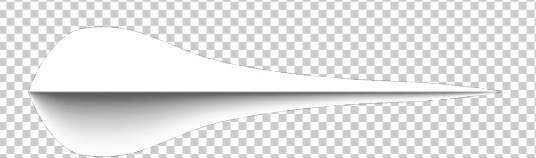
How do I get rid of the white?
Additionally, I have a separate question... is there a way I can contact an Adobe Stock contributor? I thought I'd contact he person that created the file directly, but I am unable to find a way to contact them.
I have also attached the file in addition to the screenshots in this question.
Please help. Thanks!
Michelle Line
 AdChoices