



Answered
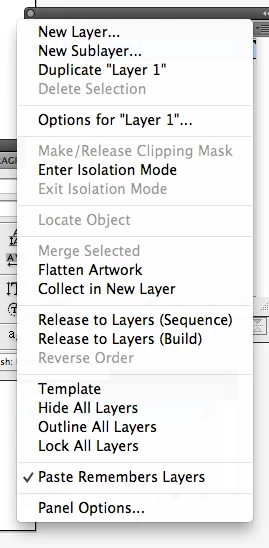
how do I retain sub layer names when pasting layers from one Illustrator document to another???
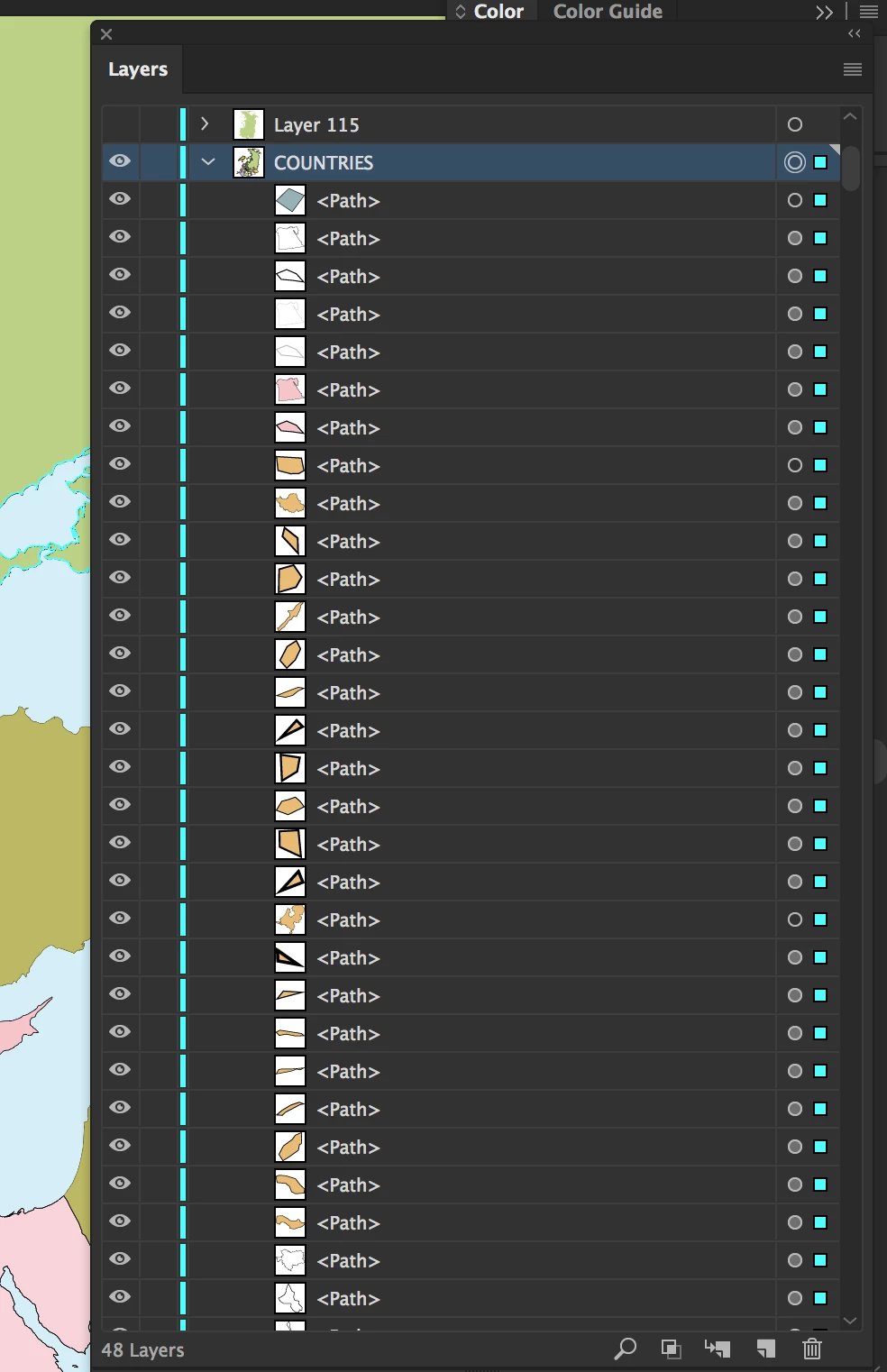
I'm working on a map where 33 countries are 33 sublayers within a "countries" layer. The problem is that when I copy and paste my "countries" layer from one Illustrator map file into another map file, the 33 sublayer country names are gone and replaced by hundreds of of sub layers called "path". How can I prevent this from happening? I want my country sublayers to show up in the illsutrator file I'm copying to and not be replaced by hundreds of "path" sub layers.


 AdChoices