
How do I save as PNG without showing alpha channels?
I may not be referring to alpha channels correctly, but here the situation:
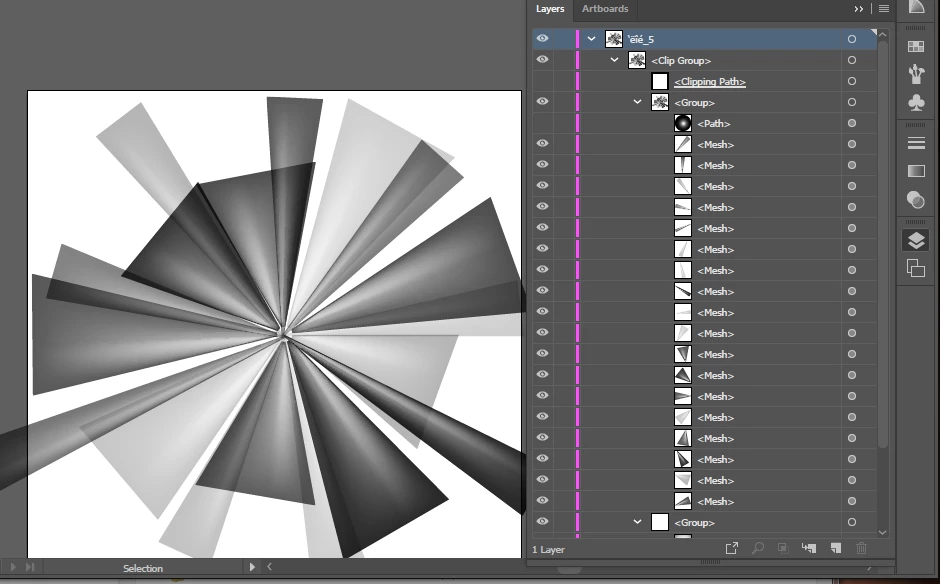
I have an EPS from a stock-image service that contains a white starburst image (with lots of gradient internal transparency) on a transparent background. I've got it opened in Illustrator, and I see a black/gray background around the white image piece in each of the layers (is that the alpha channel?) How can I save this as the flat white starburst on a transparent background? "Export as PNG" retains the black/gray backgrounds that I see in the layers. (I used "Export as" rather than "Save as" because "Save as" did not have PNG as a choice. The image is CMYK, but doesn't need to be -- I don't know how to change it to RGB.)
Here is a screen shot of what I see in Illustrator, and the "Export as PNG" file (the little picture).
The third picture is the preview JPG provided with the EPS by the image service, so you can what the starburst is supposed to look like. (I was able to find and remove the checkerboard layer in AI.)
 Export as PNG: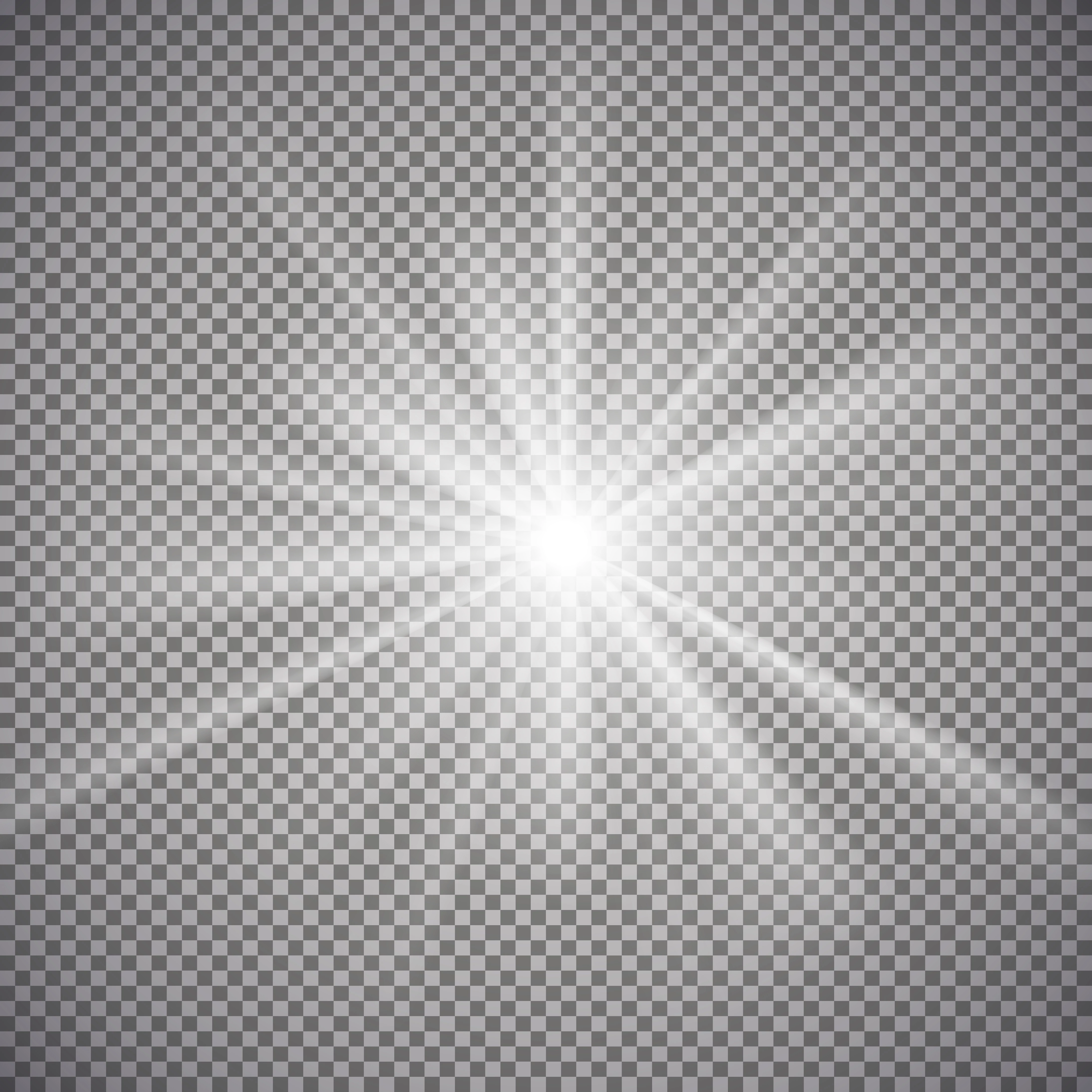
 AdChoices